
Junior · TestFlight preview
A little help.
A better beginning.
Help us make pregnancy, birth and everyday care feel simpler. Try Junior. Tell us what needs work.
Explore featuresA look inside Junior
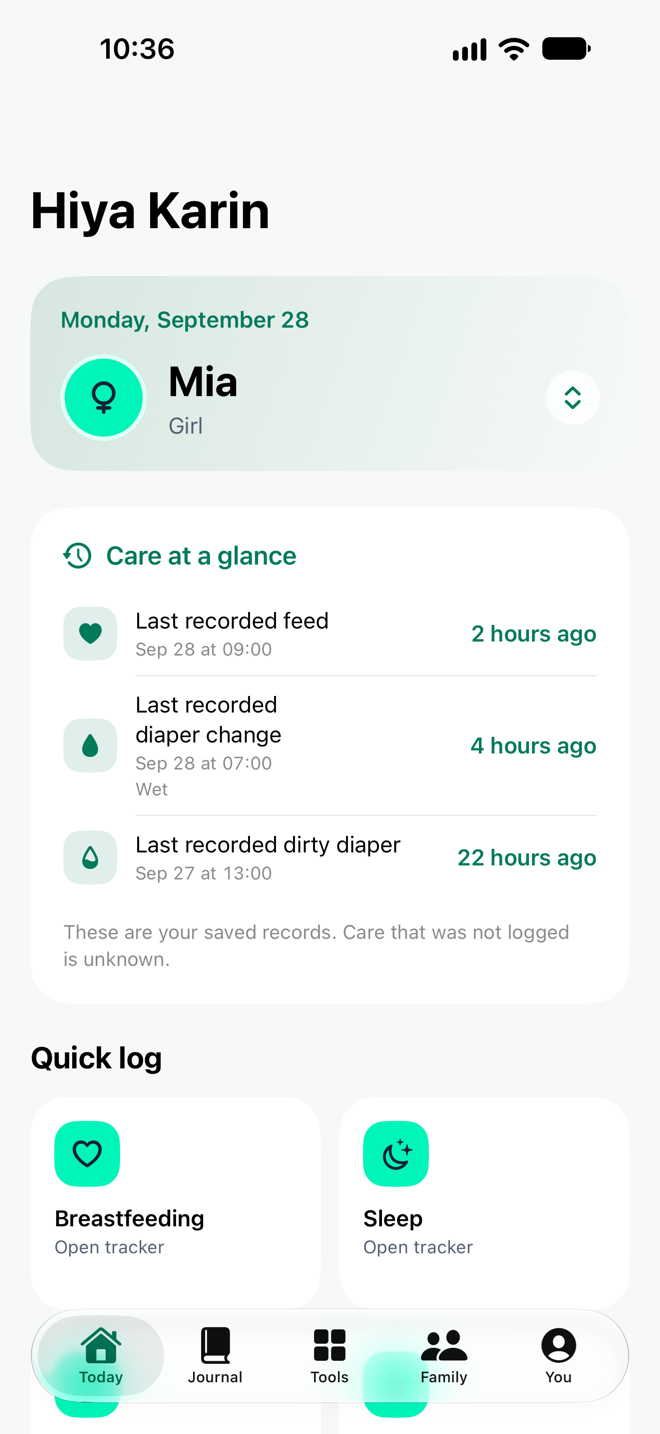
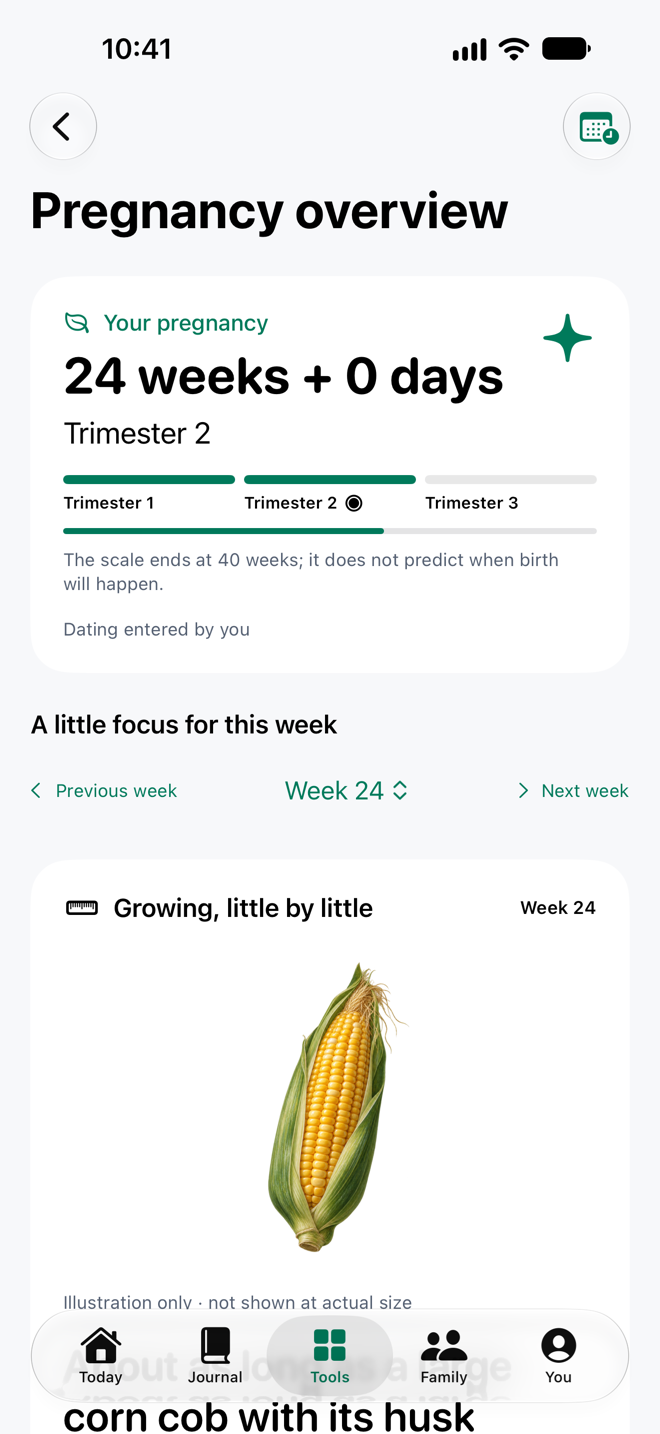
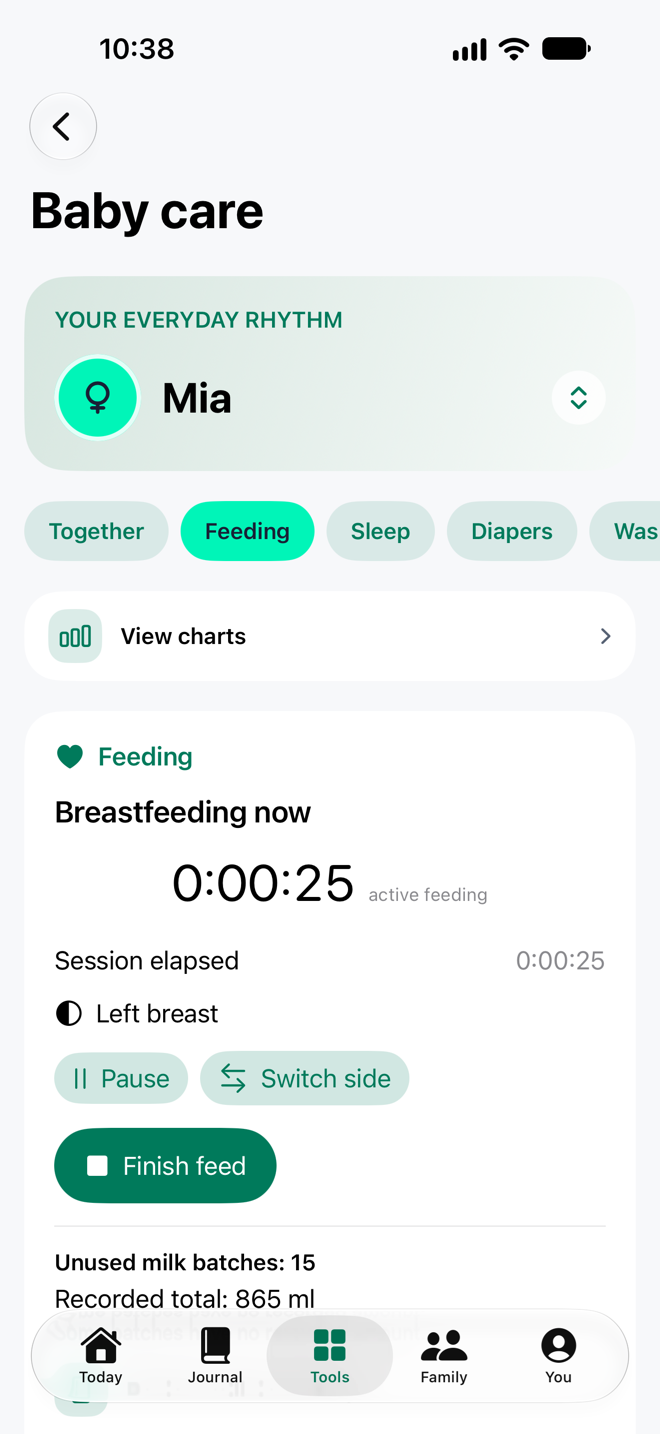
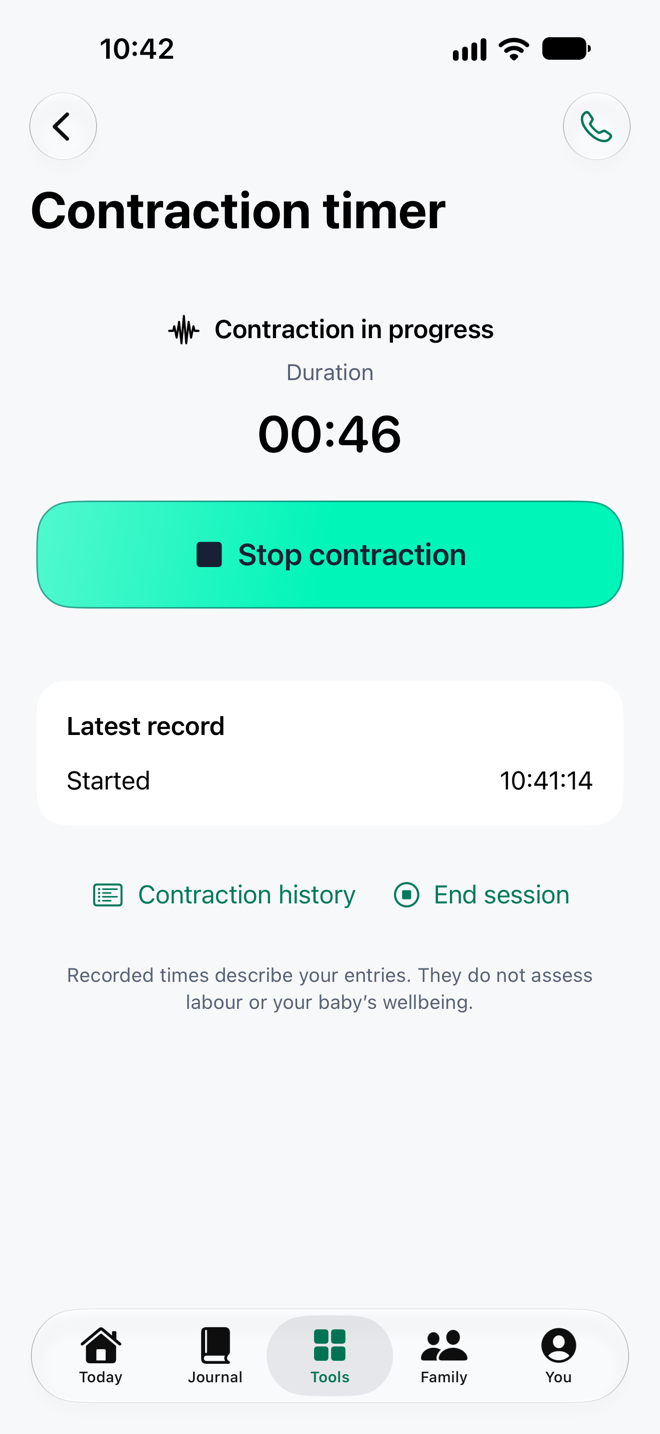
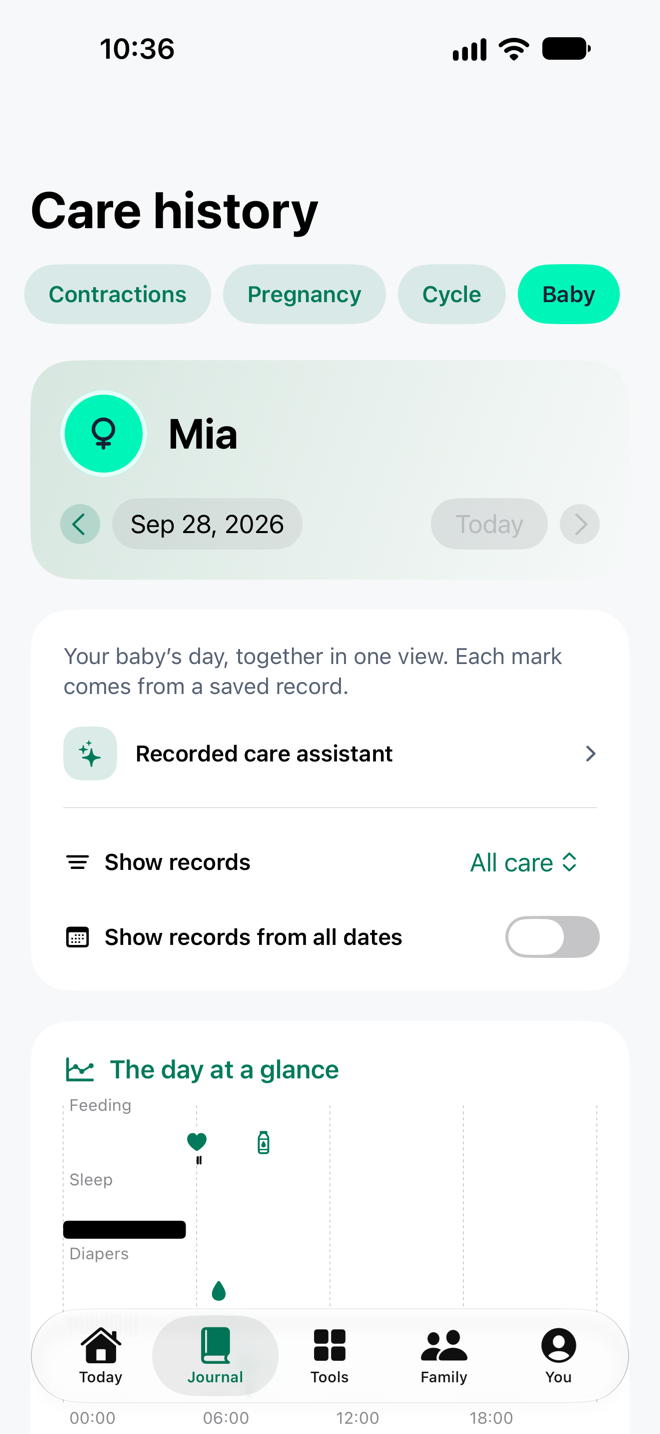
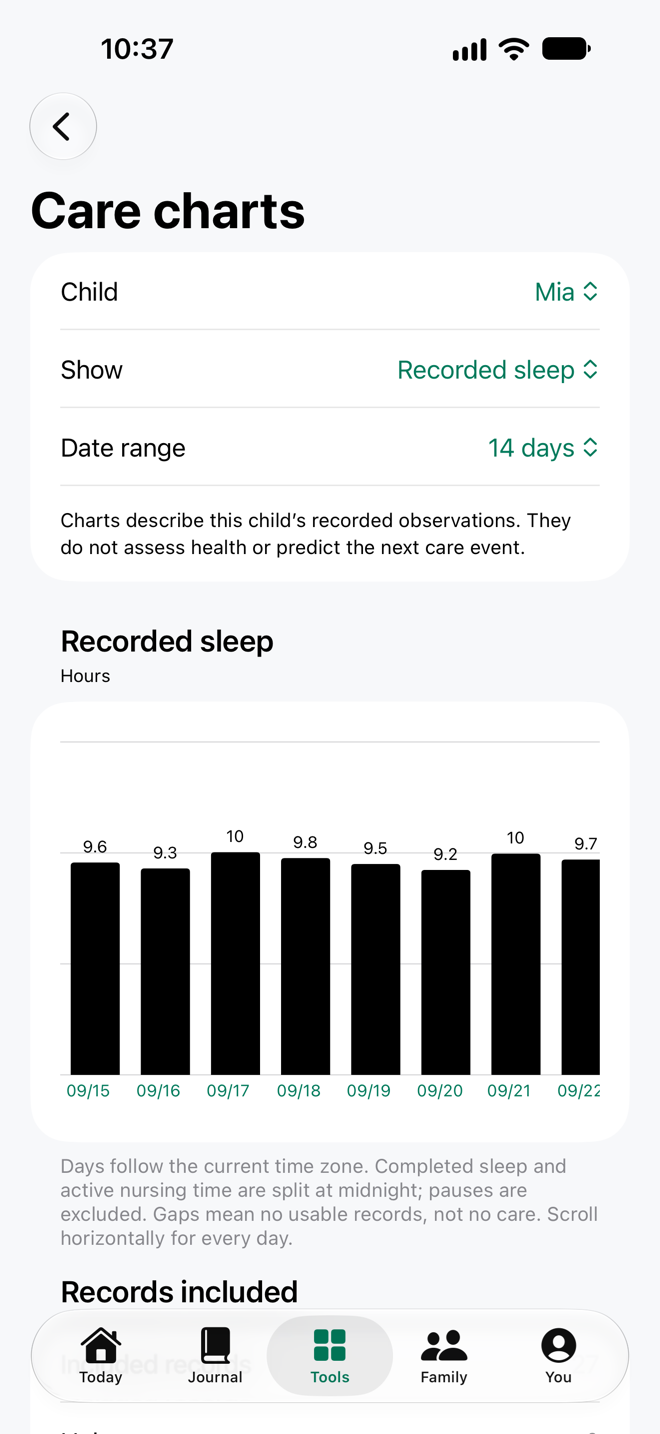
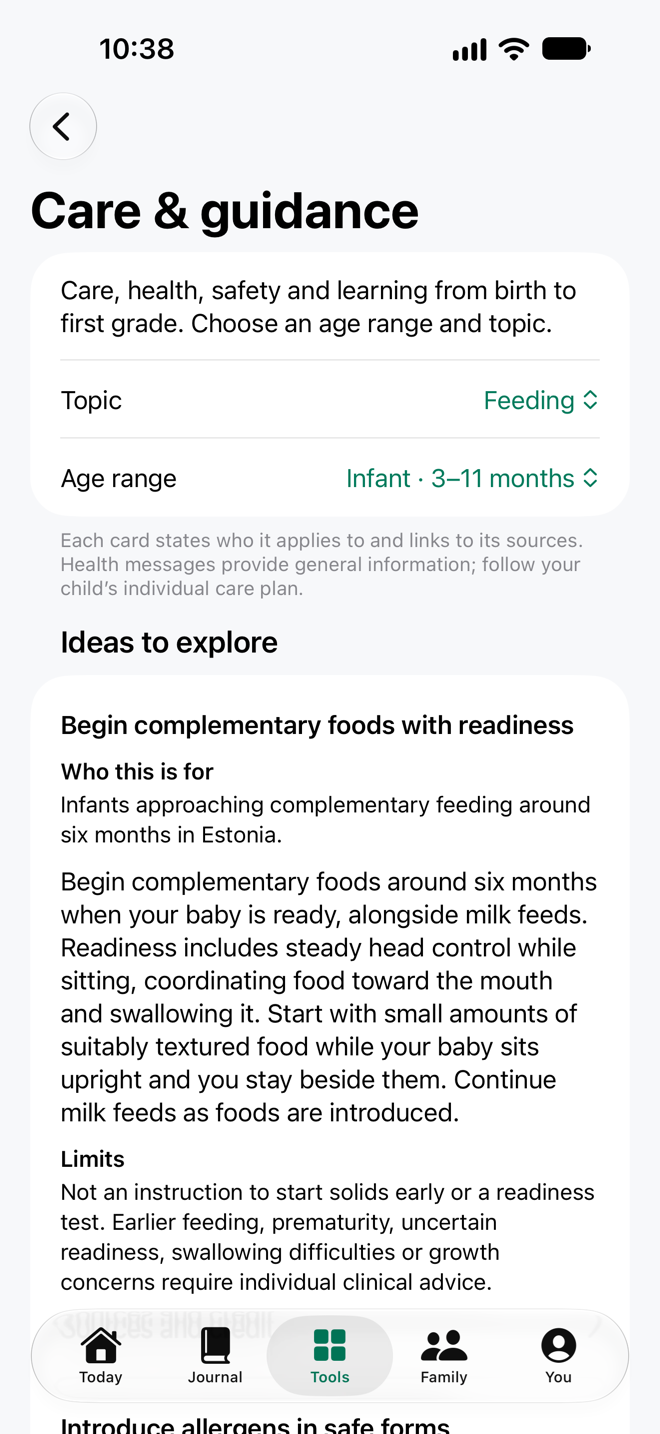
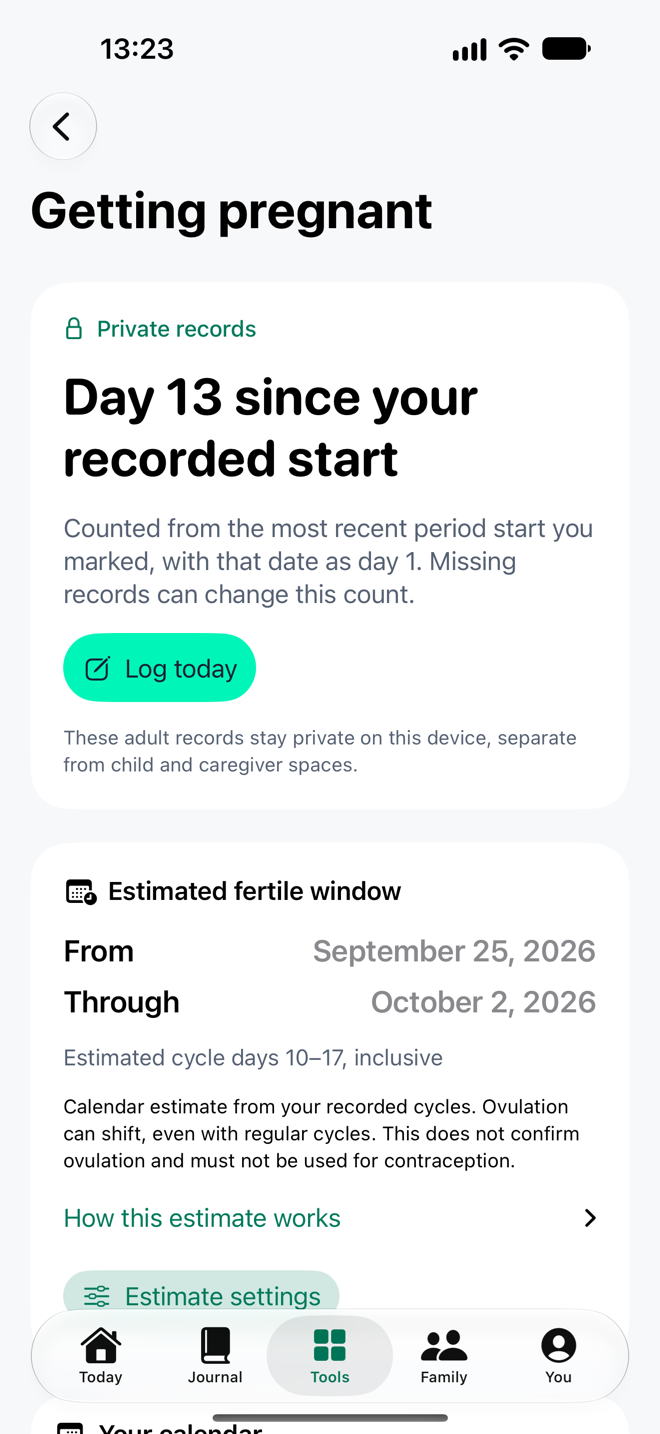
Made for iPhone Duo
Layouts adapt as you fold and unfold, from one column on the folded display to two columns in book fold.
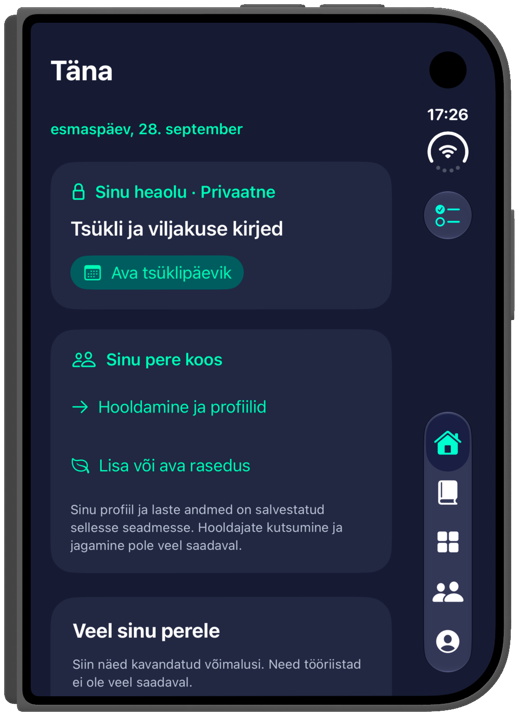
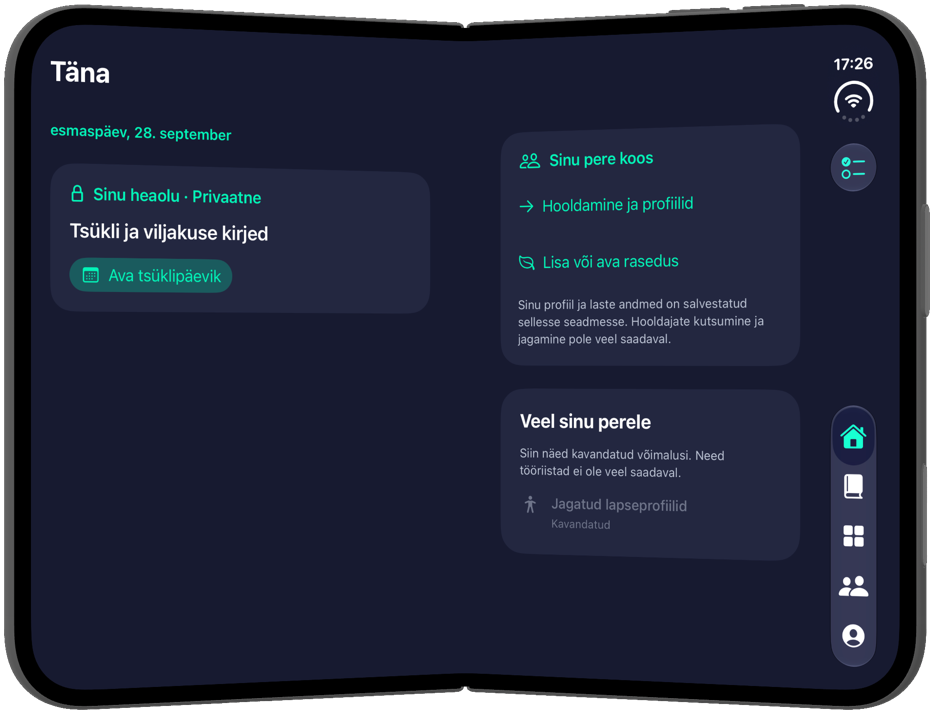
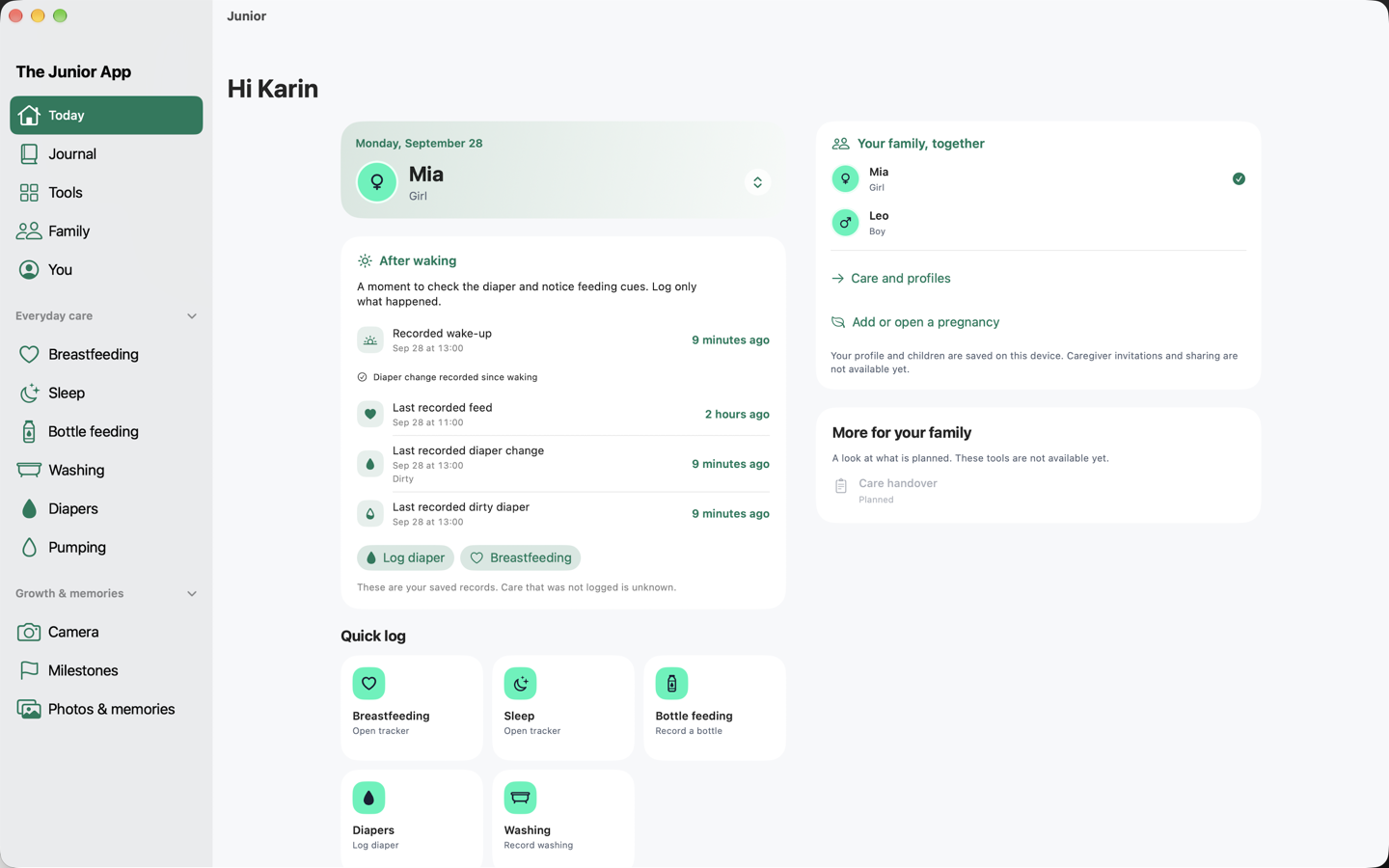
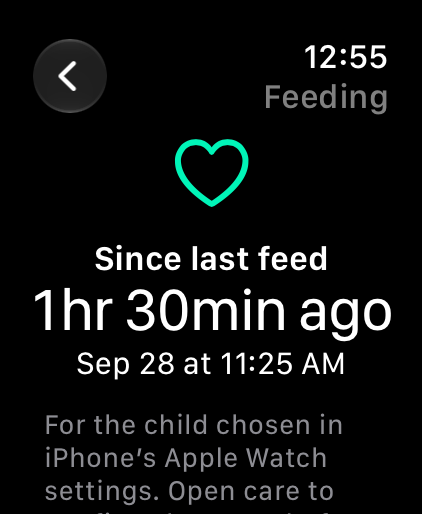
Real, unretouched screens with fictional records; the iPhone Duo screens show the Estonian interface. Your TestFlight build may differ. Mac and iPad availability depends on the build you are offered.
What you can explore
Implemented in the current build, as of 28 September 2026. Many system features still need real-device checks, which is where you come in. The TestFlight build’s “What to Test” notes take precedence.
Everyday foundations
- Today, Journal, Tools, Family and You, with a searchable tool catalogue. Planned tools stay greyed out.
- Child profiles with optional photos and explicit child switching. Adult pregnancy and cycle records stay separate.
- Optional setup you can leave and resume, English and Estonian, system, light or dark appearance and six baby app icons.
- Adaptive layouts for iPhone Duo in every pose, plus a sidebar and two columns on wider screens.
- App lock with Face ID, Touch ID or the device passcode, plus privacy covers.
- Backup to Files and restore on a fresh install, including original attachments. Full JSON export and whole-app deletion.
- Shake to report a problem, or use You → Help & support. Diagnostics are redacted and you send the report yourself by email.
Pregnancy, contractions & birth
- Pregnancy dating and revisions, week-and-day progress, a weekly focus with a size illustration, and trimester and 40-week reference dates.
- Contraction timing with rest gaps, saved sessions, corrections, removal and undo.
- Duration, interval and rest charts with exact values, and a selected-session PDF report with original and corrected times.
- Labour contact check: from your recorded contractions it says when NHS guidance, or a rule from your own care team, suggests calling. It never gives a labour stage or a time to leave.
- Appointments and questions, a hospital bag with suggested essentials, your birth preferences, and maternity and support contacts that work offline.
- Recording the birth deliberately, and a birth-announcement preview you share only when you choose.
- Private postpartum notes, clinician questions, practical support needs and fourth-trimester tips credited to Kesklinna Perepesa.
Cycle & fertility, kept private
- Manual cycle, flow and test observations, with editable history, calendar and pause.
- An optional calendar-method fertile-window estimate, which is withheld when your records cannot support one. It is not contraception.
- Share only the estimated dates, after a preview and confirmation. No raw records leave the phone.
- Read-only Apple Health import of cycle and fertility observations, keeping basal and Watch wrist temperatures apart.
Feeding, sleep & daily care
- Breastfeeding by side with pause, resume and switch; sleep with nap and night; bottles with offered and consumed amounts.
- Wet, dirty, mixed and dry diapers; baths, small washes and hair washes.
- Pumping by side, with pause and resume, linked milk stock, labelled containers, partial use, transfers and history.
- Solids with ingredients and texture, and allergy observations with status, reaction and care-plan attachments.
- Care at a glance: last feed, diaper and dirty diaper, after-waking actions and 24-hour summaries that show missing records as unknown.
- Optional feeding, sleep and waking ranges for each child, estimated from your own history with sample counts. Off by default; follow your baby’s cues first.
Growth, health records & memories
- Weight, length and head circumference in your units, with WHO reference curves and percentiles.
- Care charts by child and date range, with exact values and gaps shown as gaps.
- Temperature readings, and medicines already given. Junior never calculates a dose or the next dose.
- Development moments, child routines, upcoming-care plans, a unified diary with day chart, filters and search.
- Memories with original photos, files, video and audio, archive export and restore, and in-app camera capture.
Guidance & on-device assistance
- Care & guidance from birth to first grade: 37 reviewed messages on health, safety, feeding and development, offline in English and Estonian, each with its sources.
- On devices with Apple Intelligence: summaries of a selected contraction session or a child’s recorded day, and questions answered from the reviewed guide cards shown beneath the answer.
- Everything runs on the device. Answers are generated in English; the facts and guide cards are shown in your language.
Reminders & notifications
- Feed, diaper and wash reminders for each child, counted from the latest record. Feeds count from the start of the feed. On by default for newly added children.
- Feed and diaper reminders are Time Sensitive; wash reminders are ordinary.
- Growth-measurement prompts at check-up ages from 1 to 36 months, at 10:00.
- Optional estimate reminders for wind-down, next feed and likely waking. Waking is always silent.
- Reminders for routines, appointments and upcoming care, with optional copies in Apple Calendar or Reminders.
- Gentle prompts: finishing setup, a weekly photo reminder and the pregnancy tip of the week.
- All of this is scheduled on your iPhone. There is no server and no account; iOS background refresh tops reminders up when it allows.
Apple Watch, widgets & system features
- Apple Watch: contraction timing, including an offline journal, plus breastfeeding, bottles, pumping, solids, diapers, sleep and routine or appointment completion. Each is a separate opt-in.
- Hand off an active feed, sleep or pumping session from Watch to iPhone.
- Watch complications for due date, trimester, last feed, sleep, diaper and fertile days.
- Live Activities for contractions, breastfeeding, sleep and pumping, and an optional sleep-estimate activity.
- Home Screen and Lock Screen widgets for pregnancy, this week’s picture, due date, care and Quick care shortcuts. Smaller layouts support StandBy and CarPlay.
- Siri and Shortcuts for 22 tools, Control Center and the Action Button, and Handoff for tools and contraction history.
Family & home, on this device
- Family overview, local child management and child-record deletion.
- Your own home-preparation checklist by area, with essential and optional items and recheck dates.
- Local support tasks with owner, date, notes and completion. No automatic invitations or messages.
Please be constructively critical.
Question any part of the app: a confusing word, an extra tap, a layout, a missing feature, an assumption or something that simply feels wrong. You do not need to be technical. Tell us what you were trying to do, what got in the way and what would make it better.
Show us the moment
Describe the steps, what you expected, what happened and whether it happens again. For reminders, give the expected and actual time.
Give us the context
Include the build number, device, OS, language and relevant settings such as Focus, Low Power Mode and Background App Refresh. Redact screenshots before attaching them.
Send it your way
Shake your iPhone in Junior to send a report, or open TestFlight, choose Junior and use Send Beta Feedback or its screenshot-feedback flow.
Use fictional names and records. Do not send real pregnancy, child or Health records. TestFlight shares feedback and diagnostic information with Apple and the developer. About TestFlight feedback.
Help shape Junior.
Install Apple’s TestFlight app, then use the invitation below. We would love your honest, specific feedback.
Join the TestFlight betaThe invitation opens in Apple TestFlight.