
Planetside · TestFlight preview
The planet,
in perspective.
Find a place, follow its weather from globe to city, and save a way back. Trace storms, fire detections and smoke, plan an aurora night, or take the globe, the quake map and the Sun–Earth–Moon sky at an earthquake’s moment to full screen. Climate records, dates, sources and uncertainty stay in view. Try Planetside. Tell us what needs work.
Explore featuresPlanetside on every screen
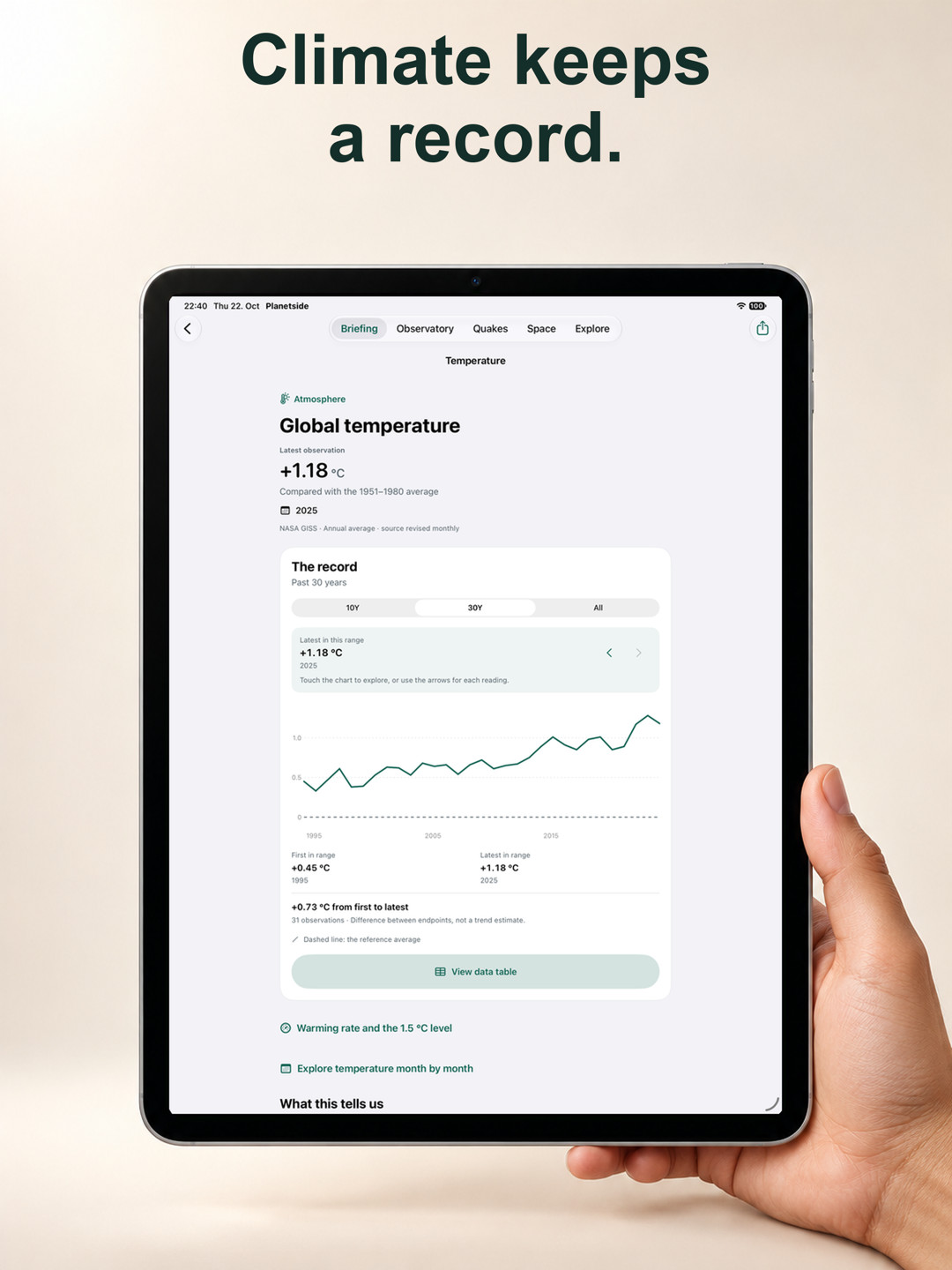
New first: the globe, quakes and space in full screen. Then explore the weather, prepare for frost and follow our planet’s long records on every device. App interface in English.
Full screen
5 views · scroll to explore
iPhone
10 views · scroll to explore
iPhone Duo · cover display
10 views · scroll to explore
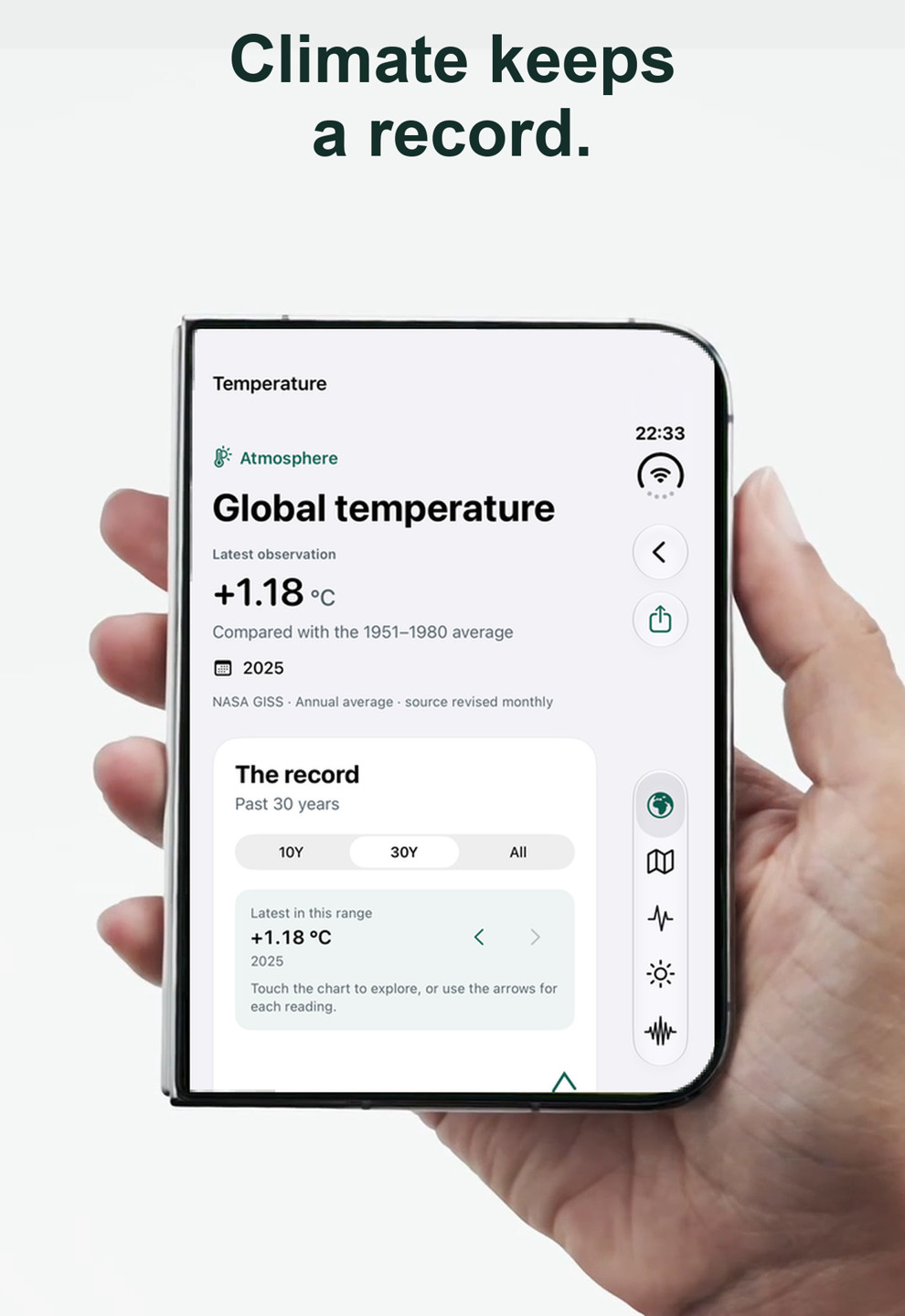
iPhone Duo · inner display
10 views · scroll to explore
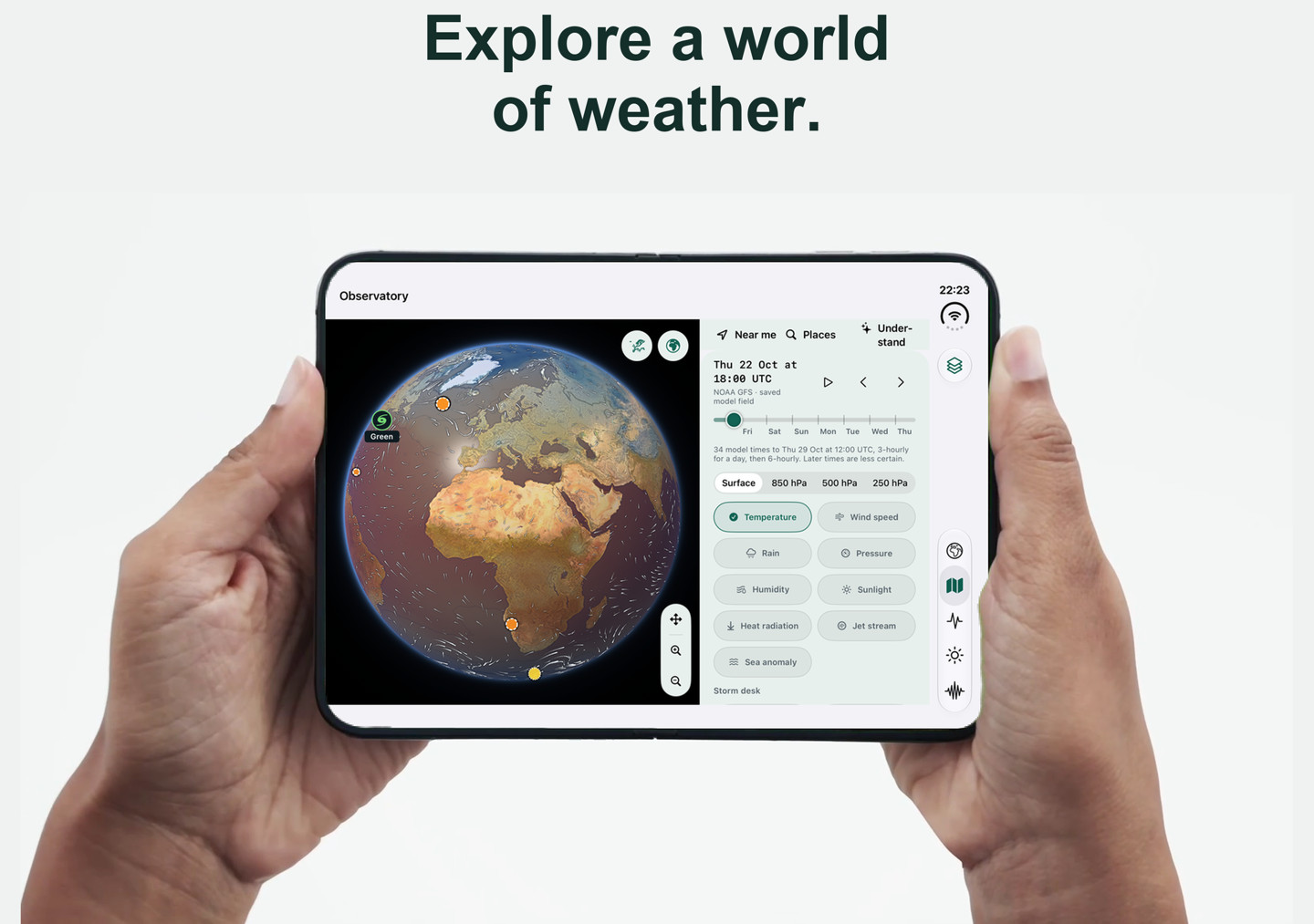
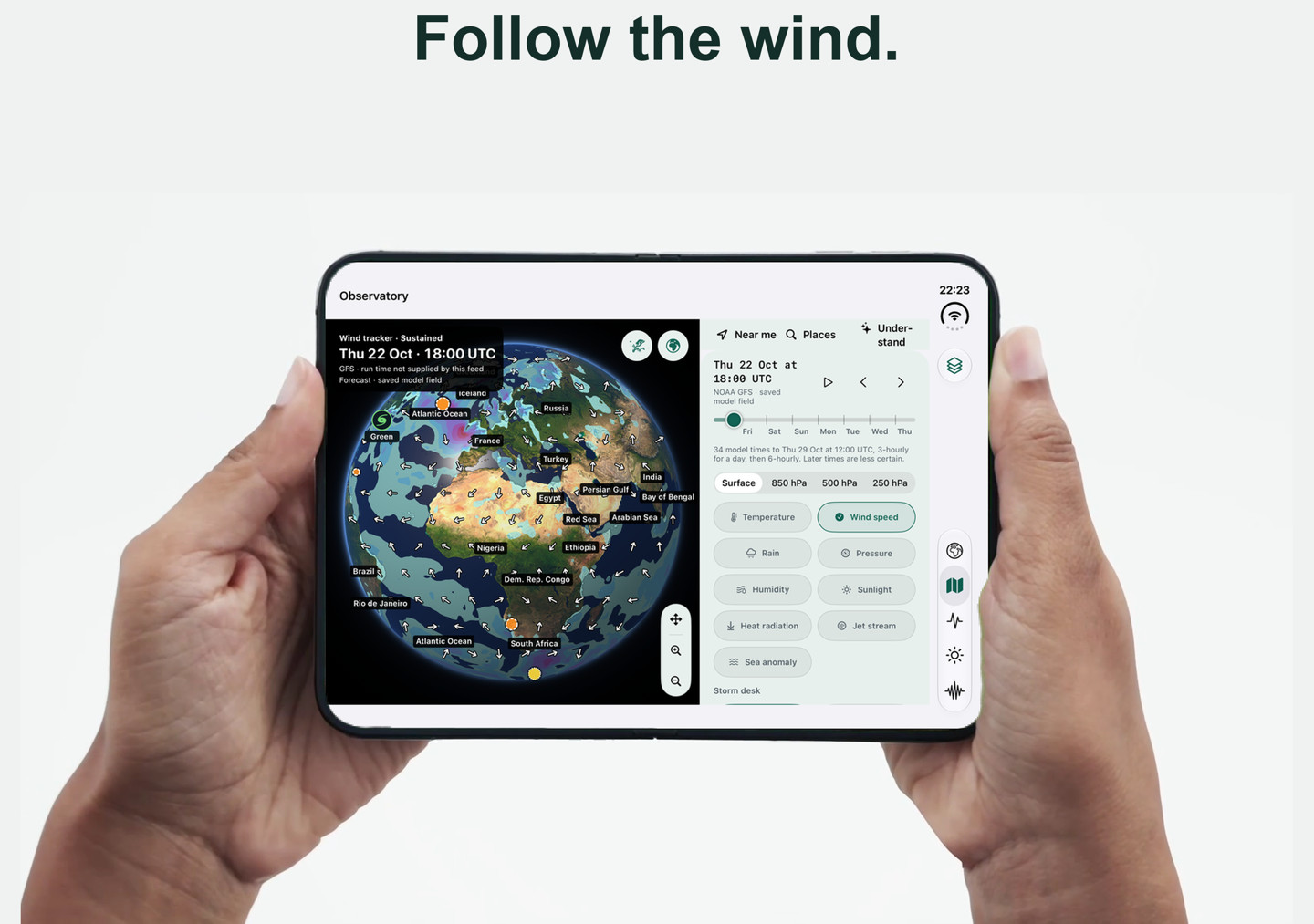
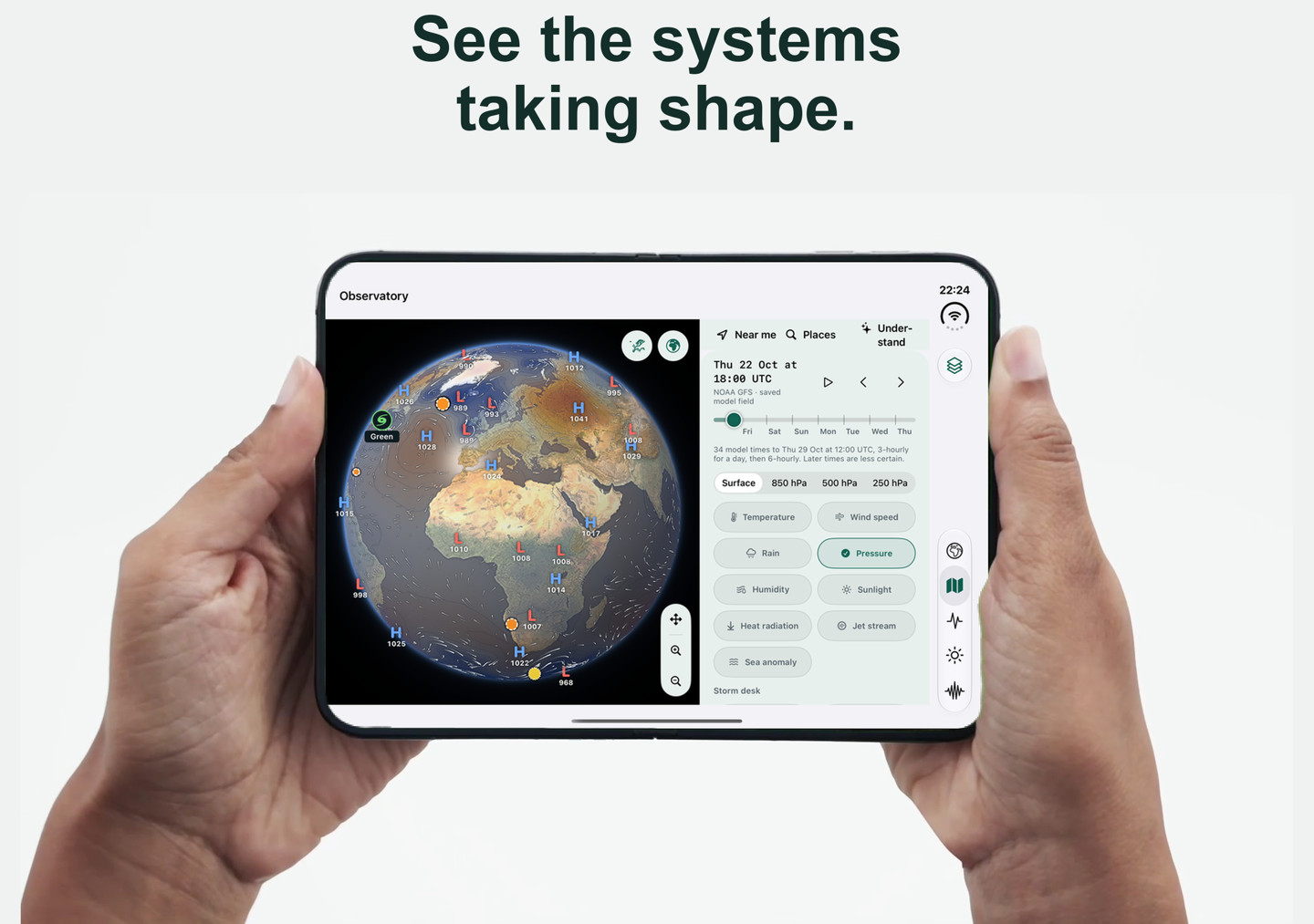
iPad
10 views · scroll to explore
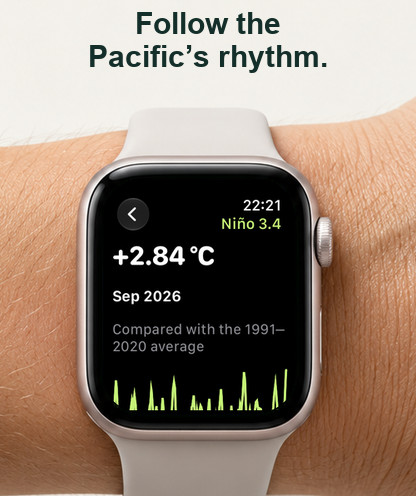
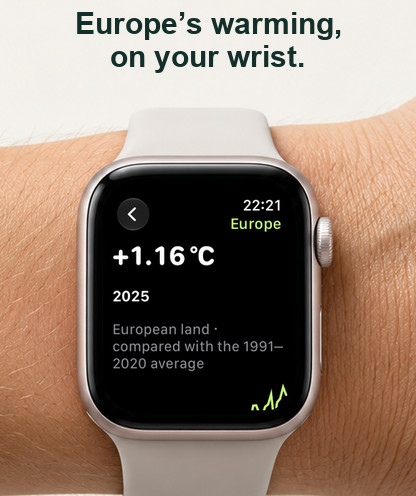
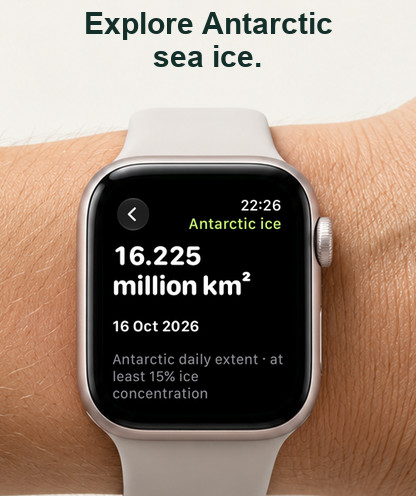
Apple Watch
10 views · scroll to explore
Mac
10 views · scroll to explore
Apple TV
10 views · scroll to explore
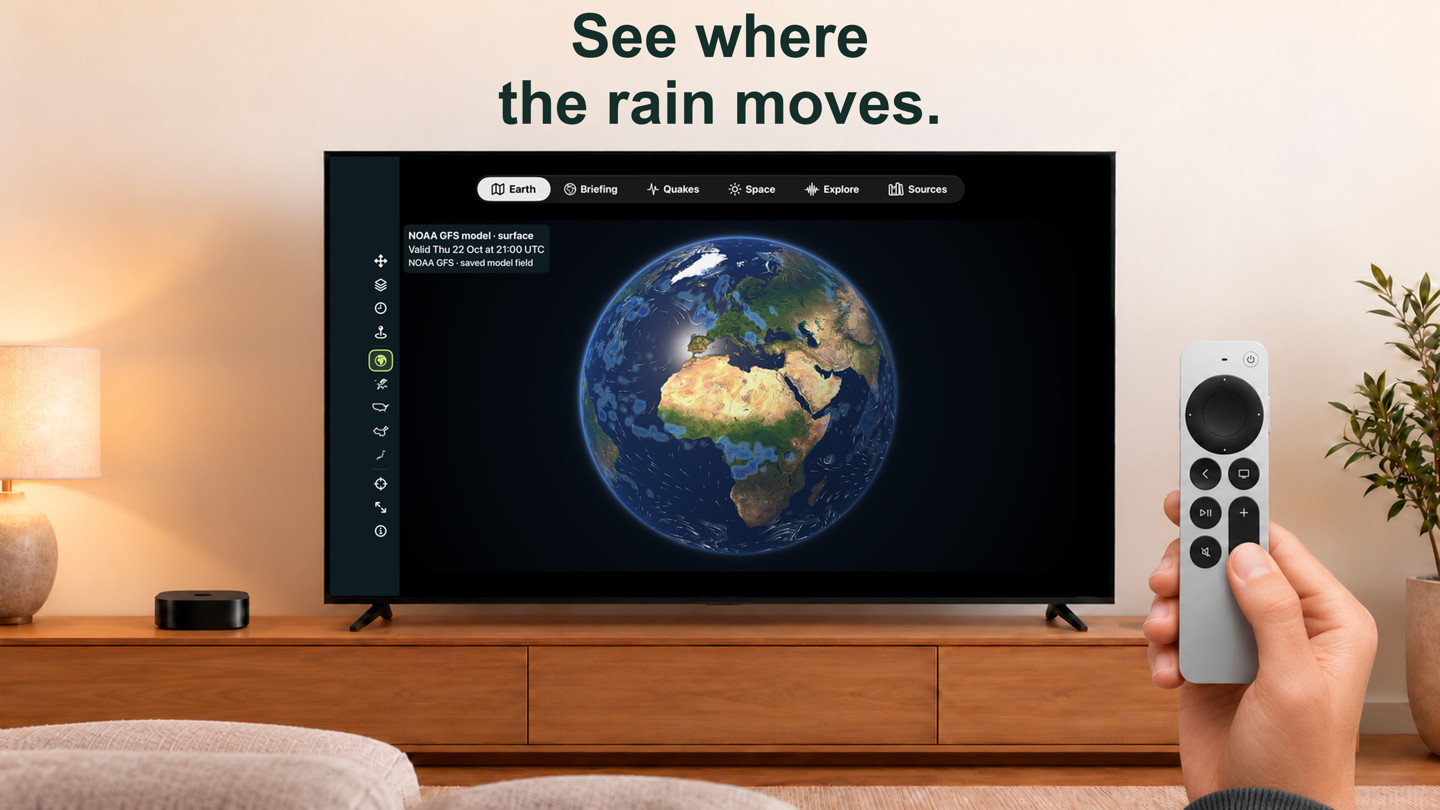
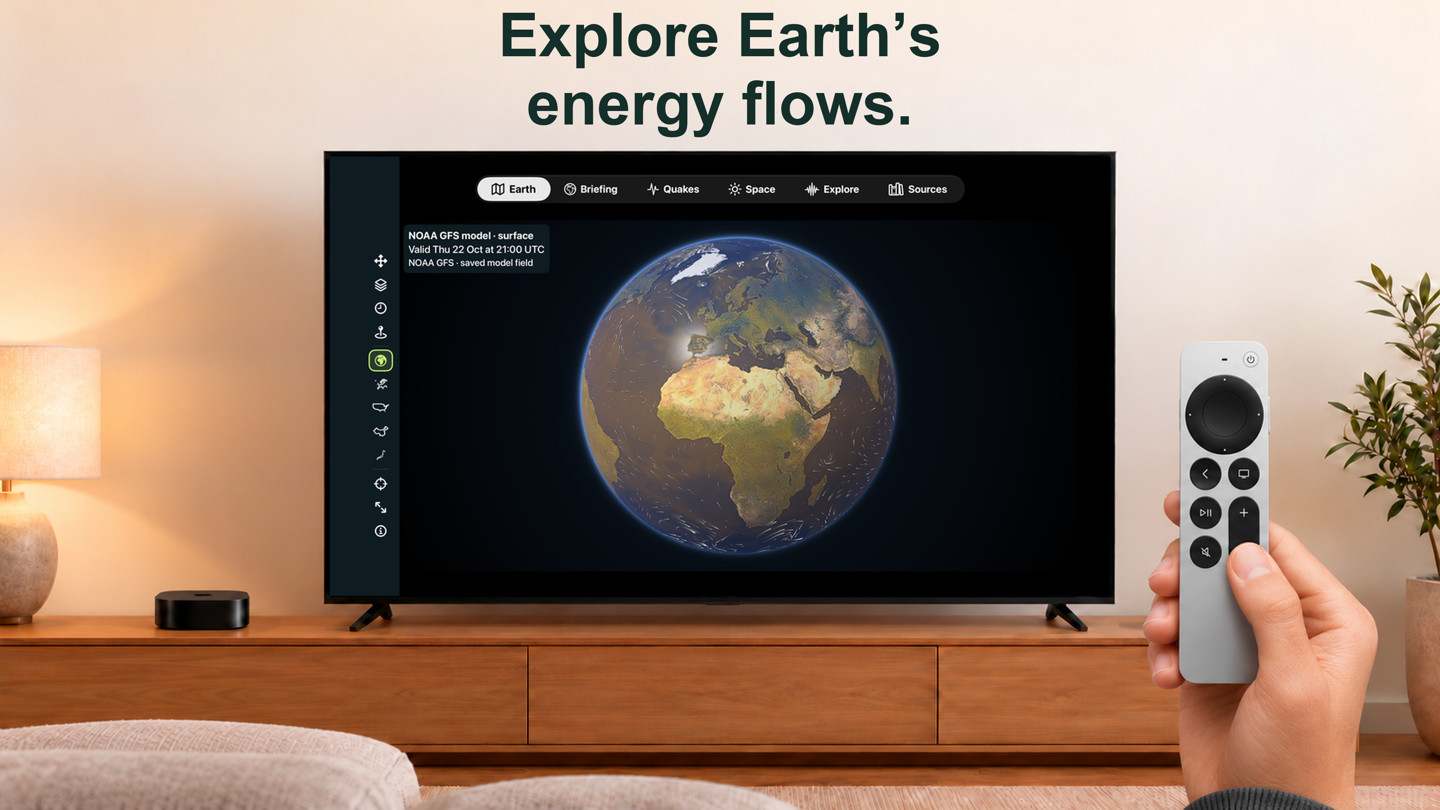
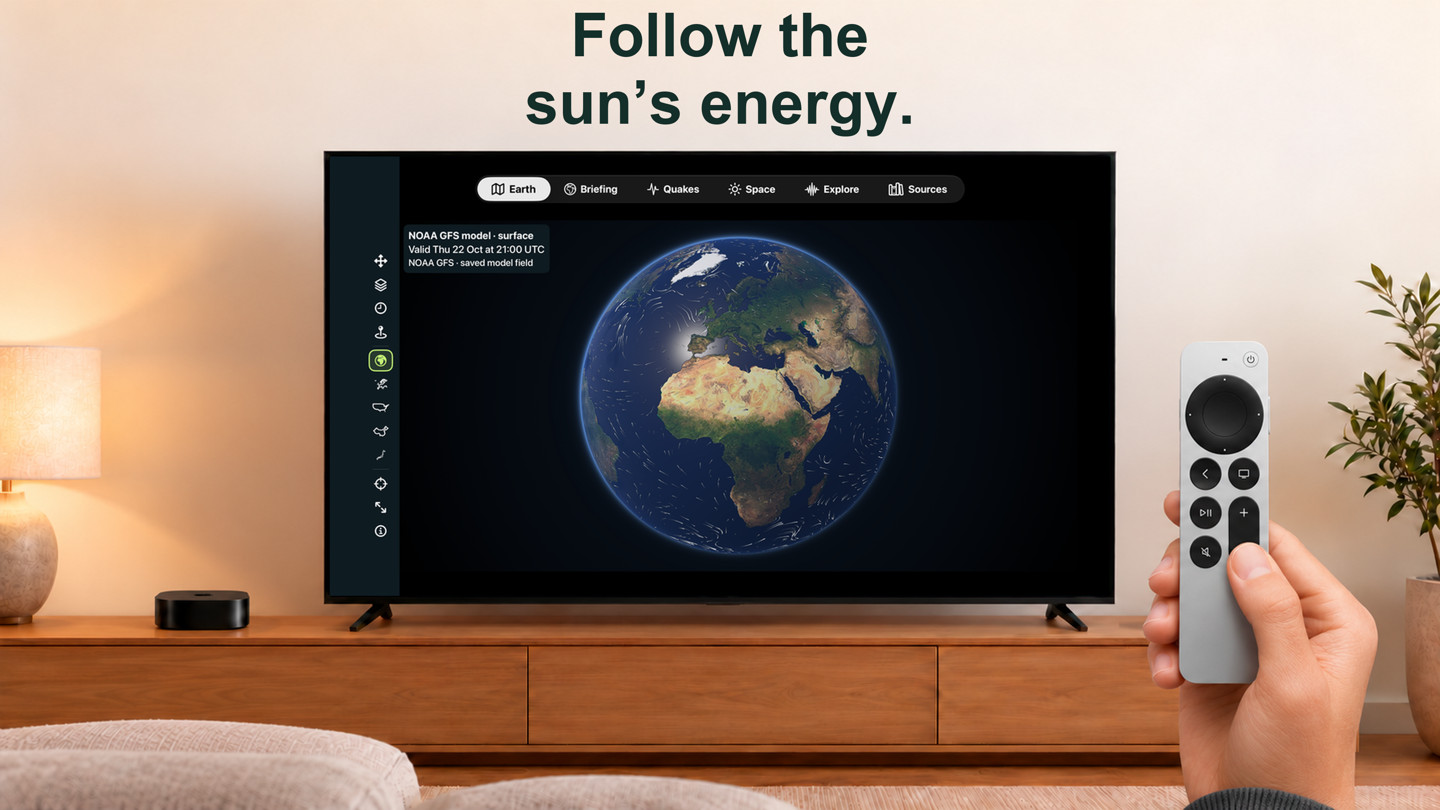
Apple Vision Pro
10 views · scroll to explore
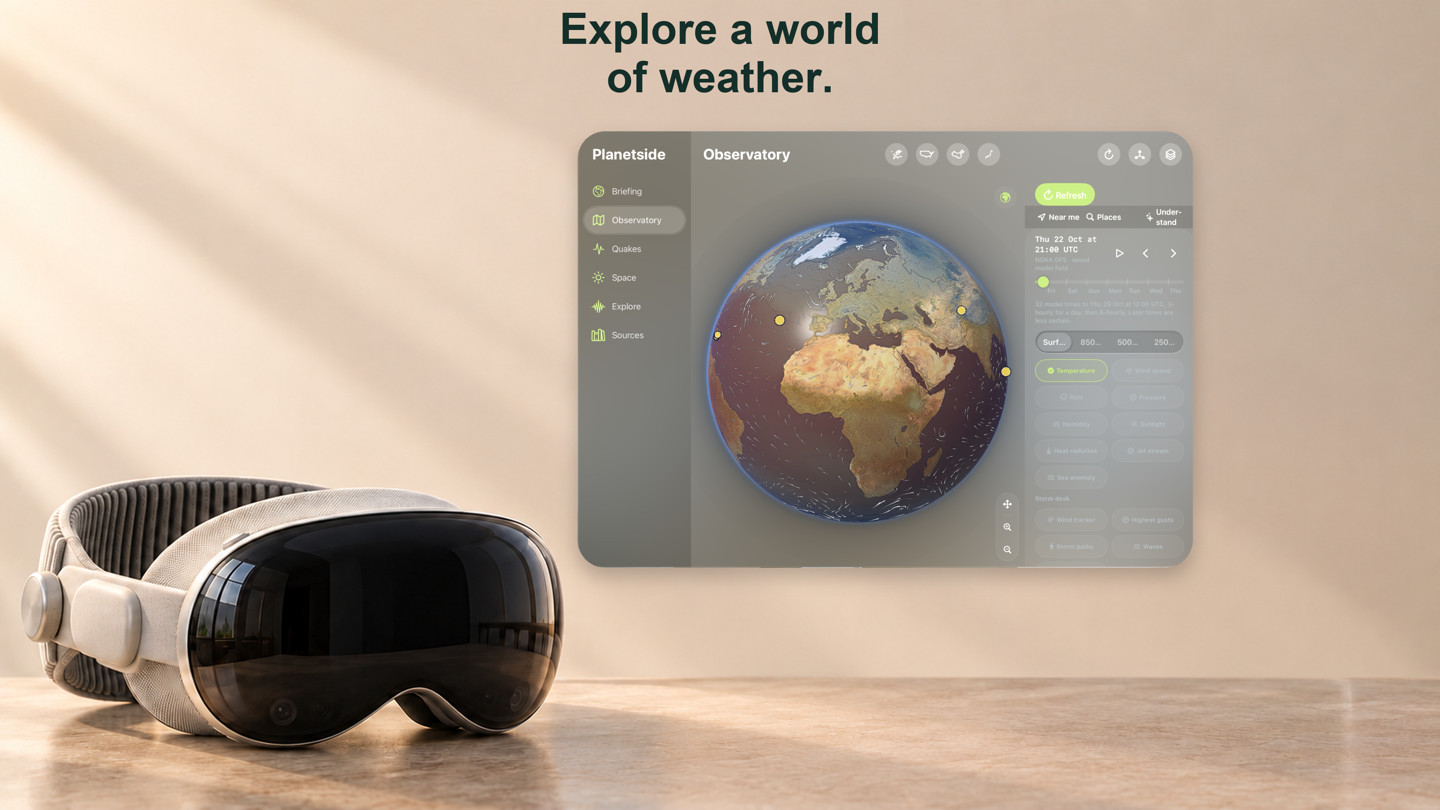
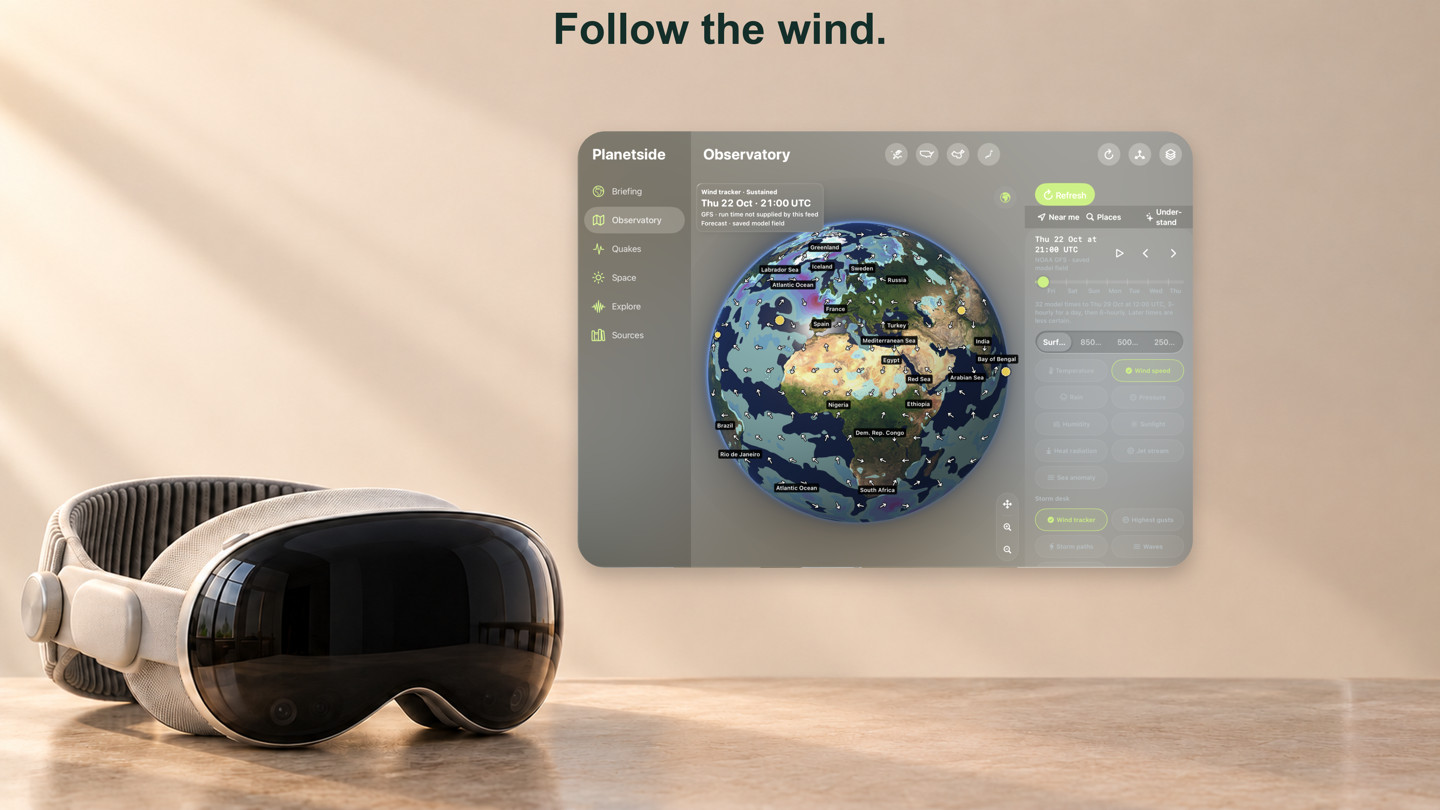
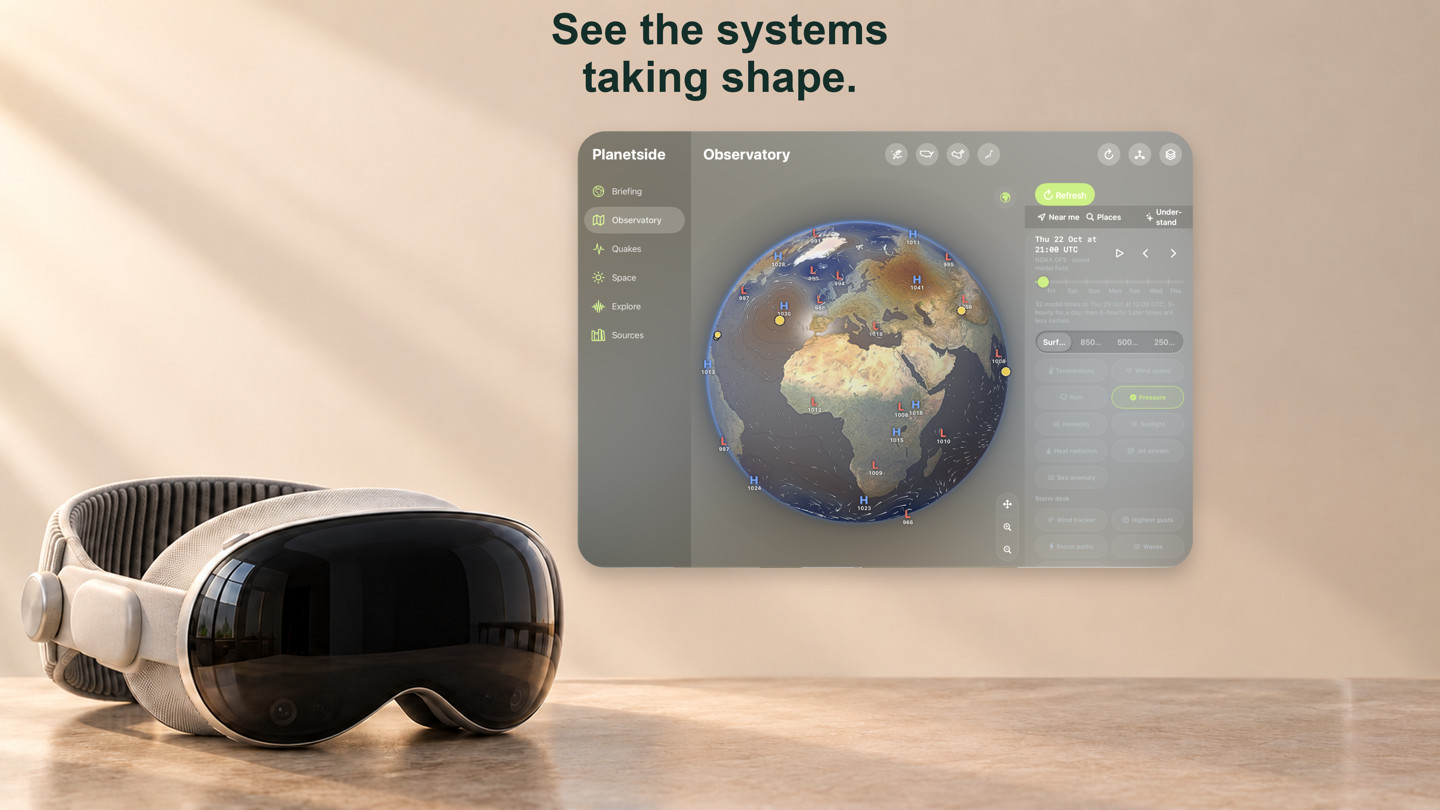
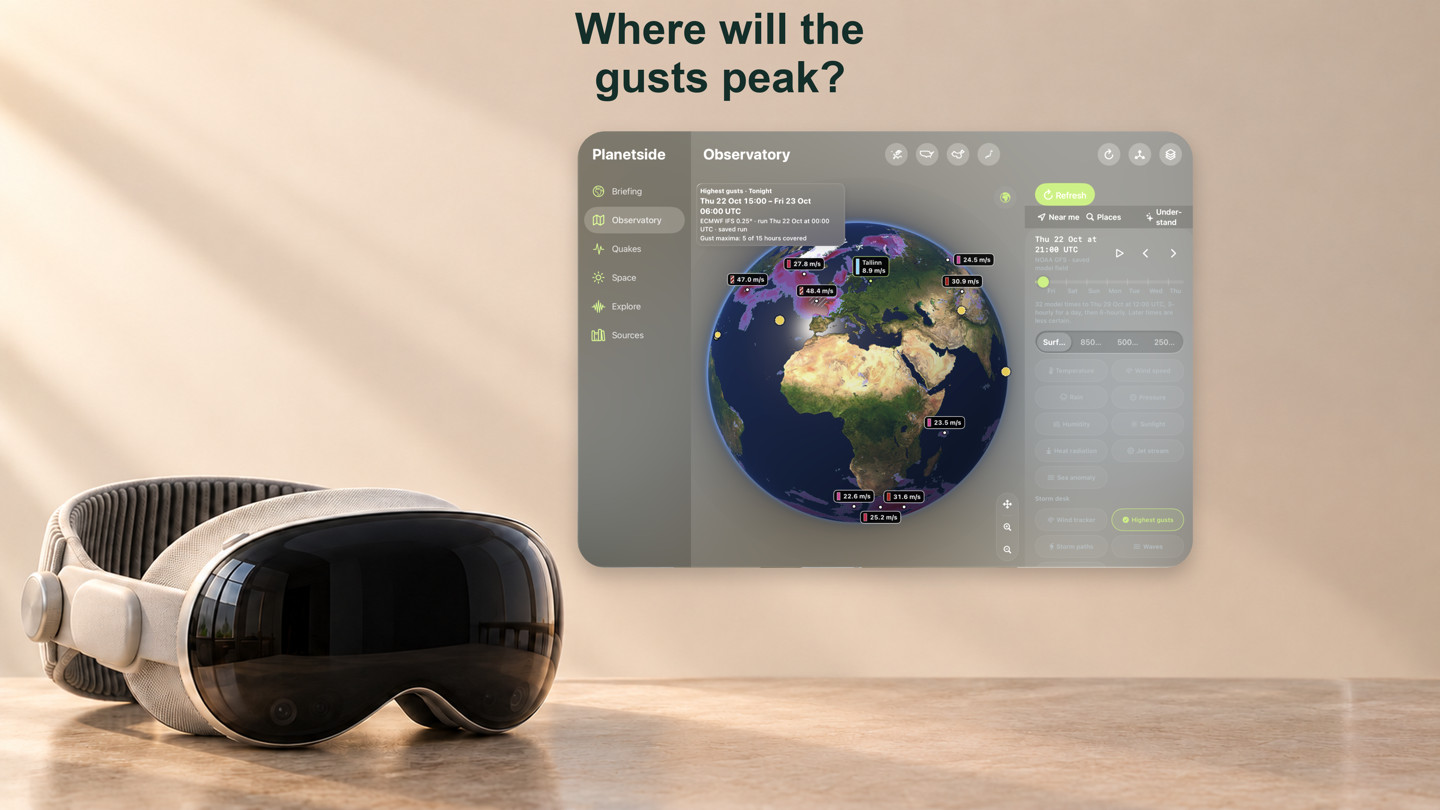
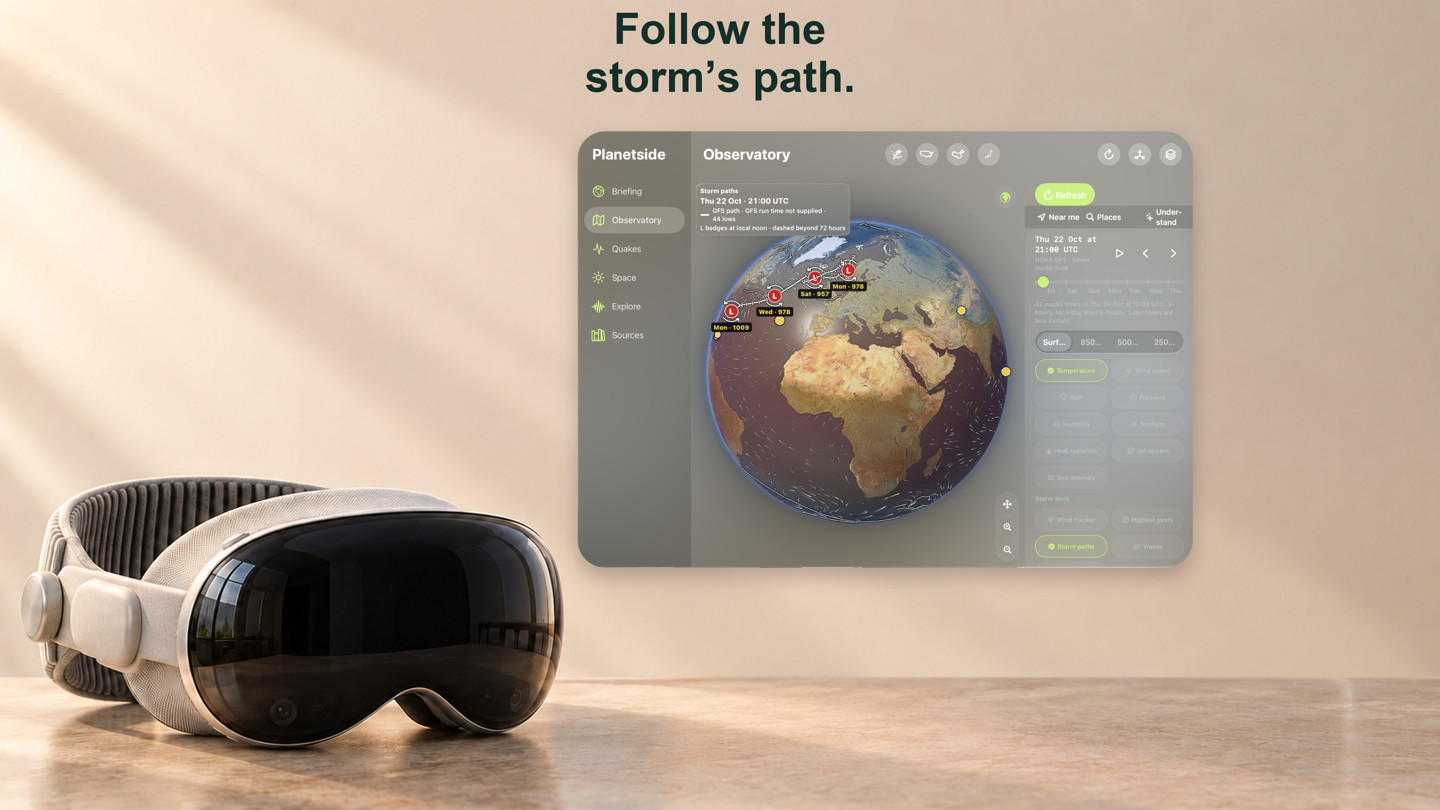
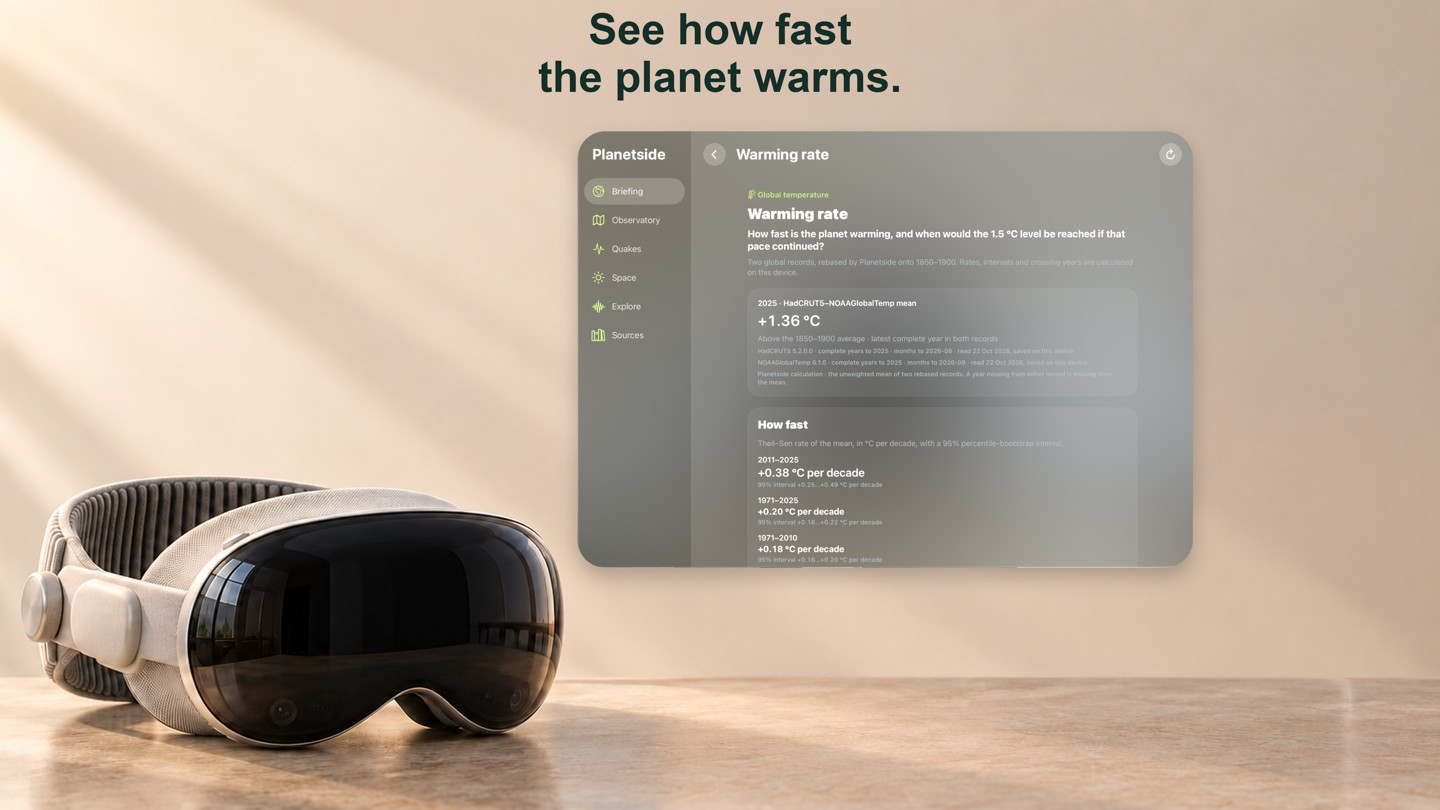
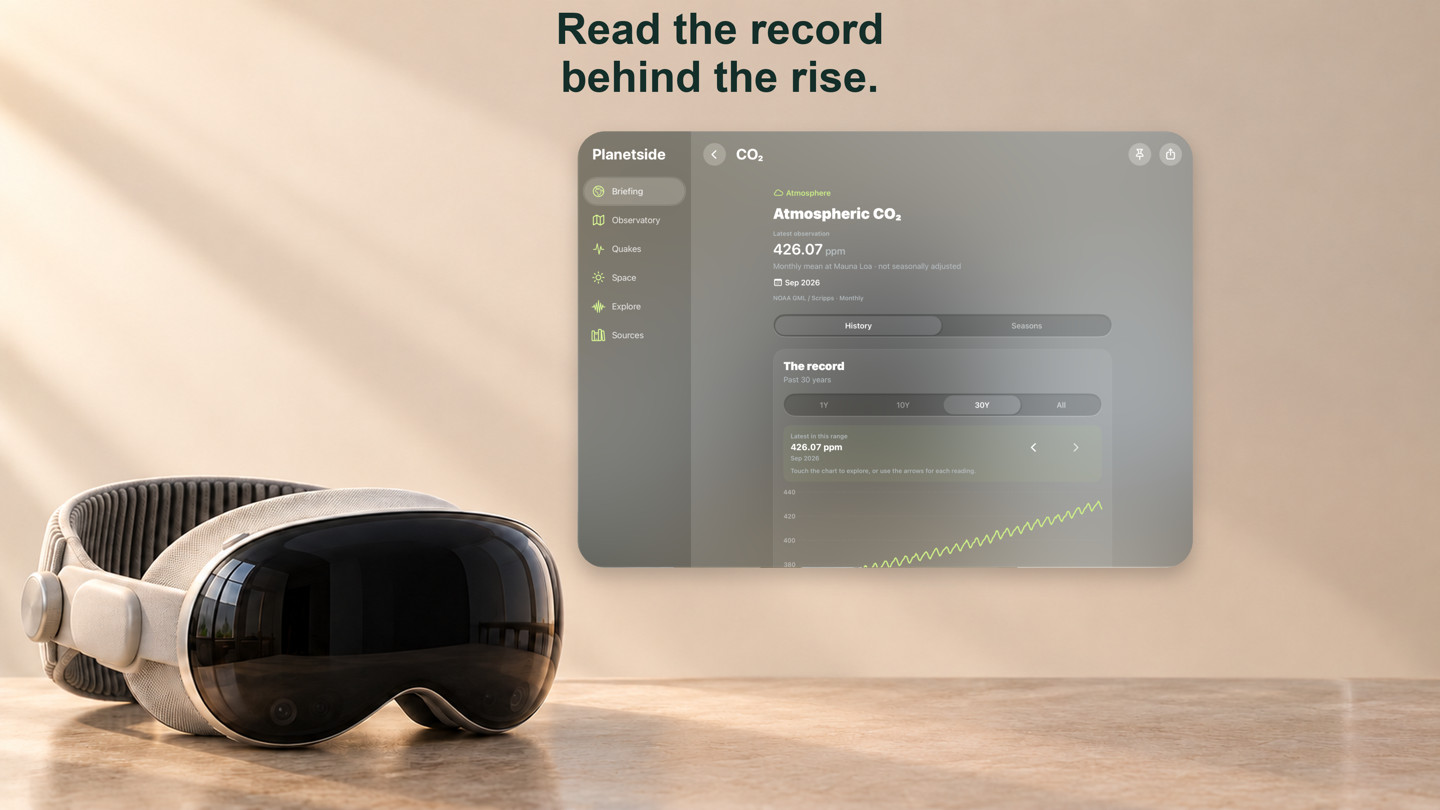
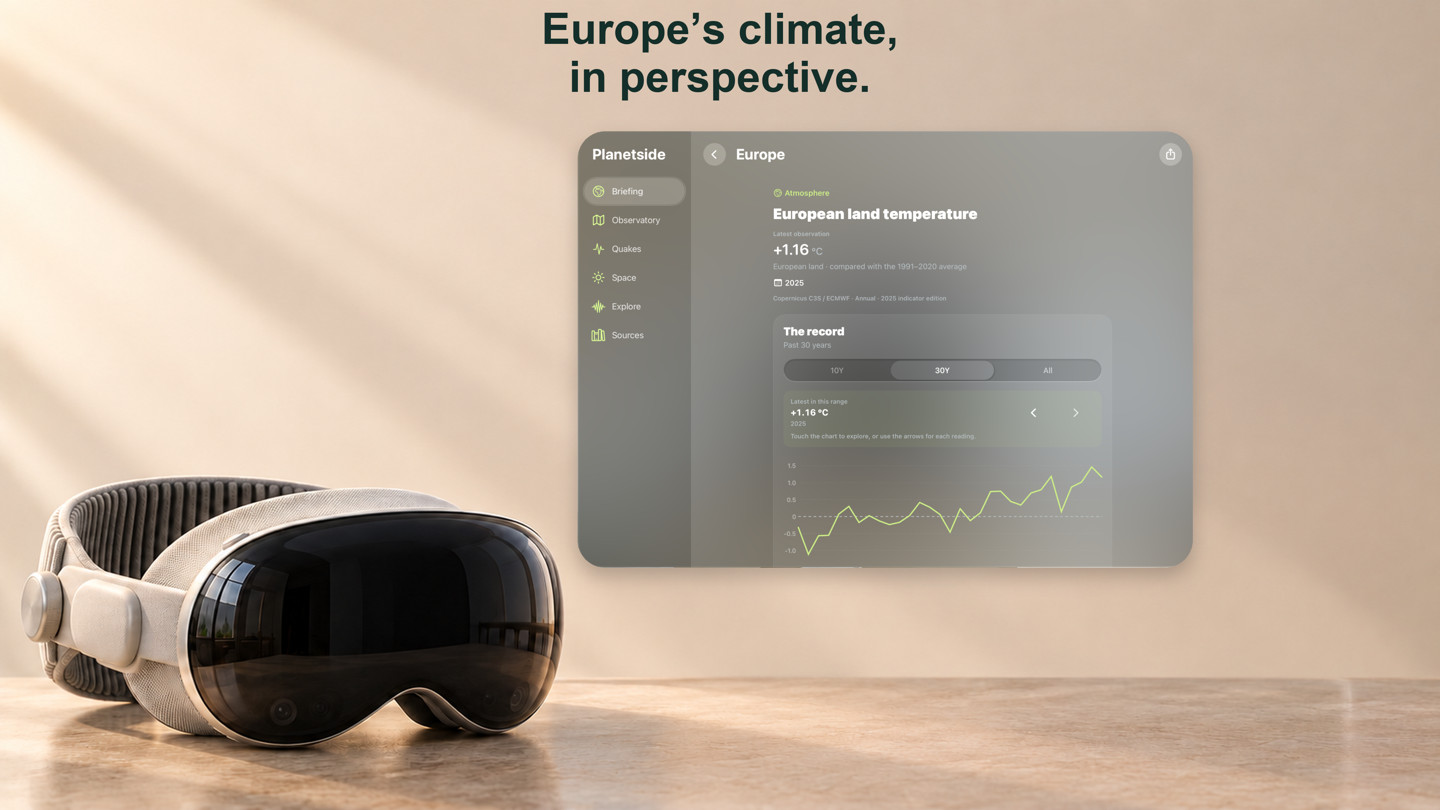
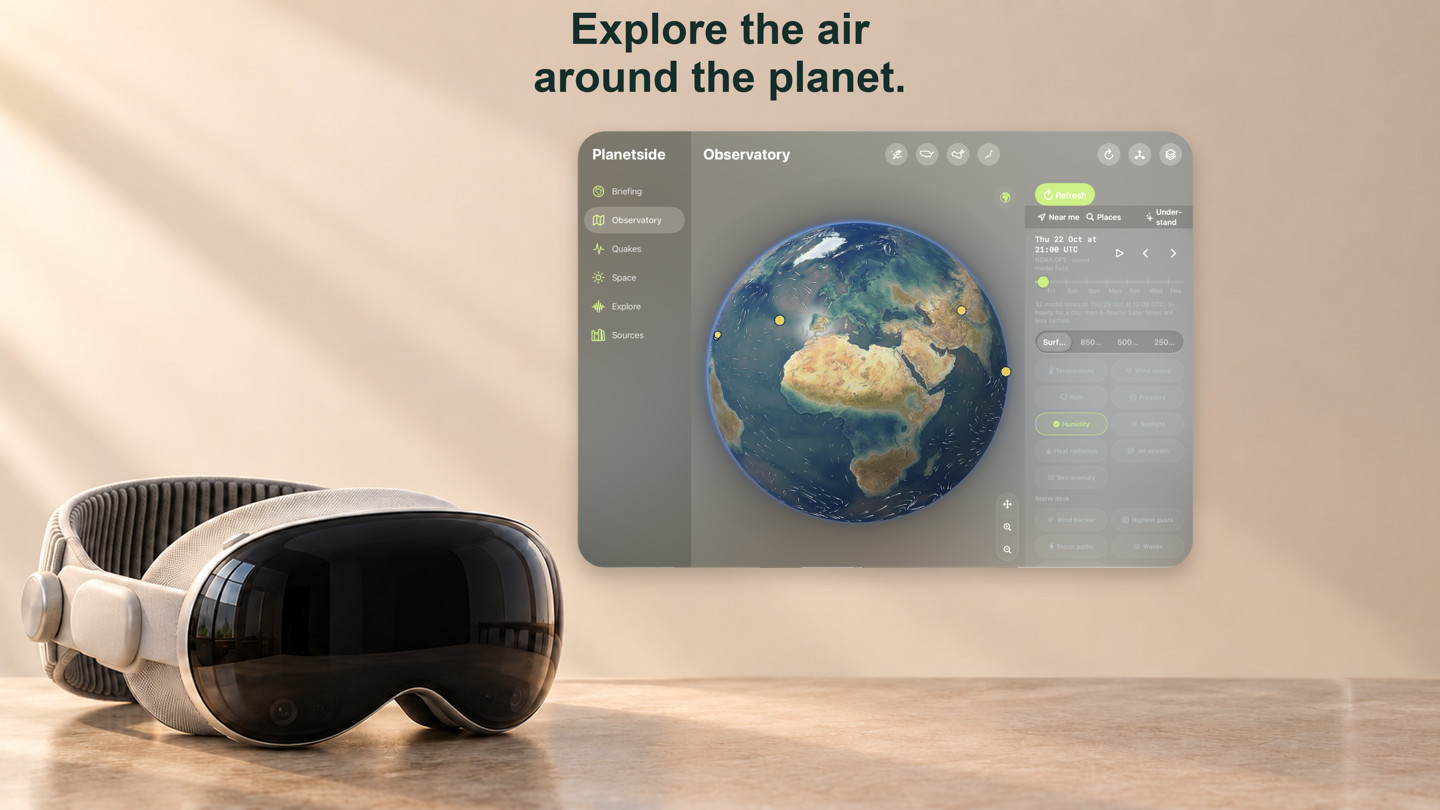
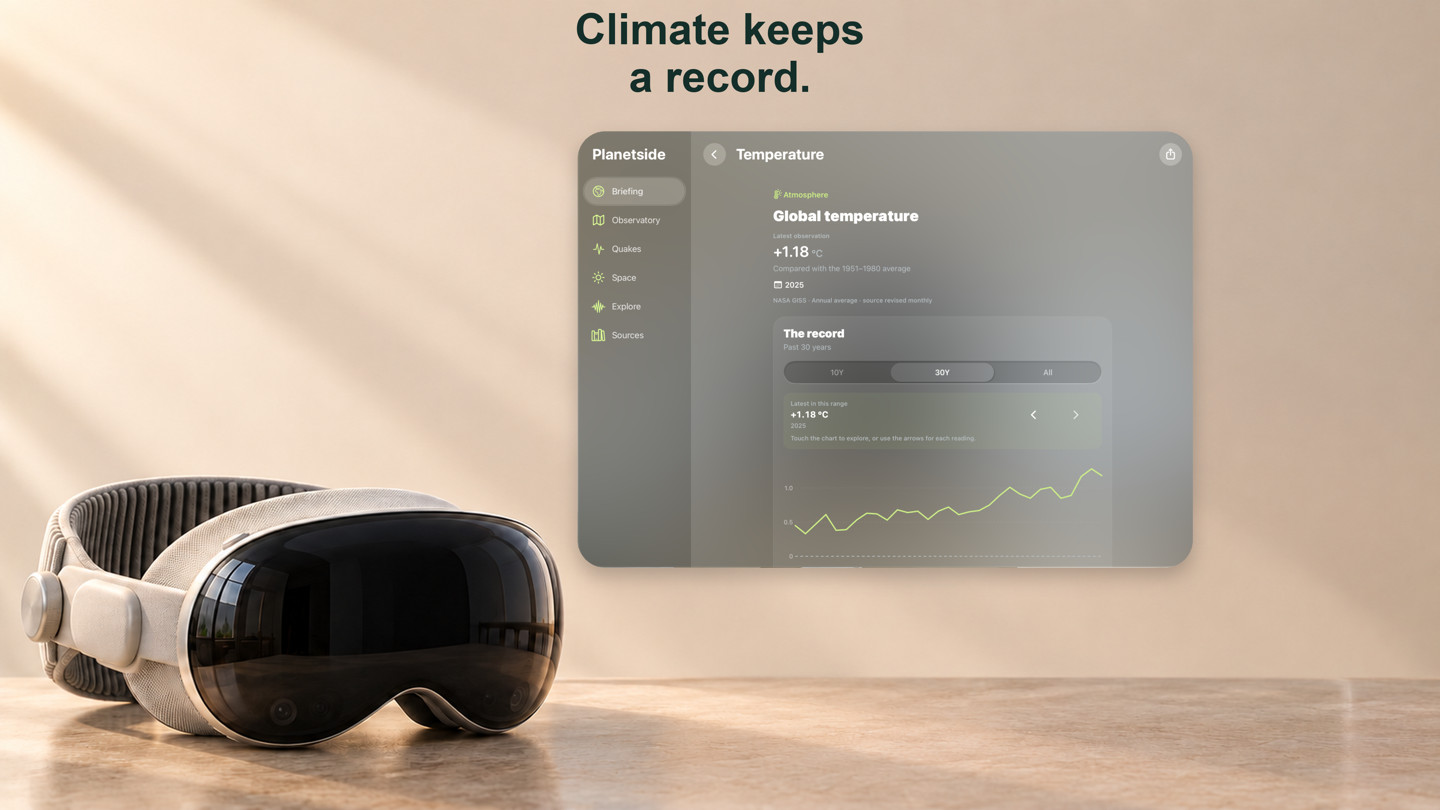
Gallery prepared 22–23 October 2026 from native app captures, composed in device artwork. Newer features are described below.
What you can explore
Updated against the development build on 30 October 2026: full screen for the globe, the Quakes map and the 3D sky, pollen for European places, Near your places for hazards and quakes around your saved places, and an Apple Watch with Apple Weather and aurora, weather and nearby complications. Storms, hazards and ocean stations are now layers on the one Observatory globe. These join fire detections, smoke and dust, aurora clouds and suggested places, the Sun–Earth–Moon and solar-system view, and a Briefing that explains what the weather means. These join the storm desk, frost reminders, Estonian official weather, ECMWF outlooks, city weather and climate histories below. Availability depends on your TestFlight build; its “What to Test” notes take precedence. Background delivery and radio connections still need real-device testing.
Briefing & watchlist
- Start with Weather at a place, Tonight’s sky or Explore records. Your places gives you a compact tile for each place you have explicitly saved: its name, the model temperature and any frost, pollen or official-warning badge.
- Opening the app shows “Updating to today’s data” as a bar that fills source by source and says when the data on screen was saved, so an old forecast never passes for today’s. Pull down, press ⌘R on Mac or use Refresh on Apple TV and Vision Pro for the same bar.
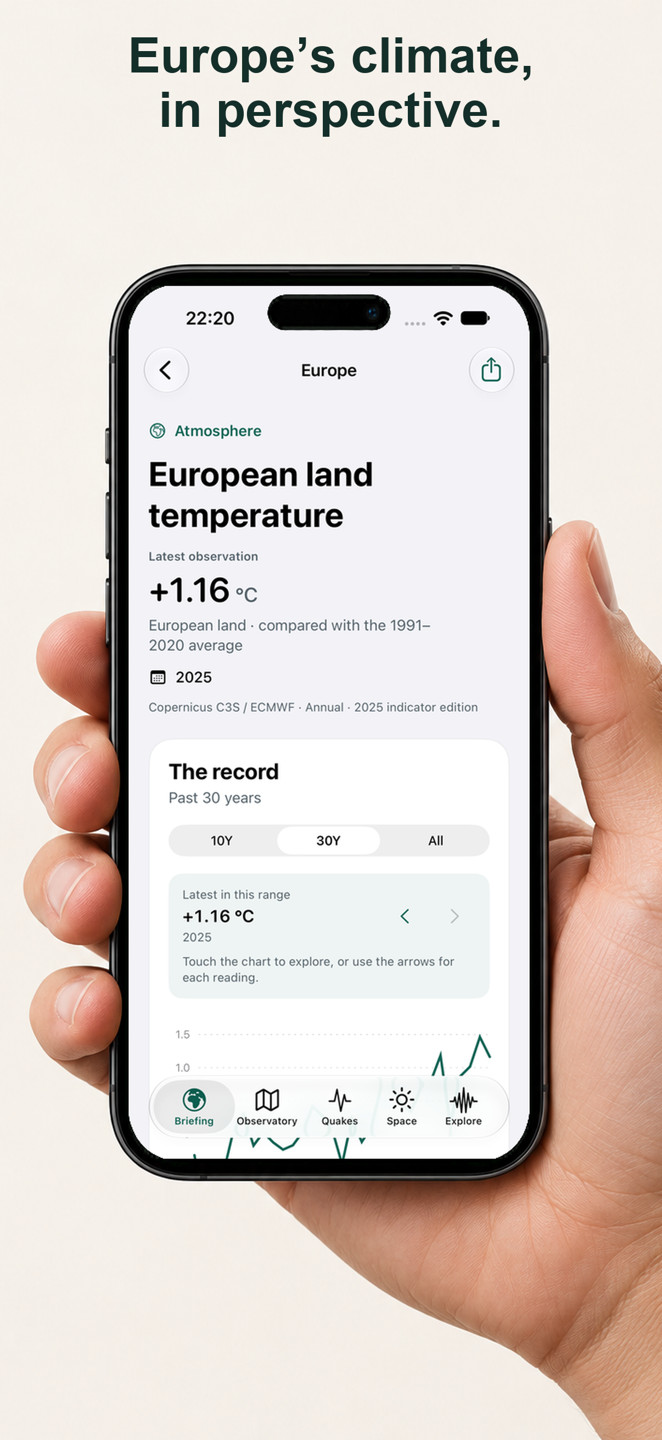
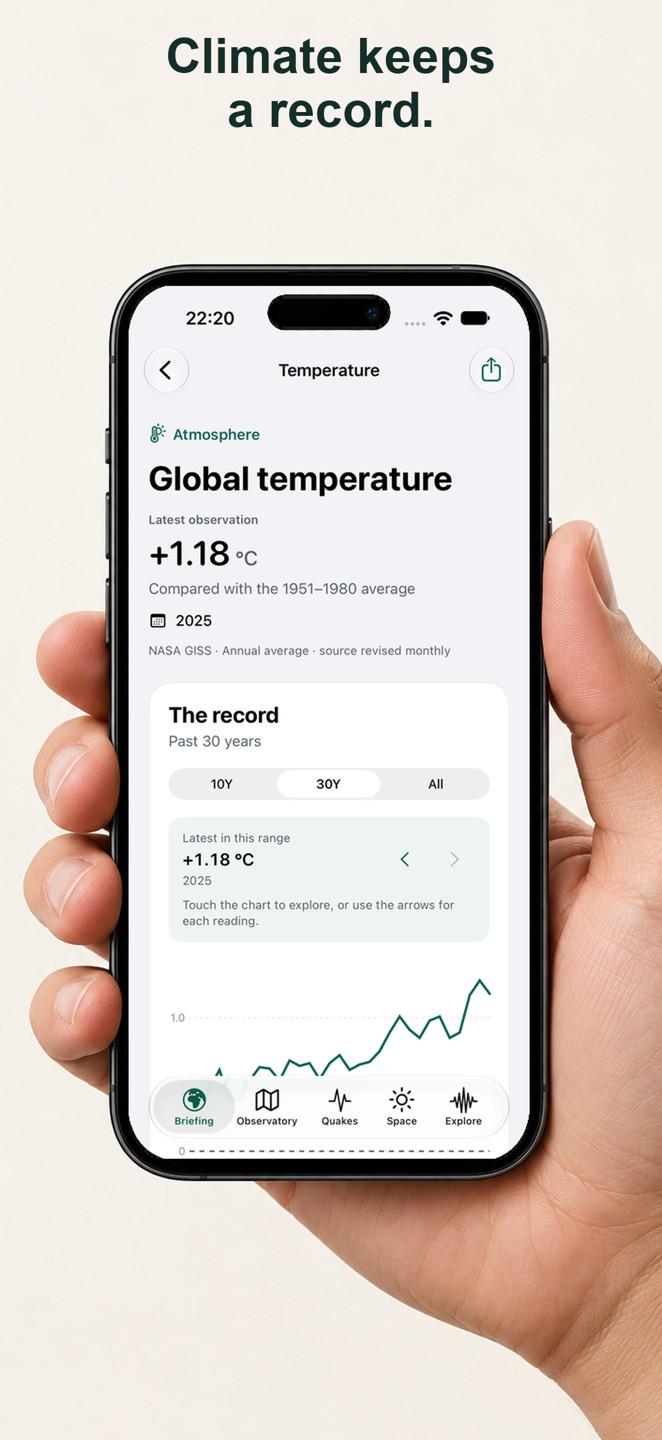
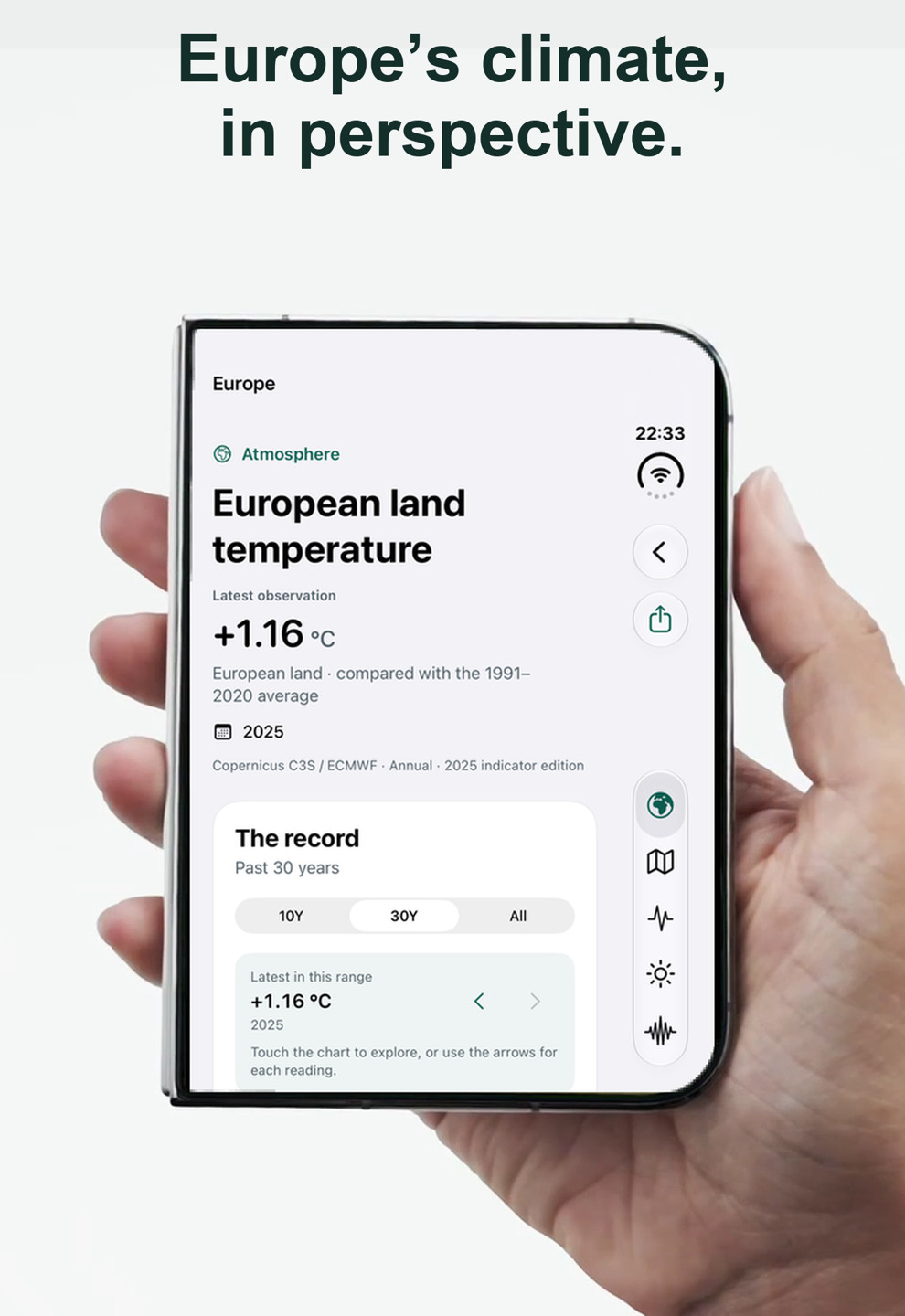
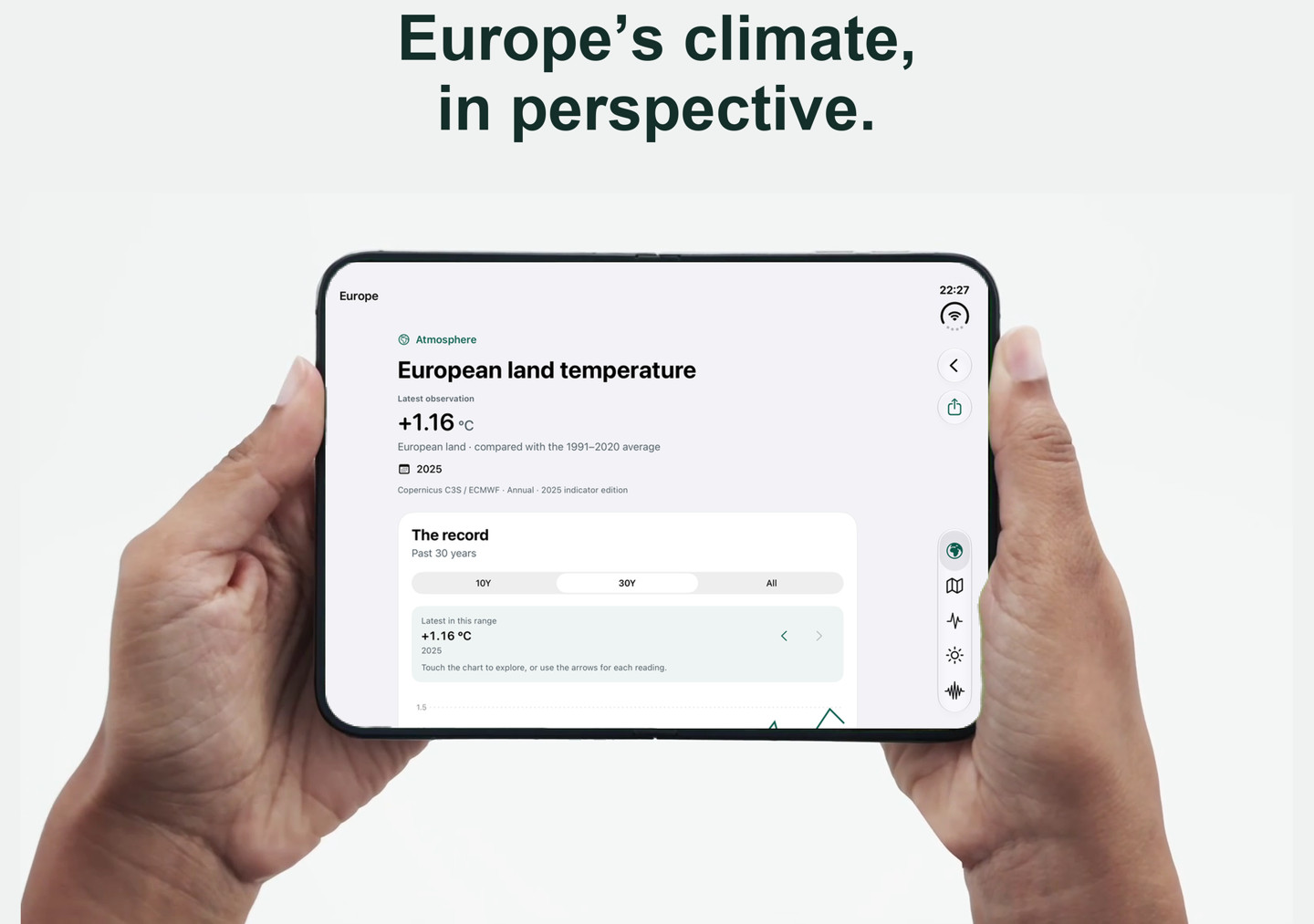
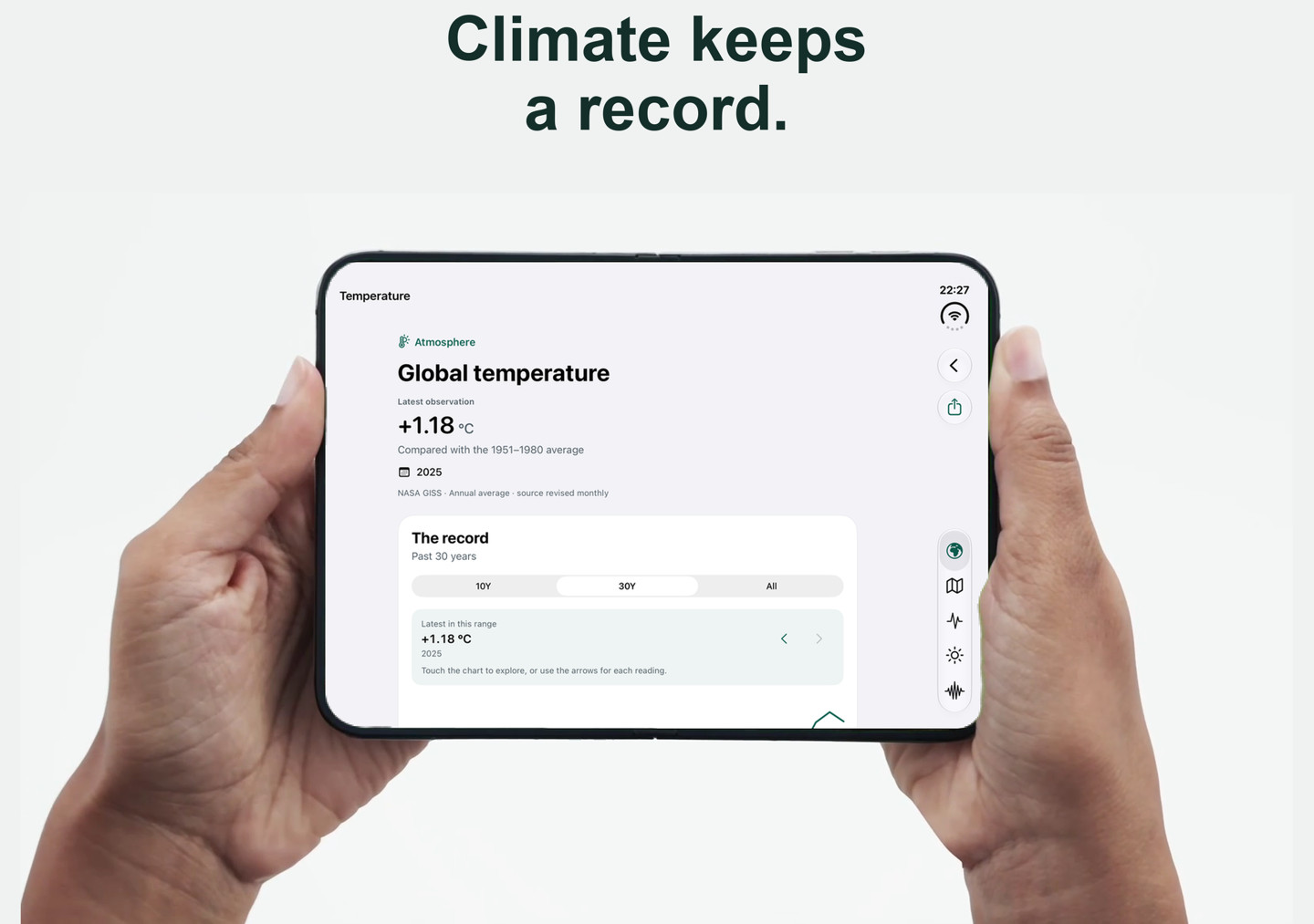
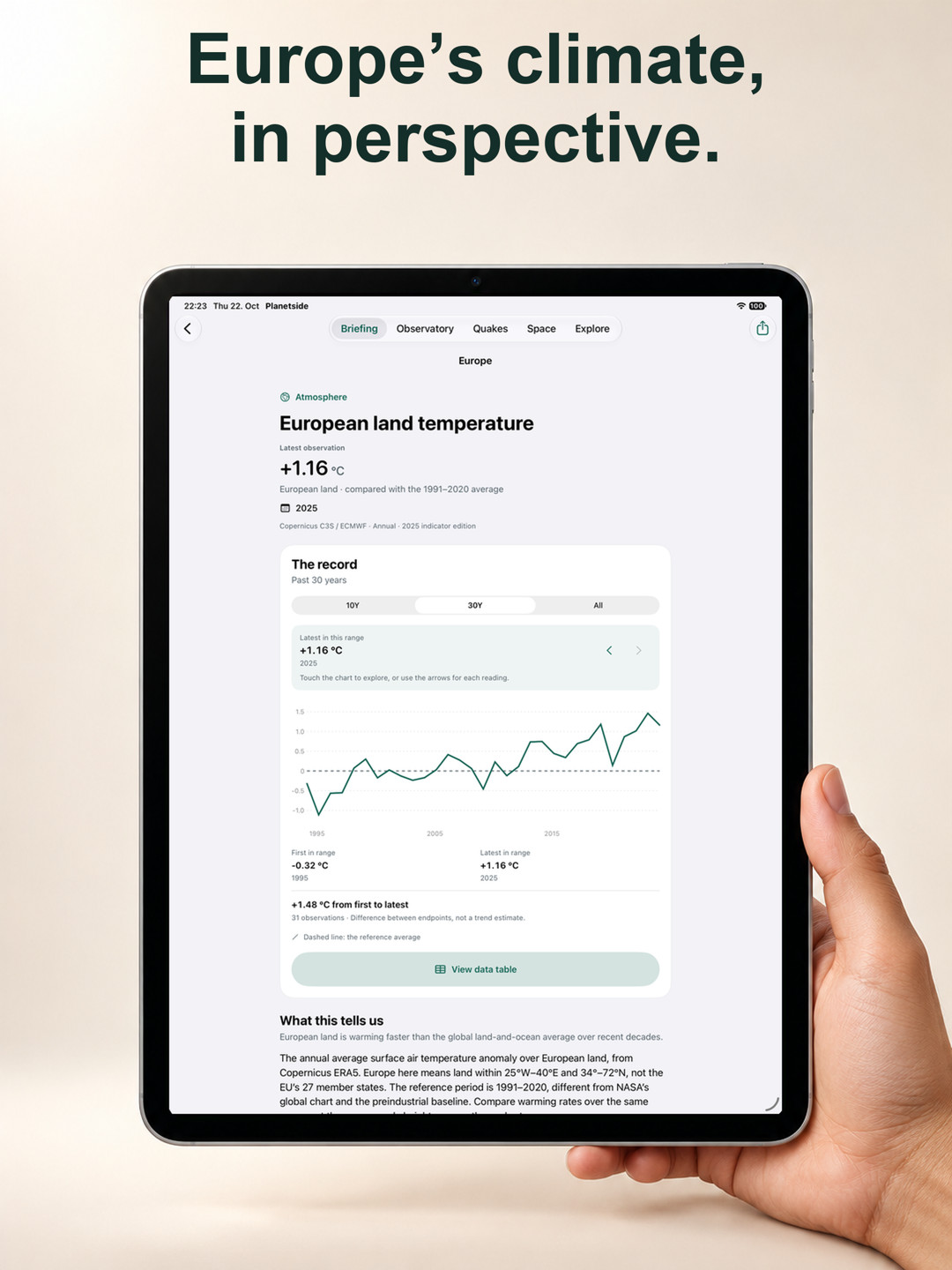
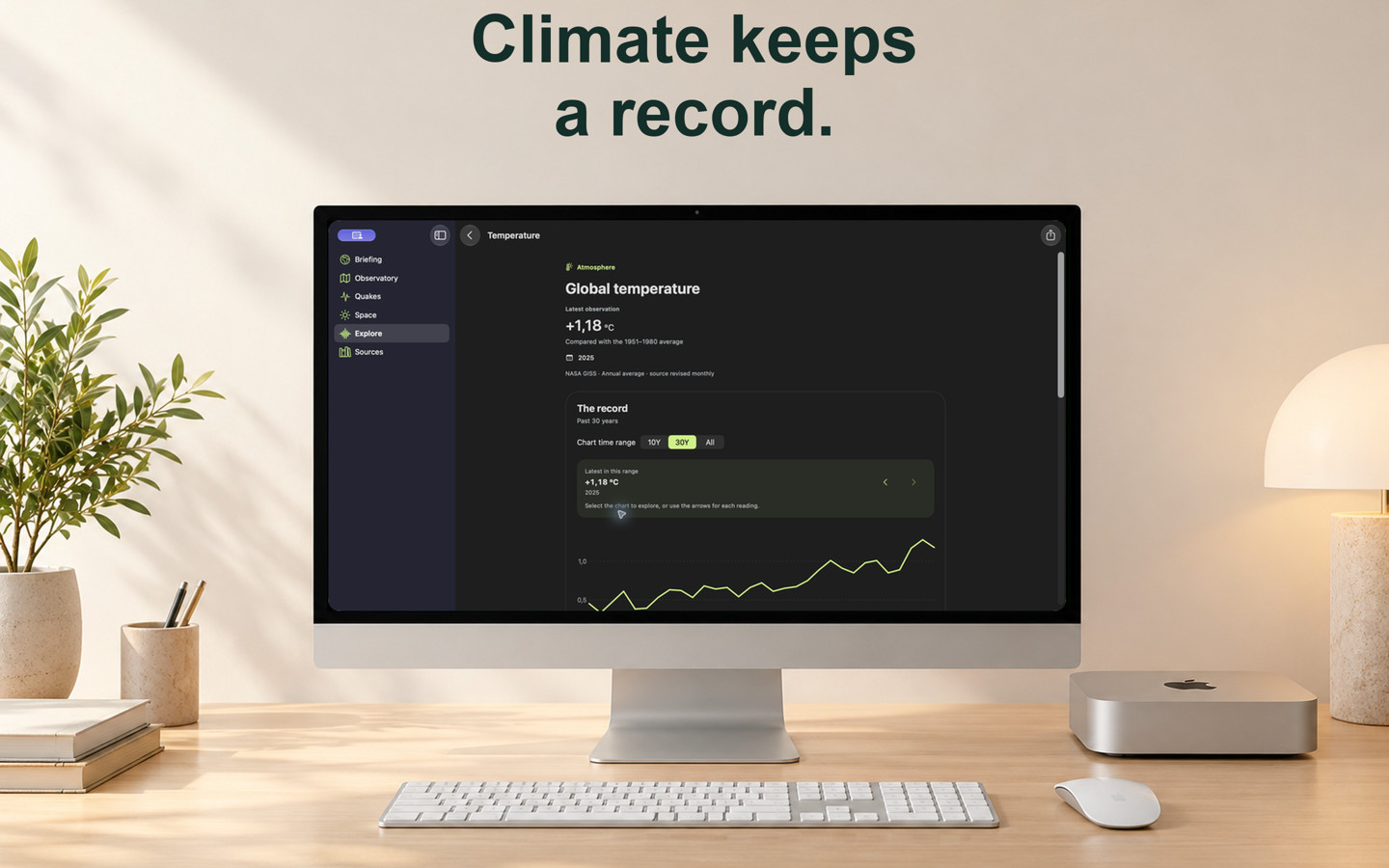
- NASA’s global-temperature history since 1880, with its labelled 1951–1980 reference average, plus a European land-temperature comparison.
- A personal watchlist with dated readings, source credits, five-year history lines and saved-data status. Pin a signal from its chart; your choices persist.
- Comparisons use matching periods, arrows and signed differences. Records and live readings share one watchlist: the largest quake, solar wind and Kp, tropical cyclones, US volcano alerts, the warming rate and Near your places, which names the official warnings, GDACS hazards and earthquakes near your saved places and opens them on the globe.
- “Since you last looked” highlights a new reading or a provider’s revision in the climate records you follow, compared with the copy you last opened on this device. Unchanged checks and first visits create no change card.
Around you: weather that helps you plan
- Choose a saved place at the top of Briefing for a short account of what changes your plans: rain timing and intensity, wind in Beaufort words, a warmer or colder next day, frost and nearby hazards. A nearby Estonian station can add a plain-language account of conditions now.
- Official warnings come first. The full briefing adds “What that means” guidance for wind, rain and sea conditions; Evidence keeps the facts, sources and times available.
- Pollen for places in Europe: FMI’s SILAM forecast gives each type’s daily mean near the ground, such as “Birch pollen high today” with its peak hour, using Nordic classes for trees, grasses and weeds. A moderate or high day adds a badge to the place and advice to Around you; a type missing for part of the day is left out, never read as zero.
- The headline and short briefing are always composed by Planetside from the evidence. On supported devices, Apple Intelligence can write the full briefing’s additional story on device. Checks reject unsupported numbers, wrong-day weather and invented conditions; if they fail, the composed version remains.
- AI generation waits for the opening refresh and runs only when evidence changes, at most every three hours. Listen reads the briefing aloud with an installed voice, speaking units, compass points and weekdays as words.
Fire, smoke, dust & air history
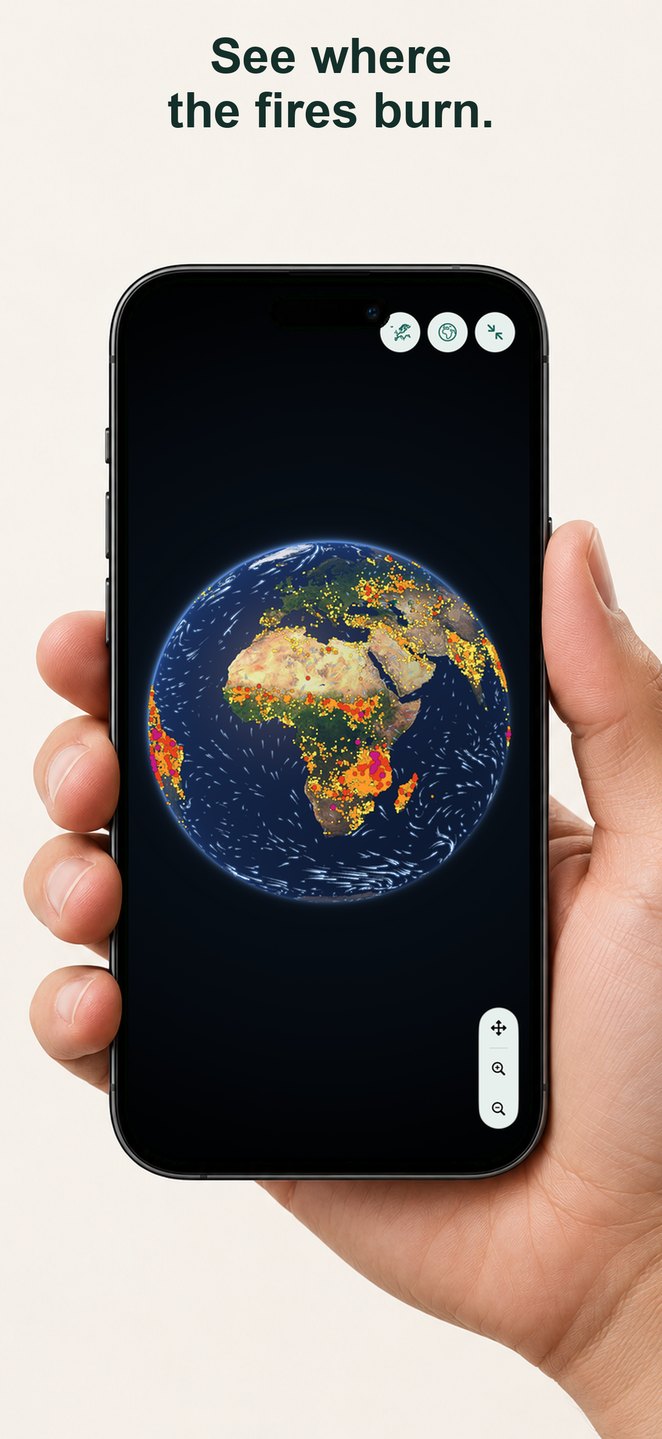
- Fires (24 h) maps NASA FIRMS NOAA-20 VIIRS heat detections in 0.25° cells, with fire radiative power and counts near your point. Low-confidence detections are excluded. These are heat detections: industry, gas flares and volcanoes can appear, and clouds can hide fires.
- Smoke and Dust show NASA GEOS-FP aerosol optical depth along the weather timeline, with the run and valid time. This is an experimental research forecast of particles through the air column; it does not measure surface PM2.5 or provide an air-quality index.
- Air history traces 24 model particles five days backward from a tapped point or chosen place using past GFS near-surface winds. Read the daily path, spread and fire detections near it. The simplified model omits vertical motion and rain-out; a path near fires does not establish that smoke reached you.
- Combine these layers on the Observatory globe or Vision Pro’s spatial Earth. City close-ups show fires and smoke or dust; the long air-history paths stay on the globes. These layers are available on iPhone, iPad, Mac, Apple TV and Vision Pro; the watch has no globe layers.
- Saved and bundled examples retain their dates. Offline, the bundled air history is for Singapore only; other places say it is unavailable.
Storm desk: wind, gusts, storm paths, waves & thunder
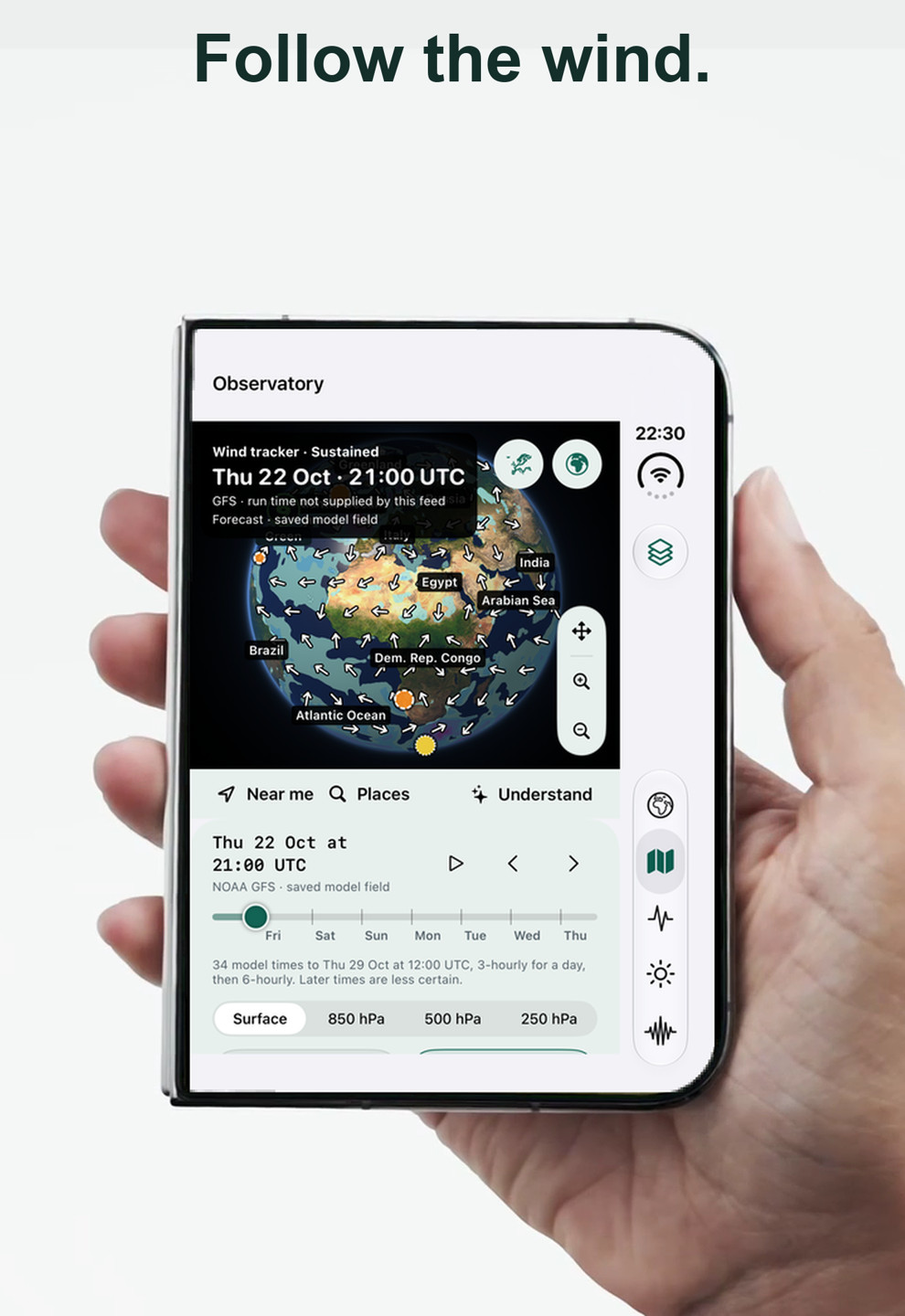
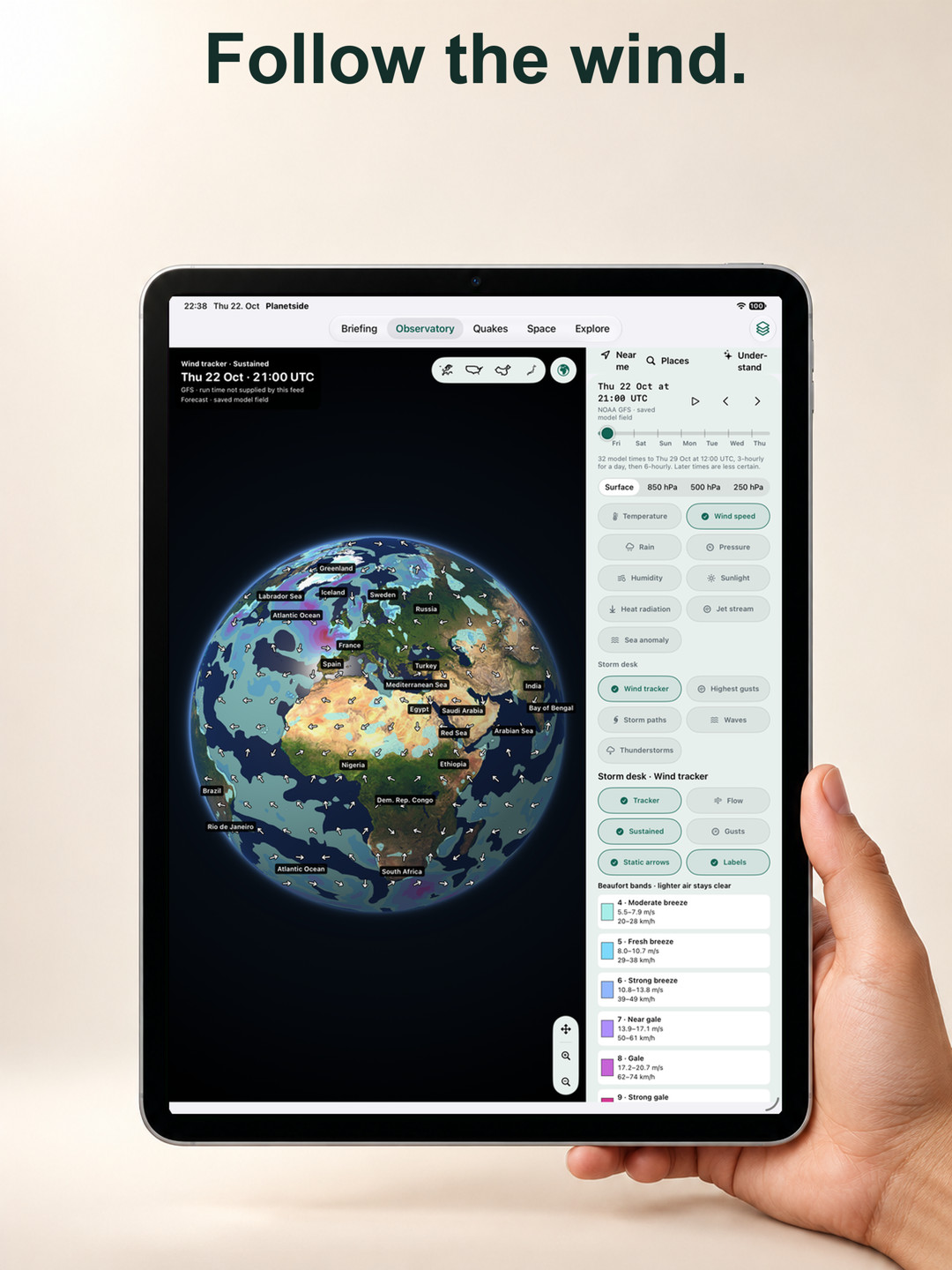
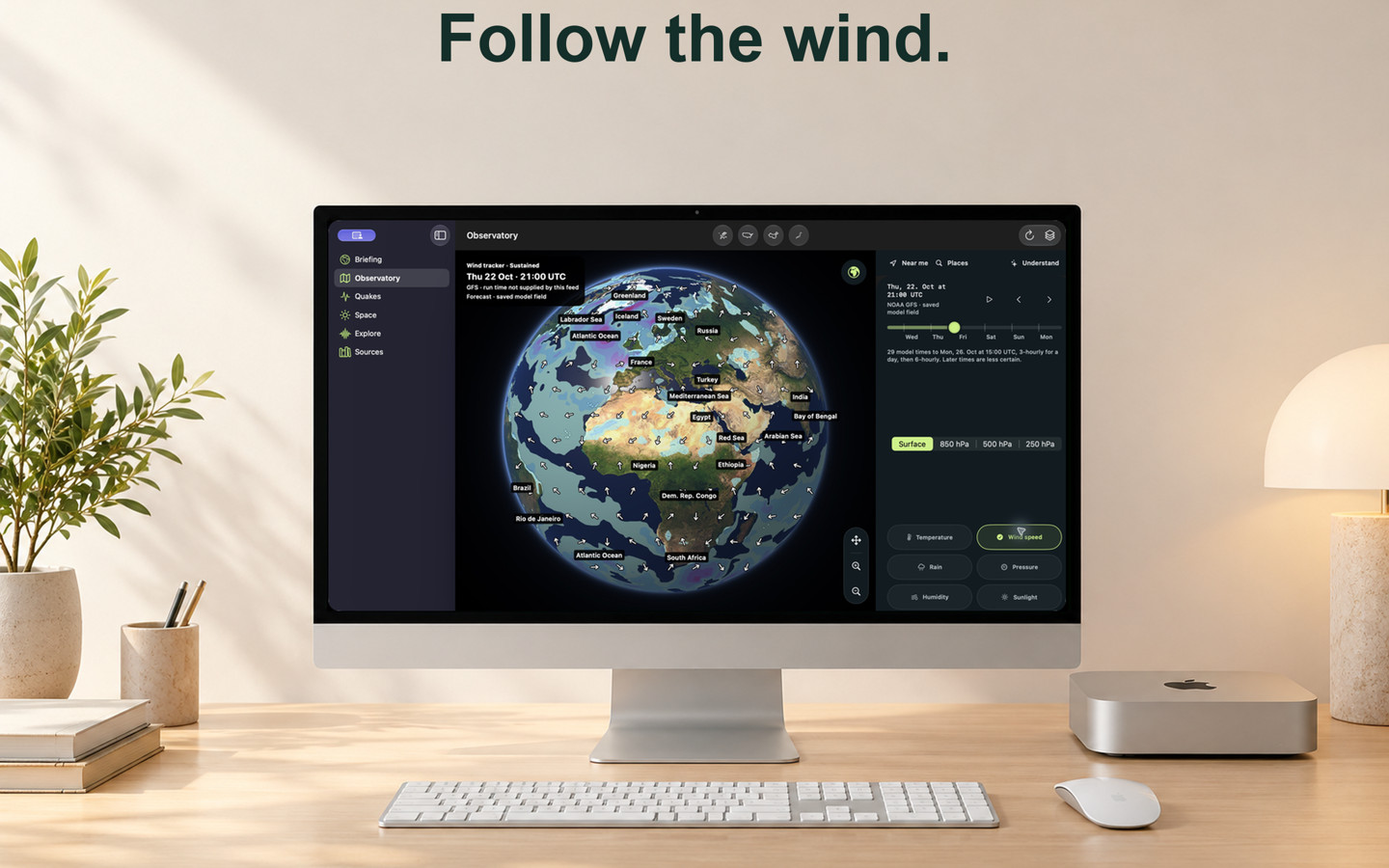
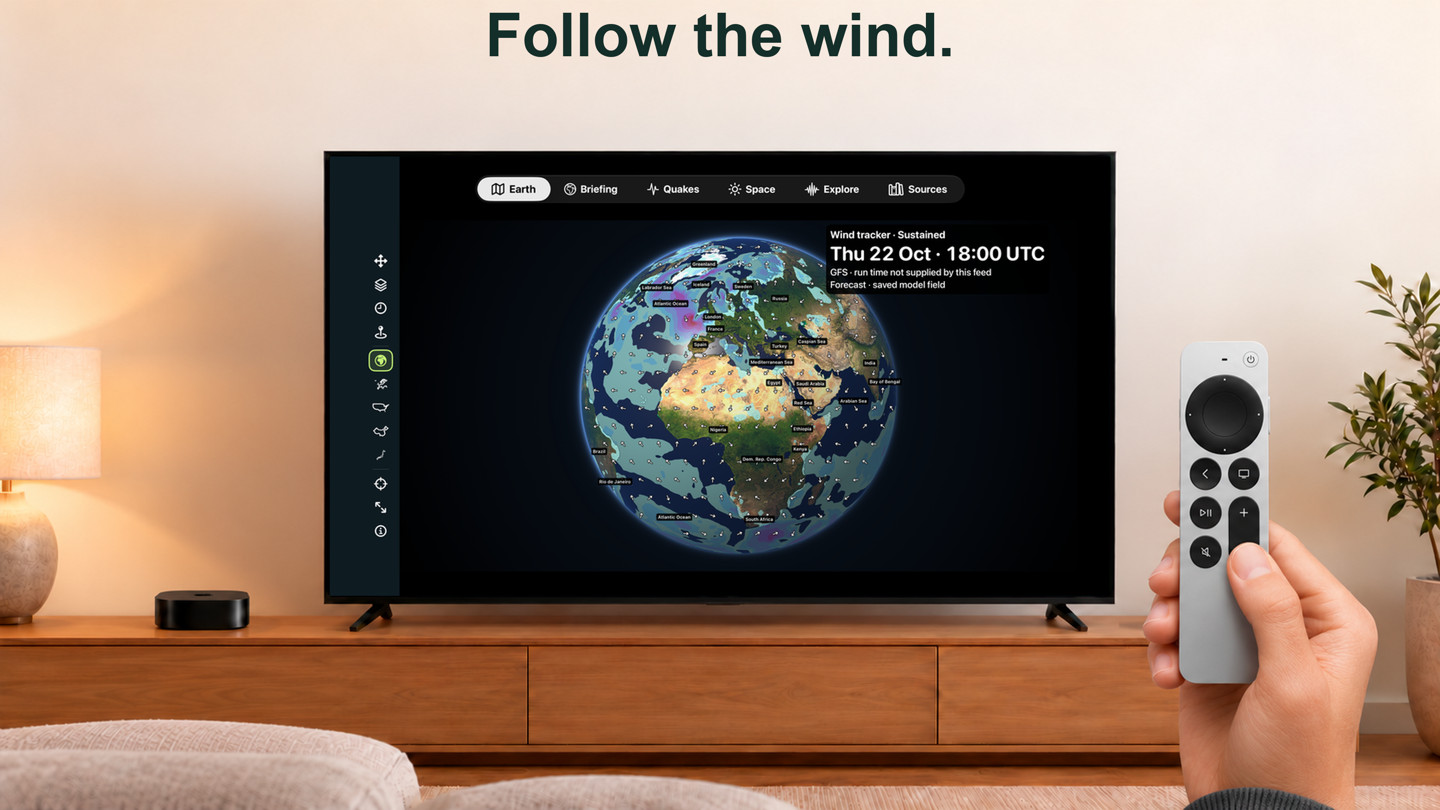
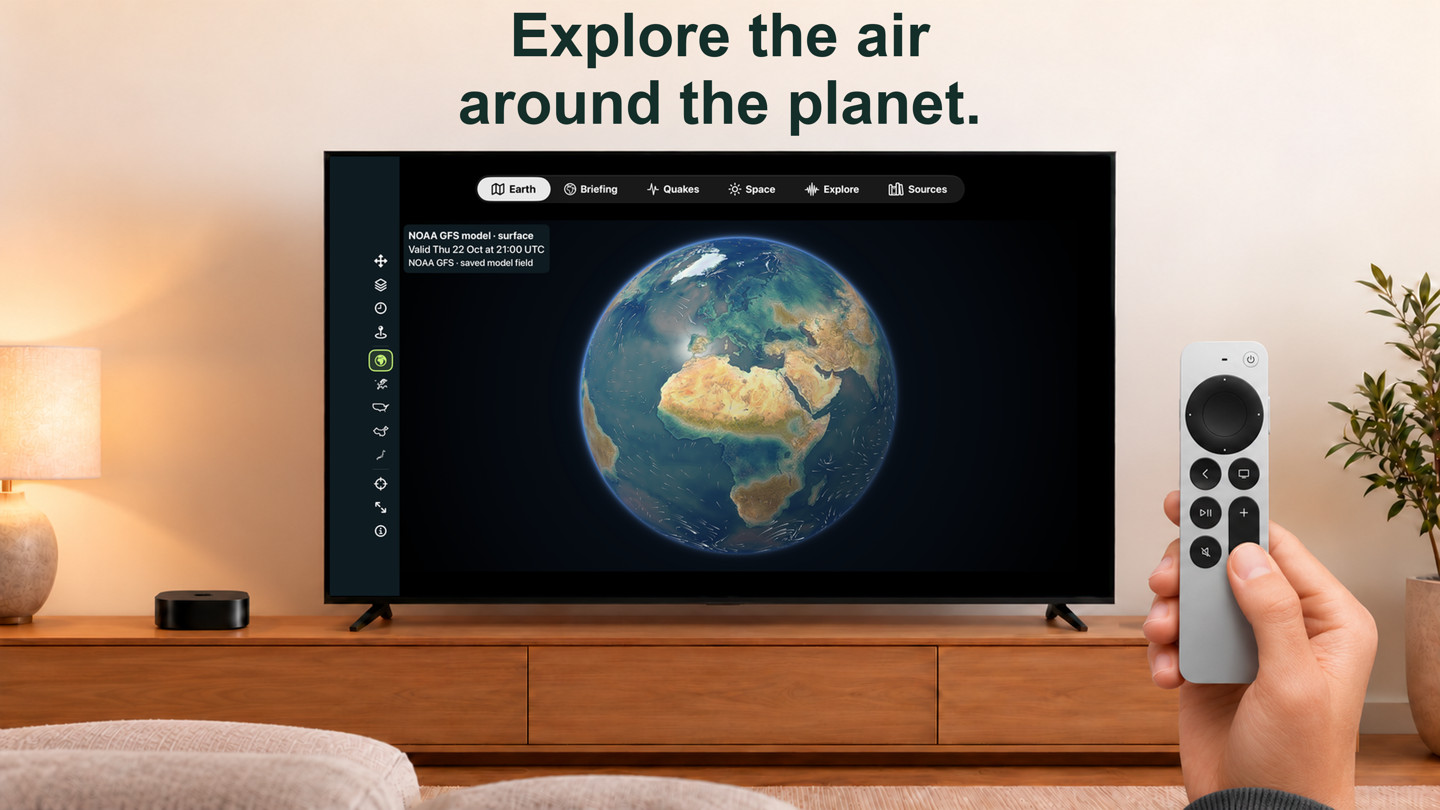
- Wind tracker: sustained wind or GFS gusts in Beaufort bands, with steady arrows, place labels, a valid-time and run stamp and a Wind here reading. Flow keeps the animated view.
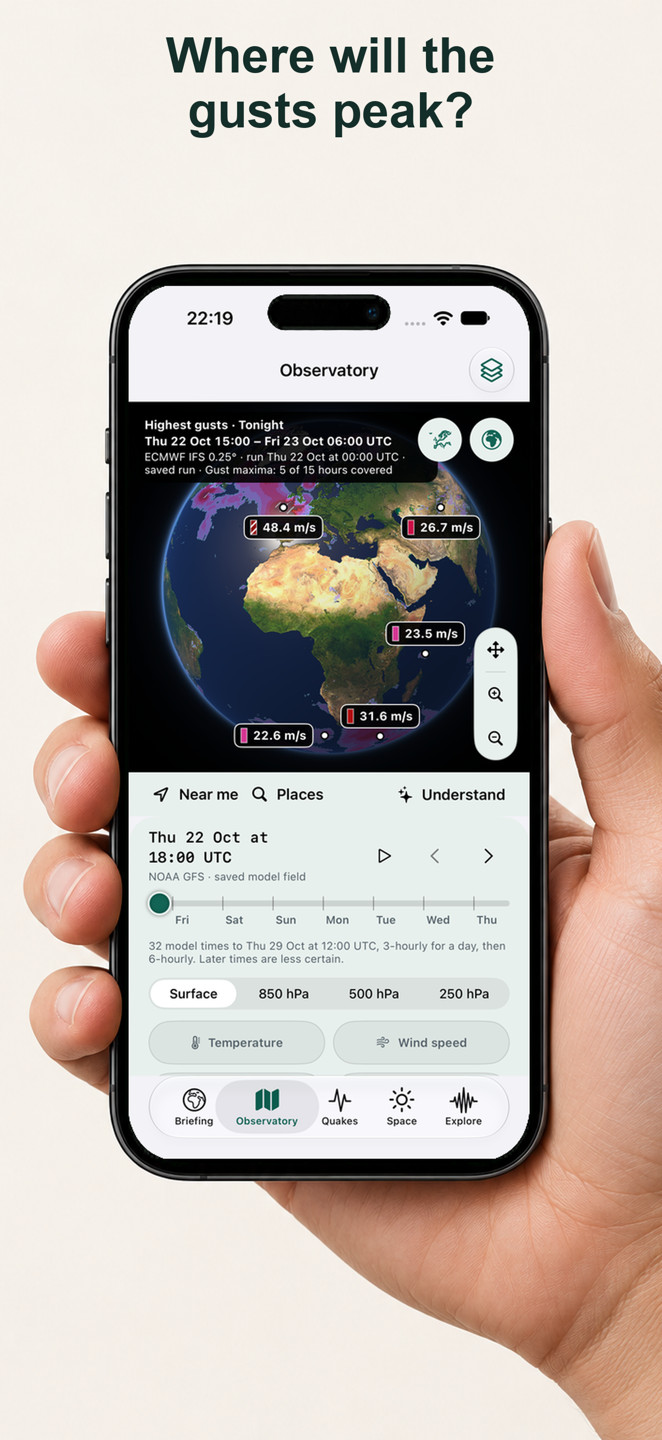
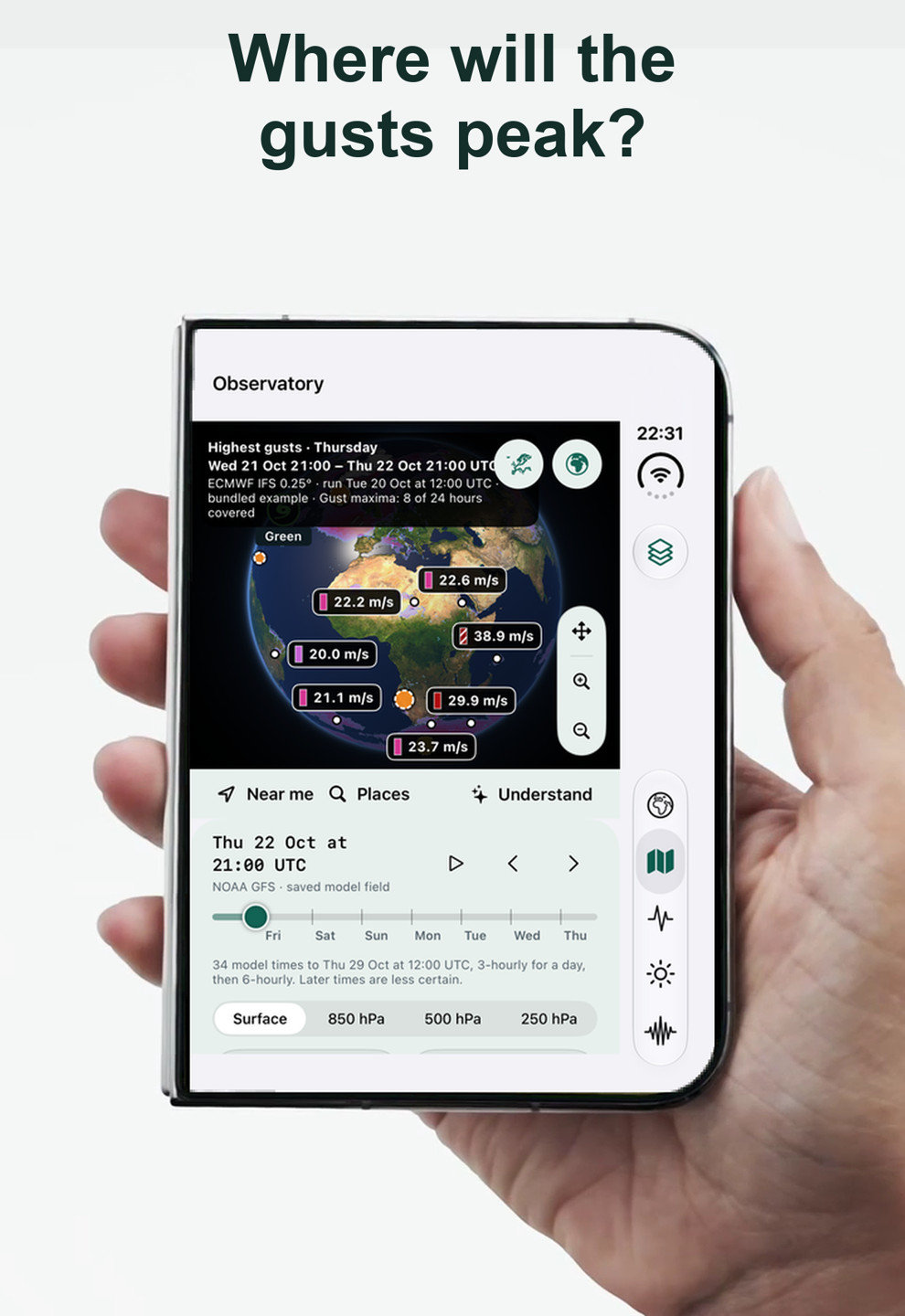
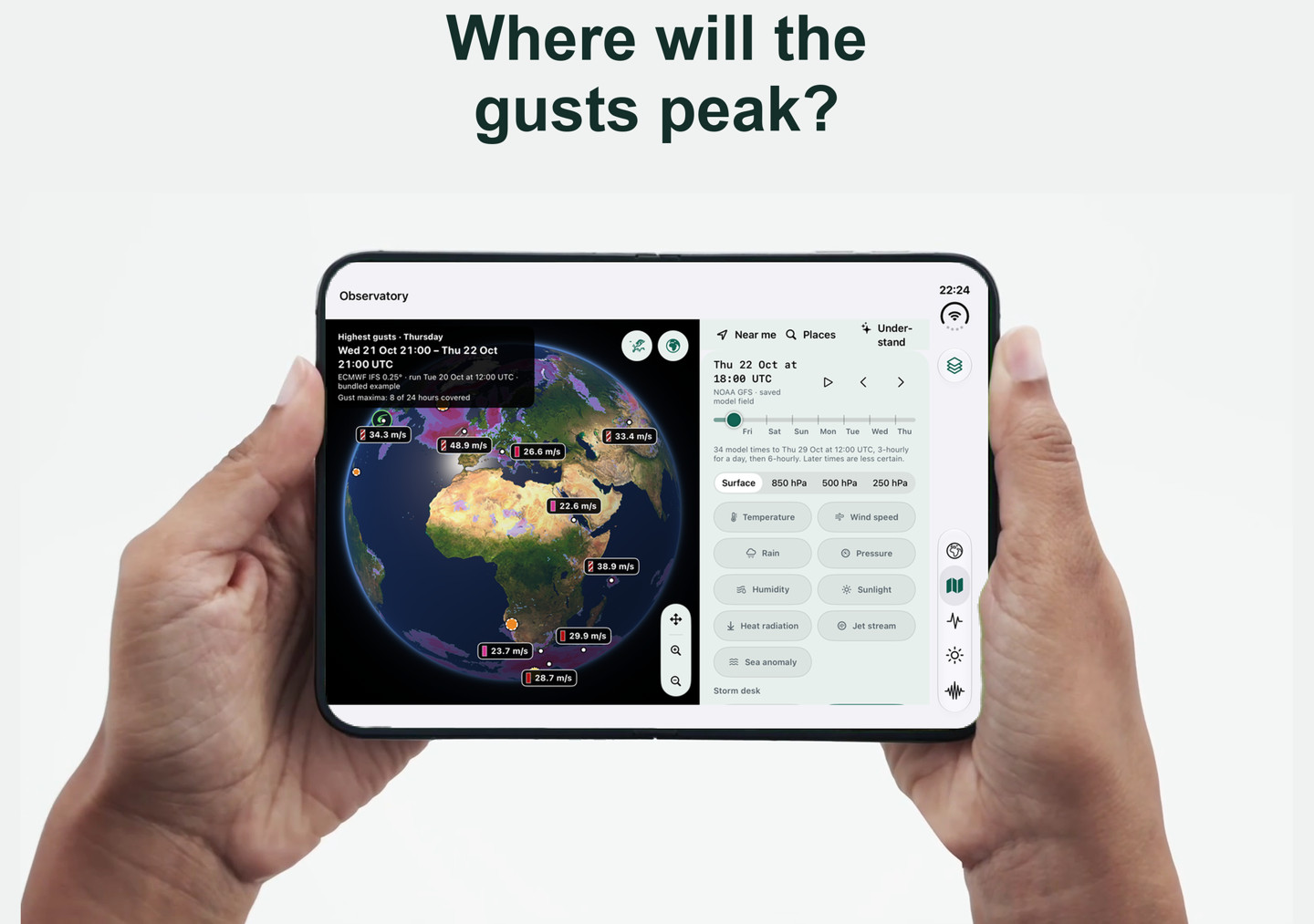
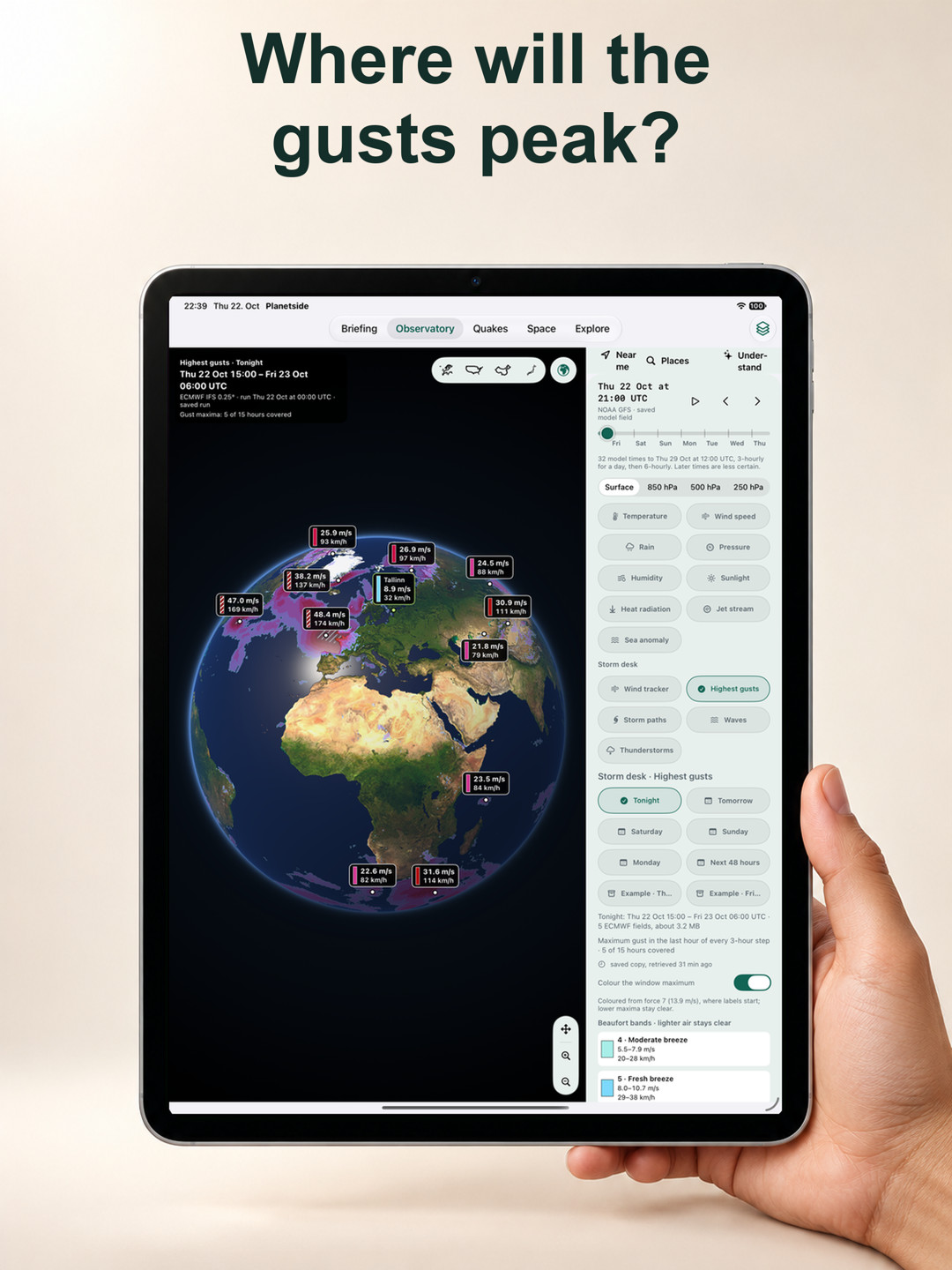
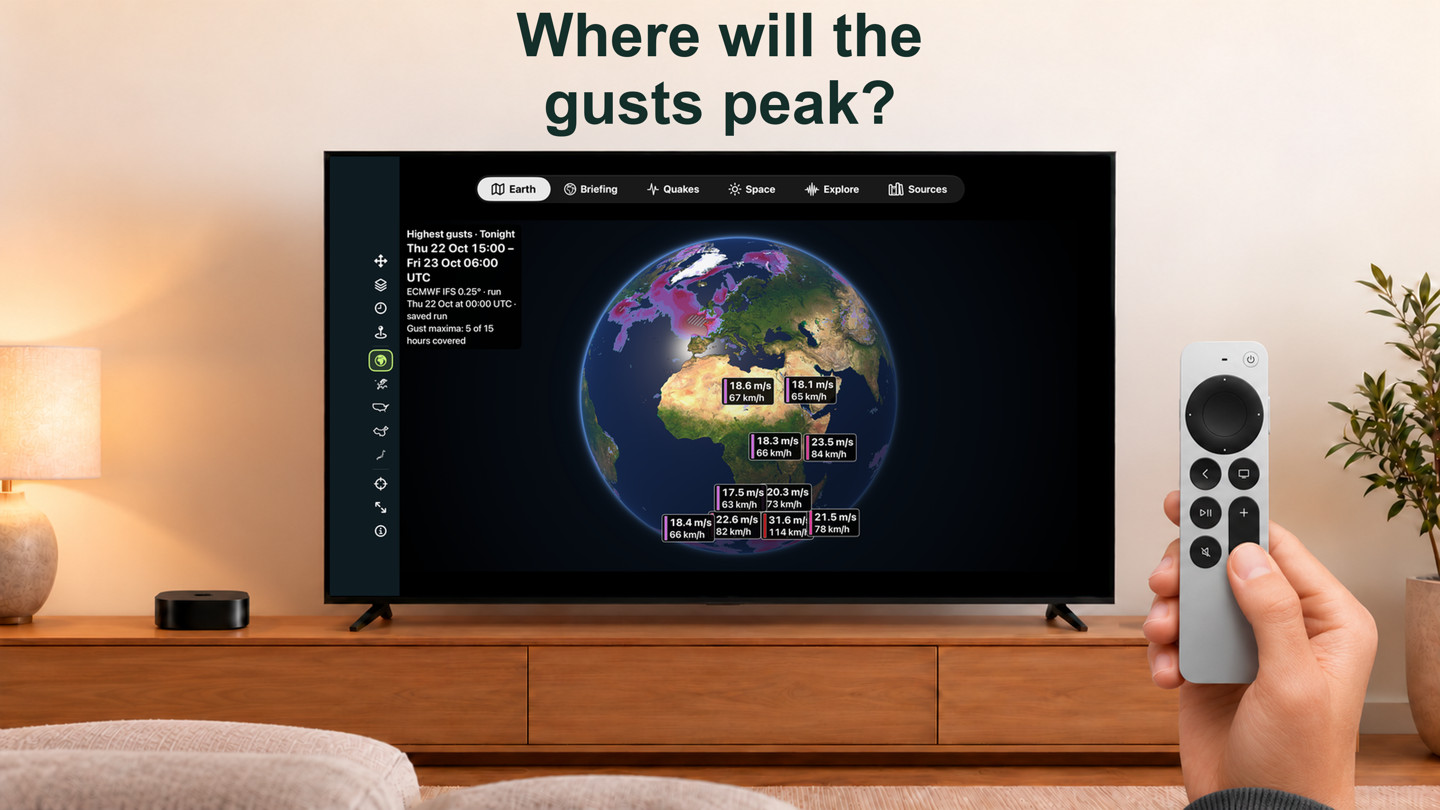
- Highest gusts: the highest ECMWF gust in each cell for Tonight, Tomorrow, the next weekdays, 48 hours or a storm’s own window, with callouts at the peaks. Coverage is stated: up to 90 hours ECMWF’s open data holds the last hour’s maximum, so not every hour is covered. For Nordic and Baltic places, MET Norway’s MEPS ensemble adds how many members reach 15, 20 or 25 m/s.
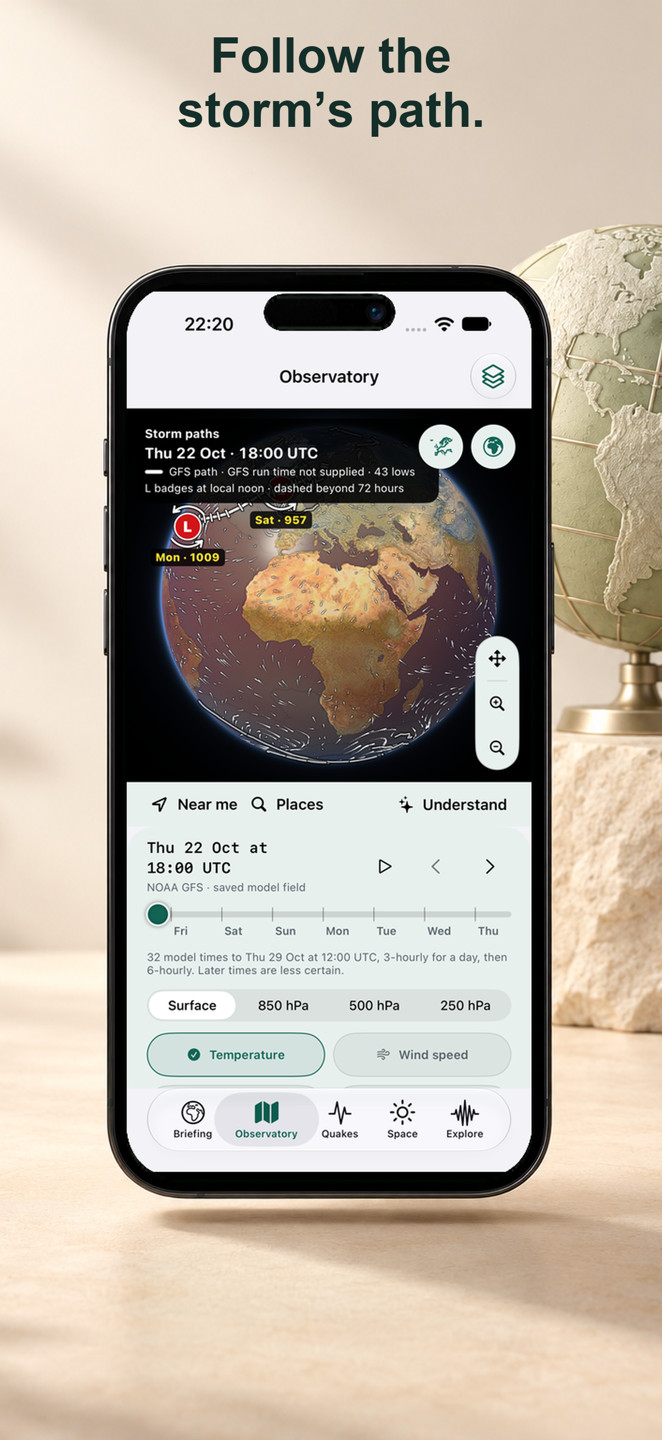
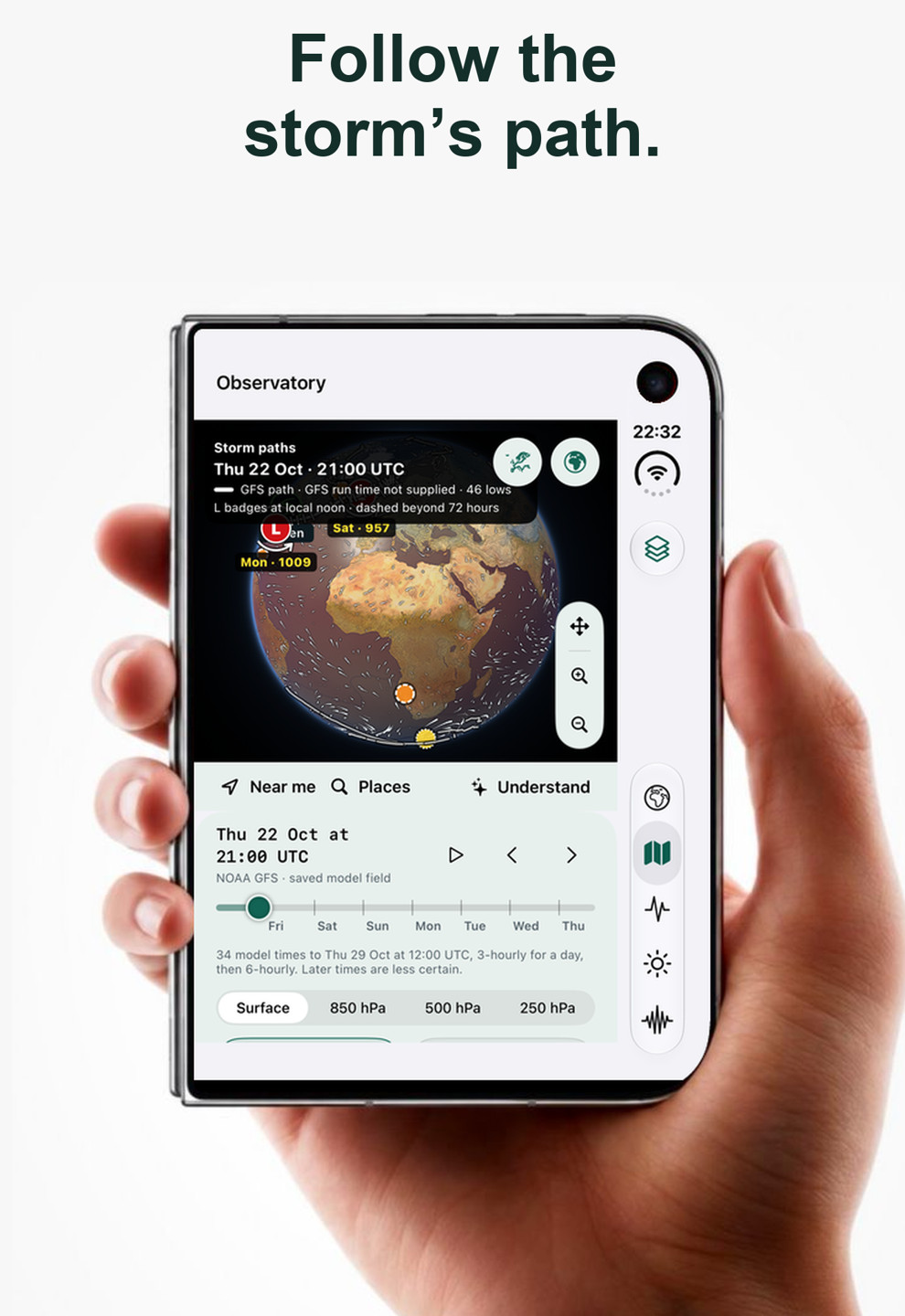
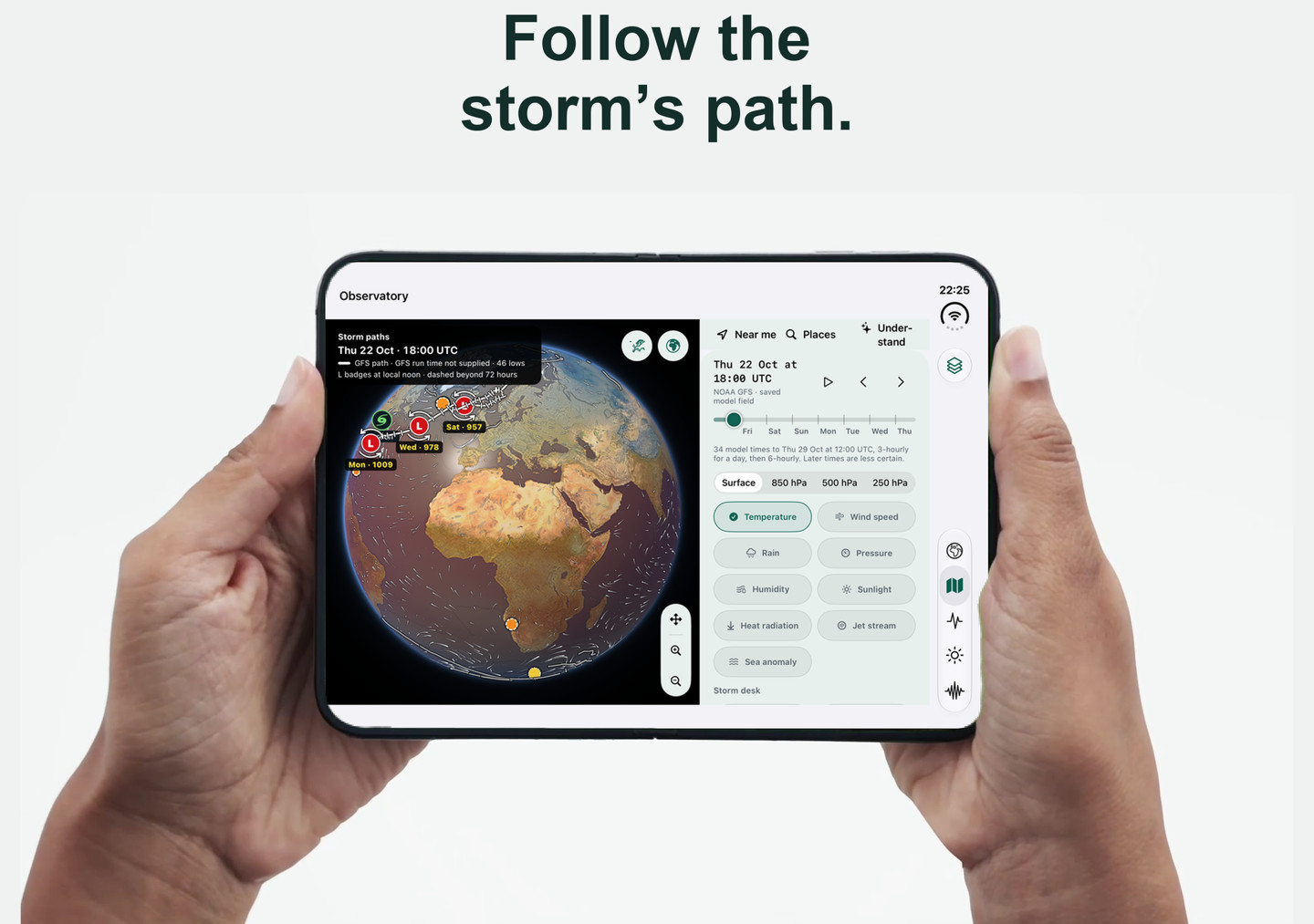
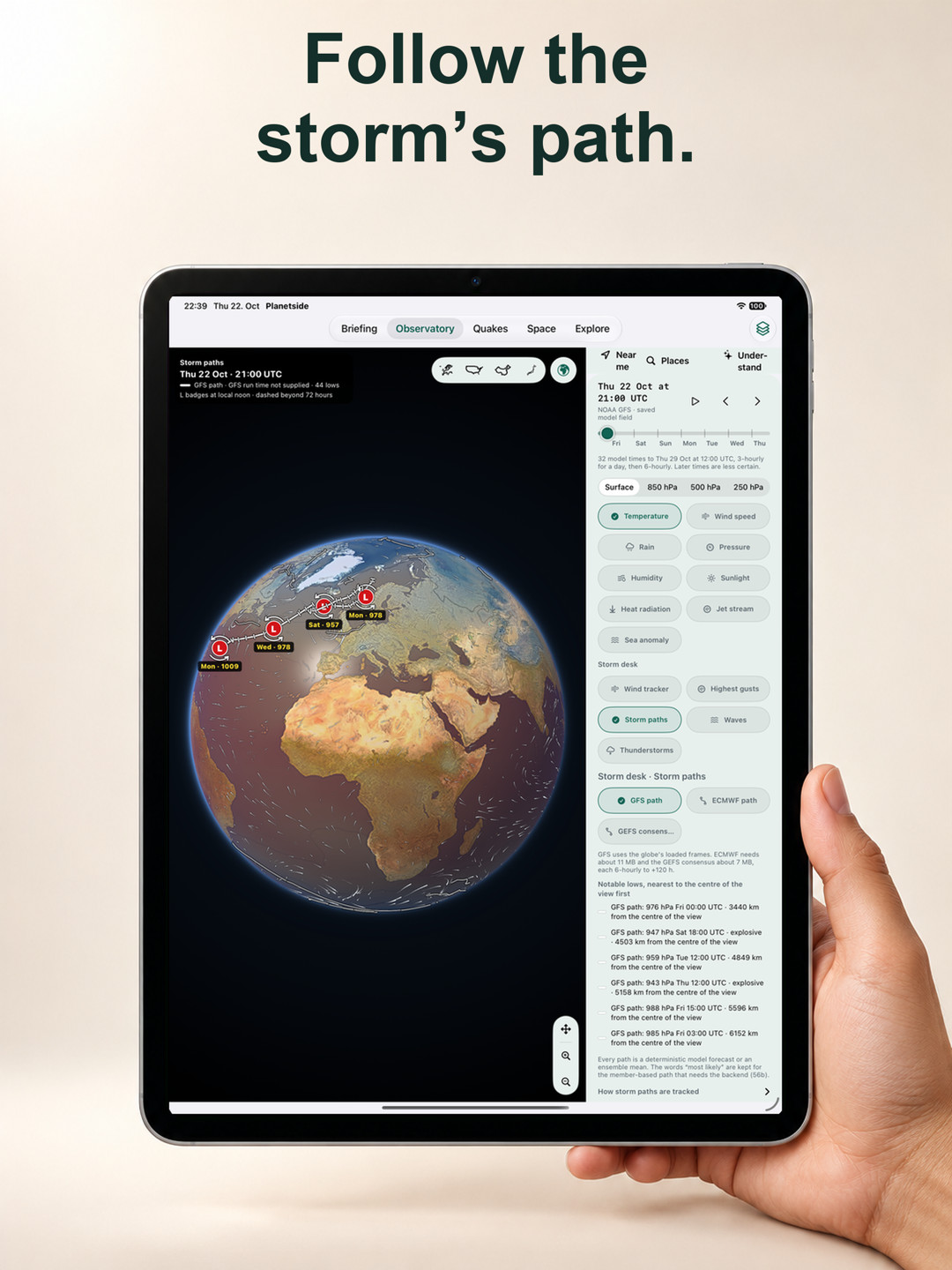
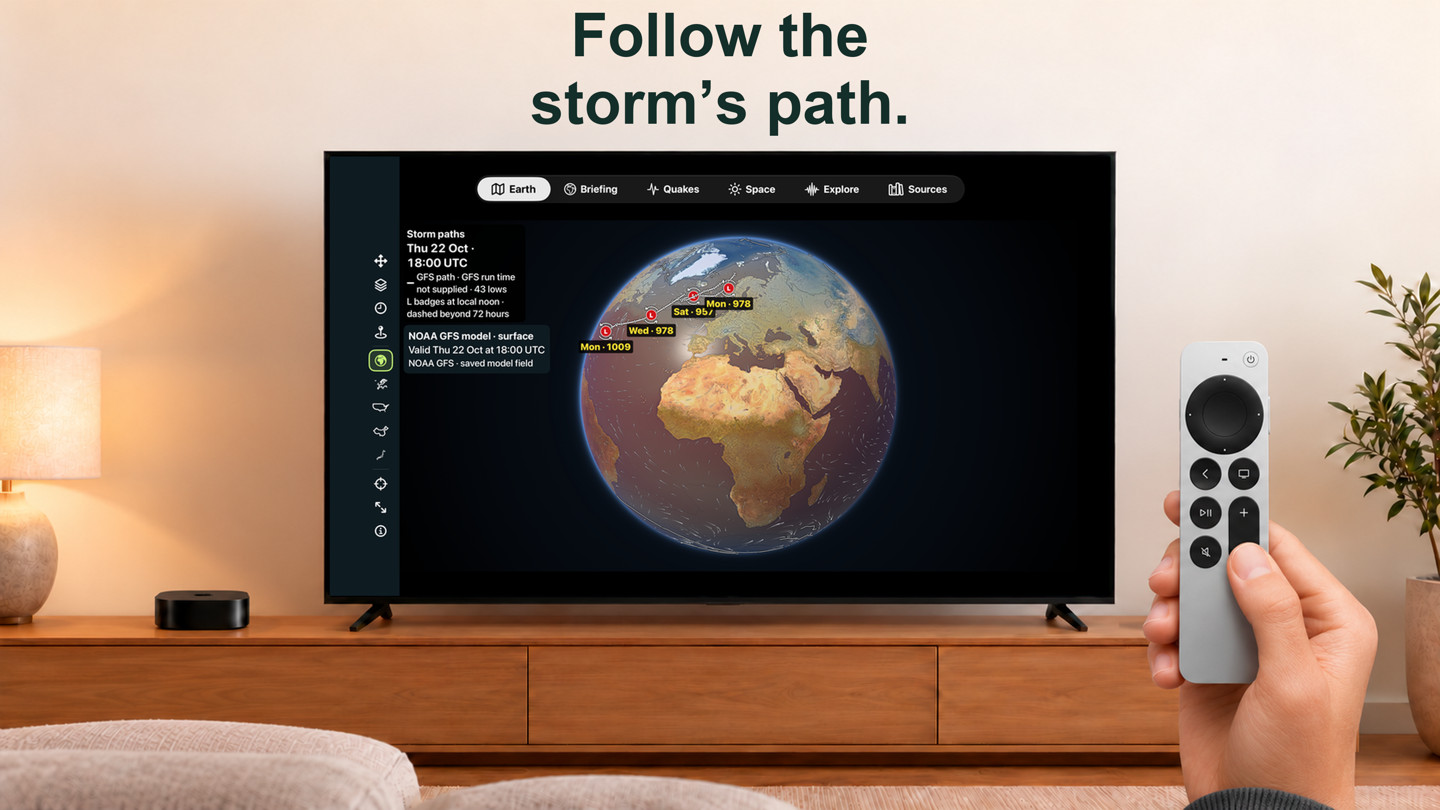
- Storm paths: lows tracked through the GFS run with 6-hourly ticks and day labels, an optional ECMWF path and NOAA’s GEFS ensemble-mean path with its spread. A storm card gives the deepest point, deepening, closest approach to your place and whether the models agree. These are model paths, not a “most likely” track.
- Waves: NOAA WAVEWATCH III significant wave height on 0.25° cells, with travel arrows, period and direction, the highest wave in view and a 48-hour outlook at the nearest offshore cell.
- Thunderstorm ingredients: where one GFS run has the ingredients for thunder, large hail, damaging wind or tornadoes on each convective day. It says “ingredients in this single model run”; it is not an official outlook or a probability.
- Each layer shows its model, run and window, respects Low Data Mode and keeps a dated example offline. Places get short facts such as the peak gust or wave height on their cards.
Frost nights: drain the hoses in time
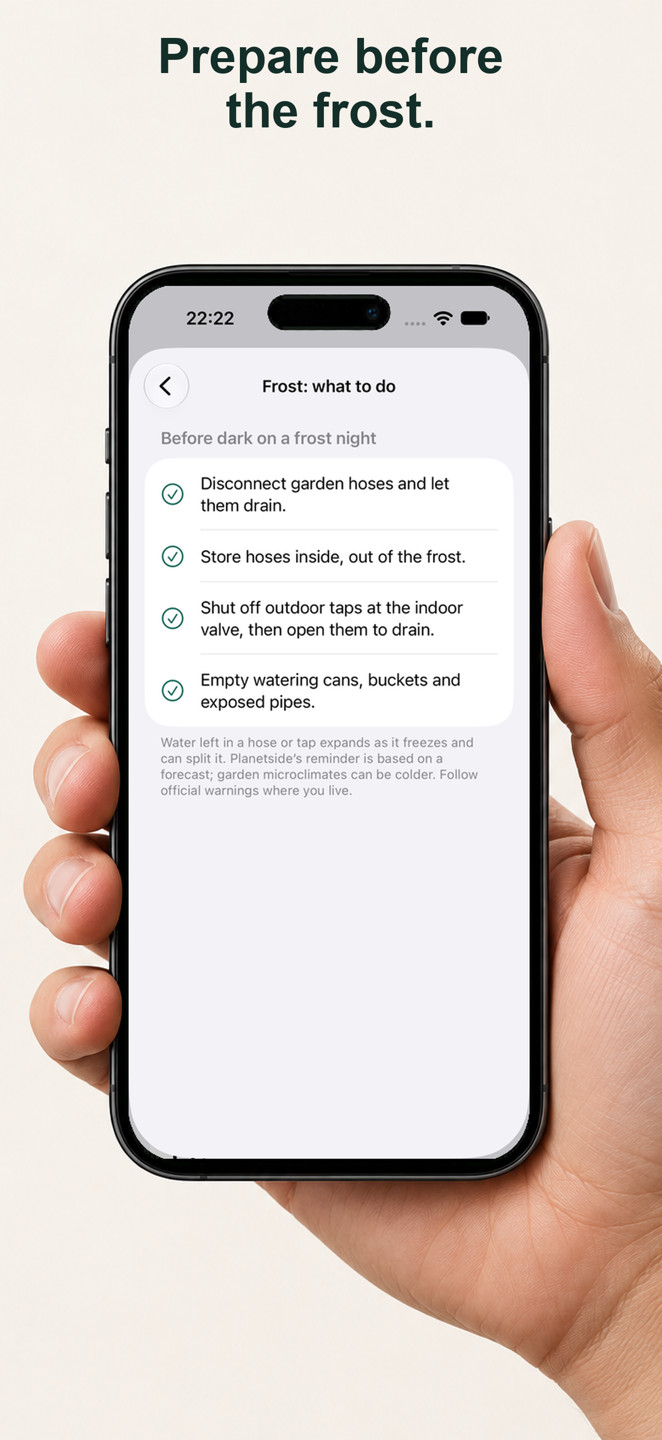
- Choose places in Settings › Frost nights. Planetside watches each night from 18:00 to 09:00 local time for frost (0 °C or below), a hard freeze (−3 °C or below) or ground frost on clear, calm nights.
- In autumn’s first-frost weeks (four by default) you get a reminder at 16:00 to drain garden hoses and outdoor taps, with What to do and Done for this season. Later nights notify only when they are clearly colder, so the reminders do not nag all winter.
- Lows come from Apple Weather, or a labelled GFS fallback; Estonian places also show the agency’s official frost warning. Badges appear on Briefing places and place cards.
Estonia: official warnings, forecast & stations
- Keskkonnaagentuur’s warnings appear first on Briefing in an Official warnings card and as badges on saved Estonian places, with their validity period and a link to ilmateenistus.ee.
- Place cards add the nearest full weather station, coastal water readings and the official forecast in Estonian, English or Russian. Readings carry the feed’s “as of” time; empty station fields stay empty.
- A Stations (Estonia) layer shows the observations on the globe and in the city close-up. Opt-in notifications for official warnings are available on iPhone, iPad and Vision Pro. Source: Keskkonnaagentuur, credited on every screen.
Warming rate & the 1.5 °C level
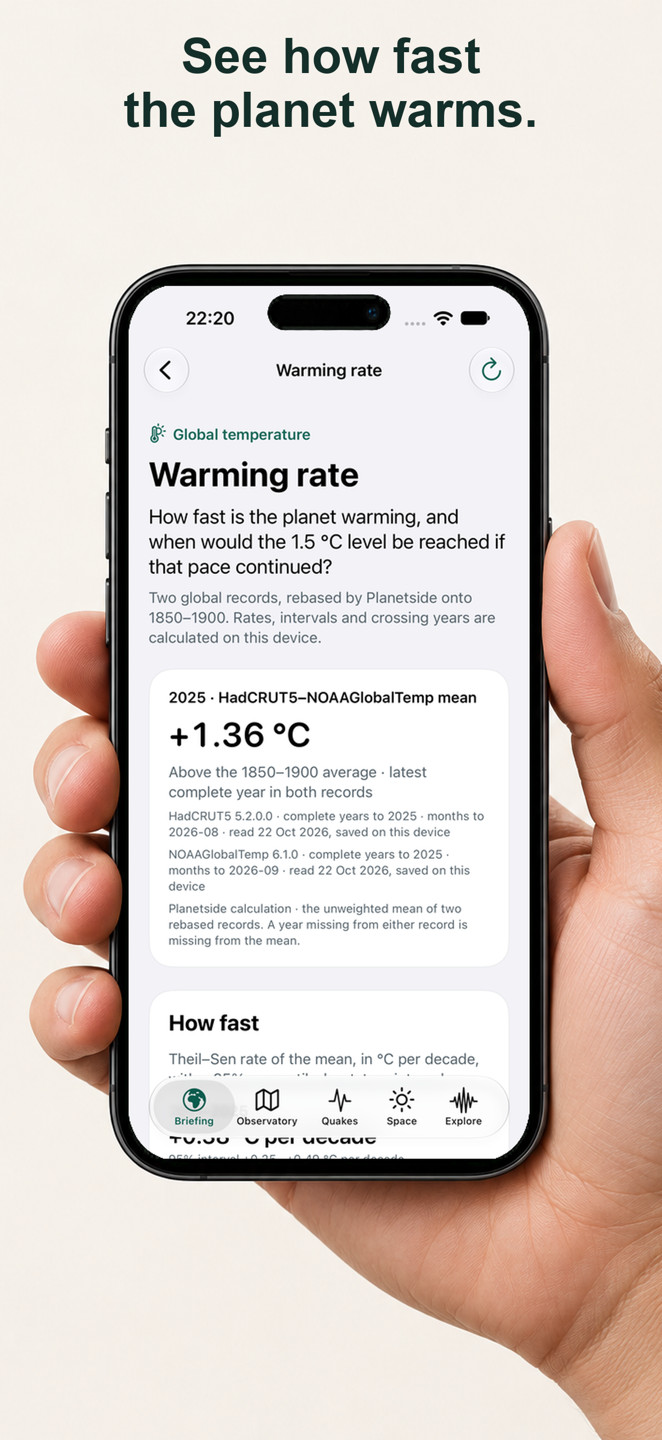
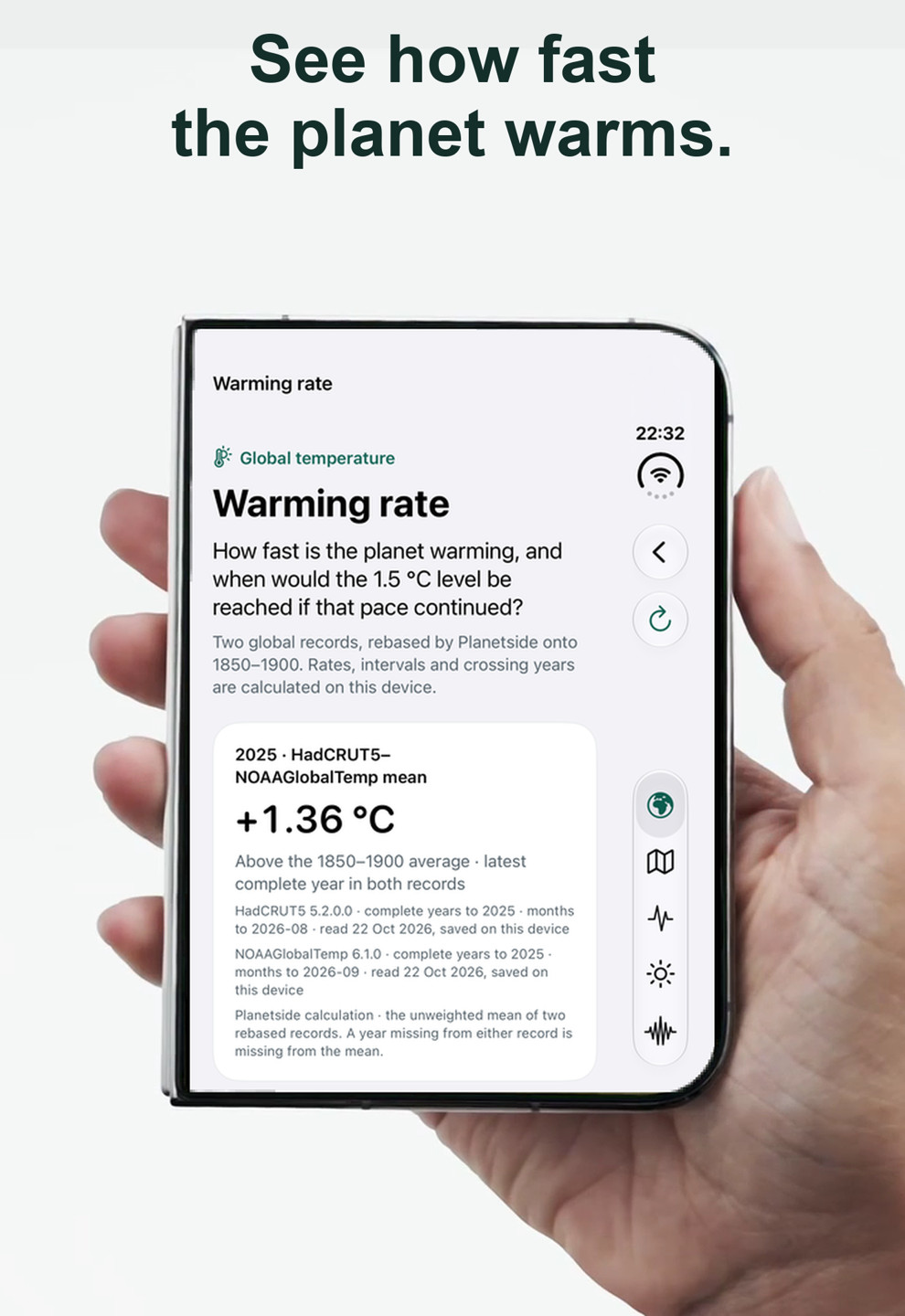
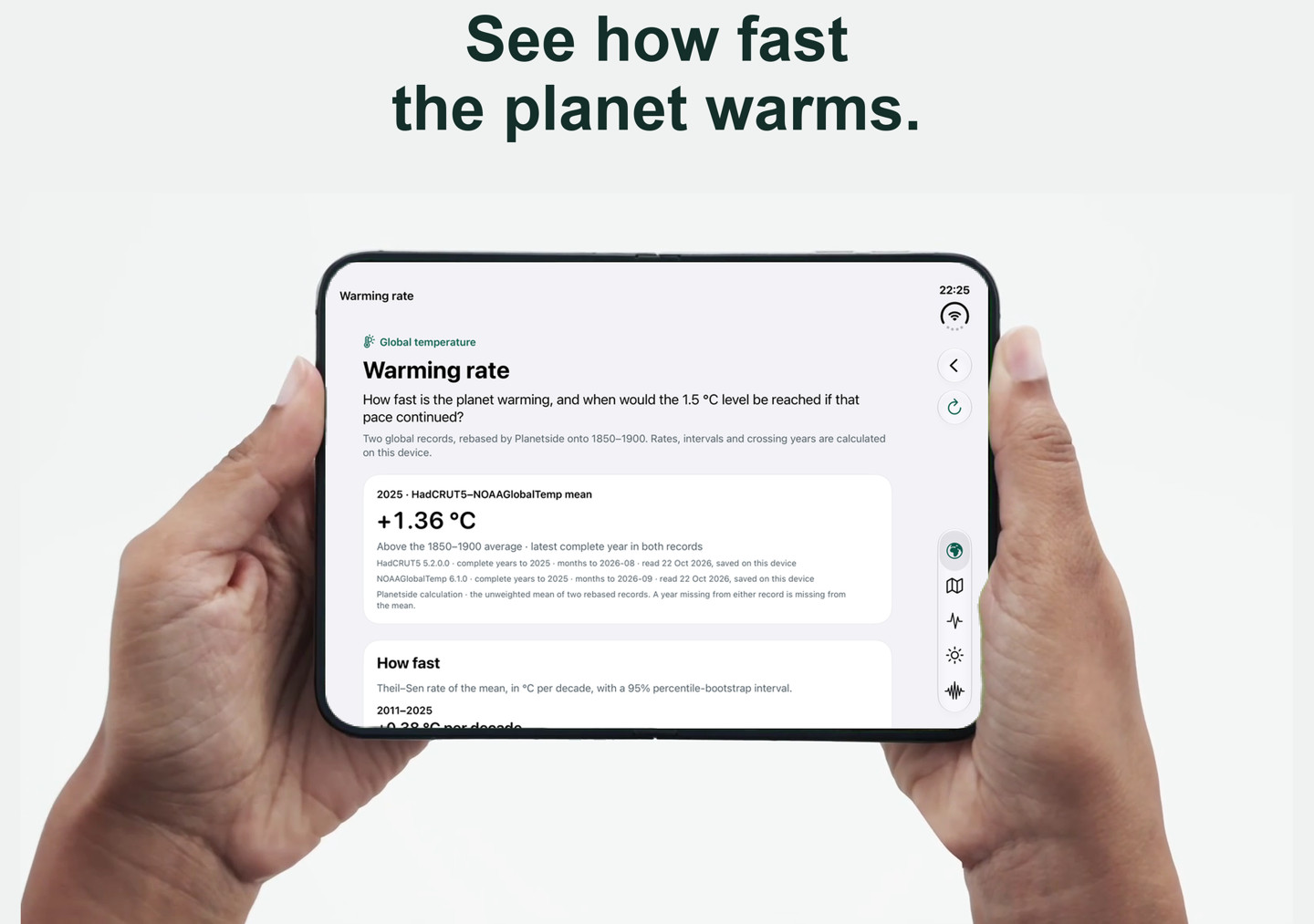
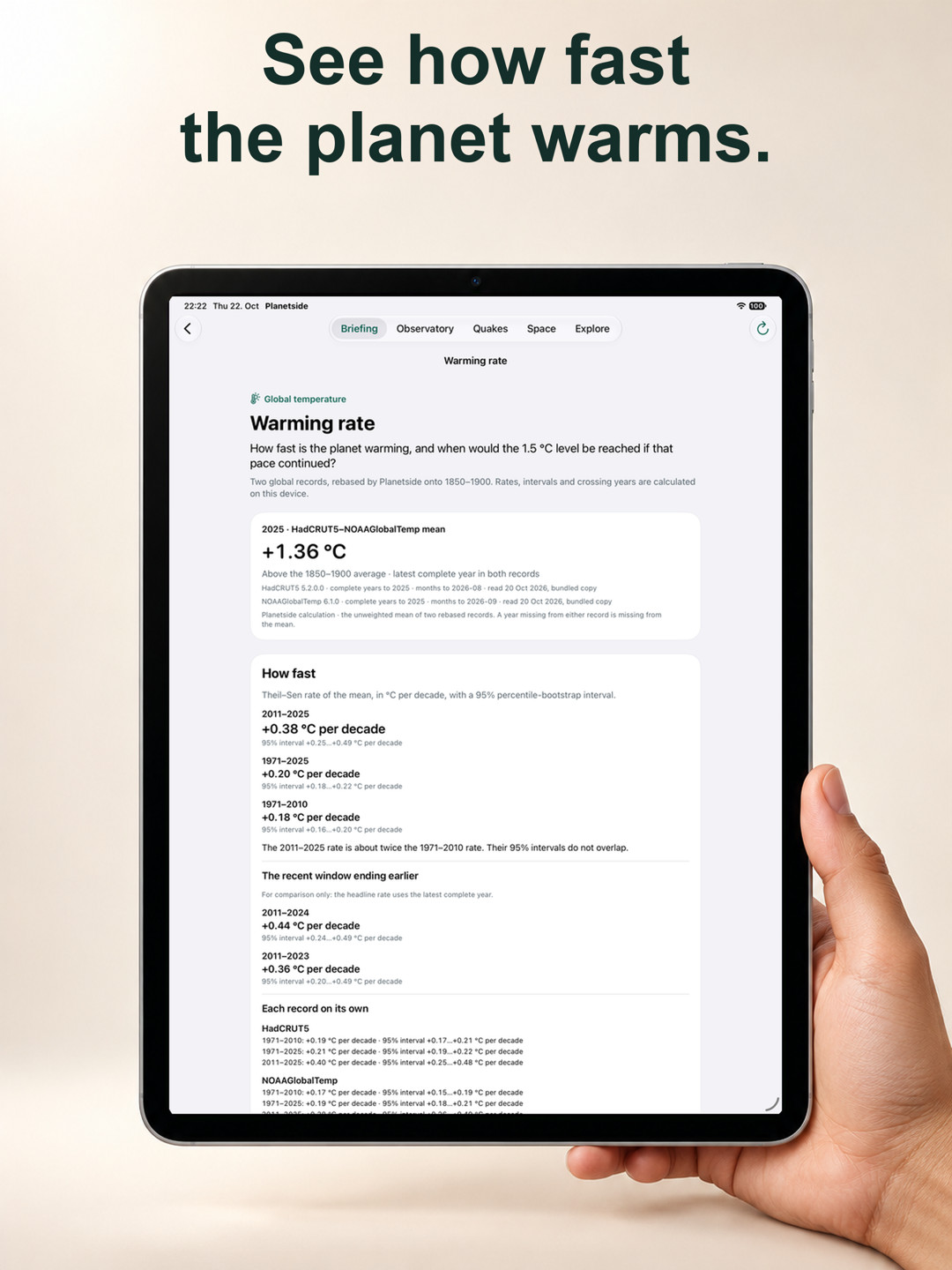
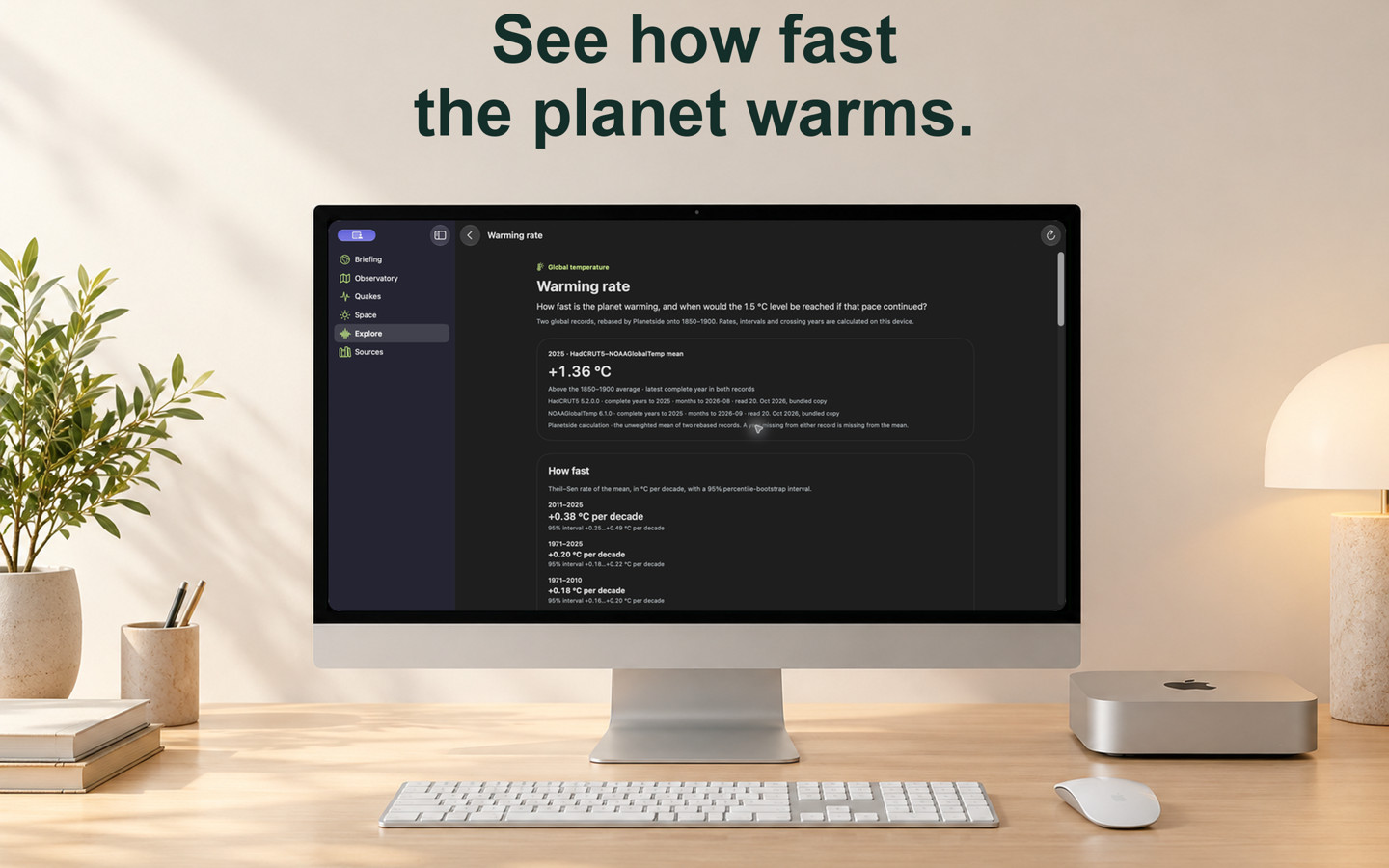
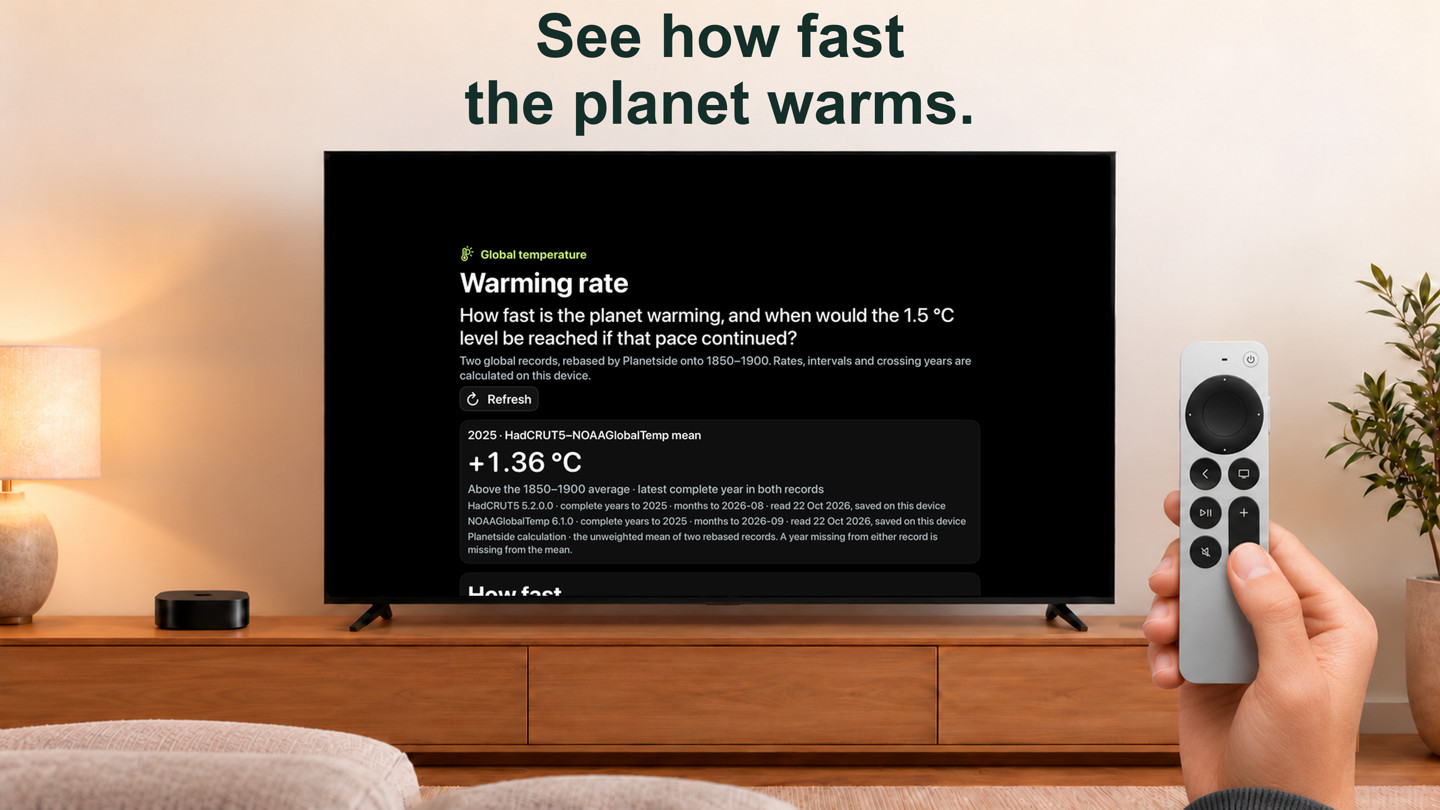
- HadCRUT5 and NOAAGlobalTemp, rebased to 1850–1900 and averaged, with complete years only. GISTEMP keeps its own page on its own 1880–1900 reference.
- Warming rates over several windows use a robust slope with bootstrap ranges. The page shows when the 20-year average would cross 1.5 °C and 2.0 °C if each rate continues, and says plainly when a rate never reaches a level.
- These are conditional calculations by Planetside, not predictions or IPCC assessments. Open it from Briefing, Explore or search (“warming rate”, “1.5”, “Paris”).
Find a place, save a way back
- Use Places in the Observatory to find a city or address with Apple Maps, choose a suggested place or reopen a saved one. Search sends your query to Apple only when you submit it; suggestions and saved places work without location permission.
- Near me requests a fresh location fix to position the map at the accuracy the system permits. The place’s dated readings appear above the layer controls, with its outlook below. A failed Apple Weather refresh at the same city retains its earlier forecast and retrieval age.
- Save a place explicitly with a name and stated precision: about 100 m or an approximate 10 km area. A location fix defaults to the approximate area. Reopen it from Briefing, Explore, Places or Aurora; remove one place or the whole list on the device.
- Reopening a saved place asks for the latest available weather. The Observatory also restores supported layers and a selected model time on this device; if that time has left the forecast, it names the missing time and returns to now. Named saved views remain future work. Saving a place never turns on earthquake alerts.
Observatory: weather now and next
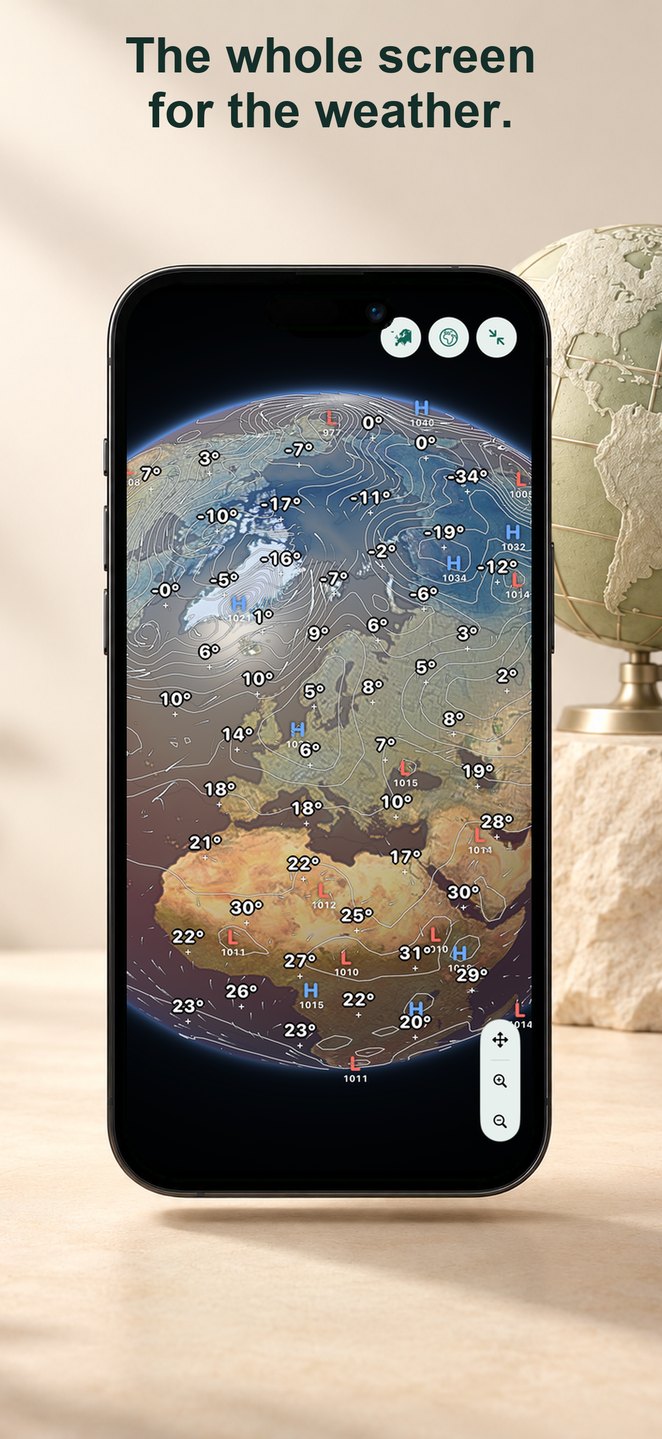
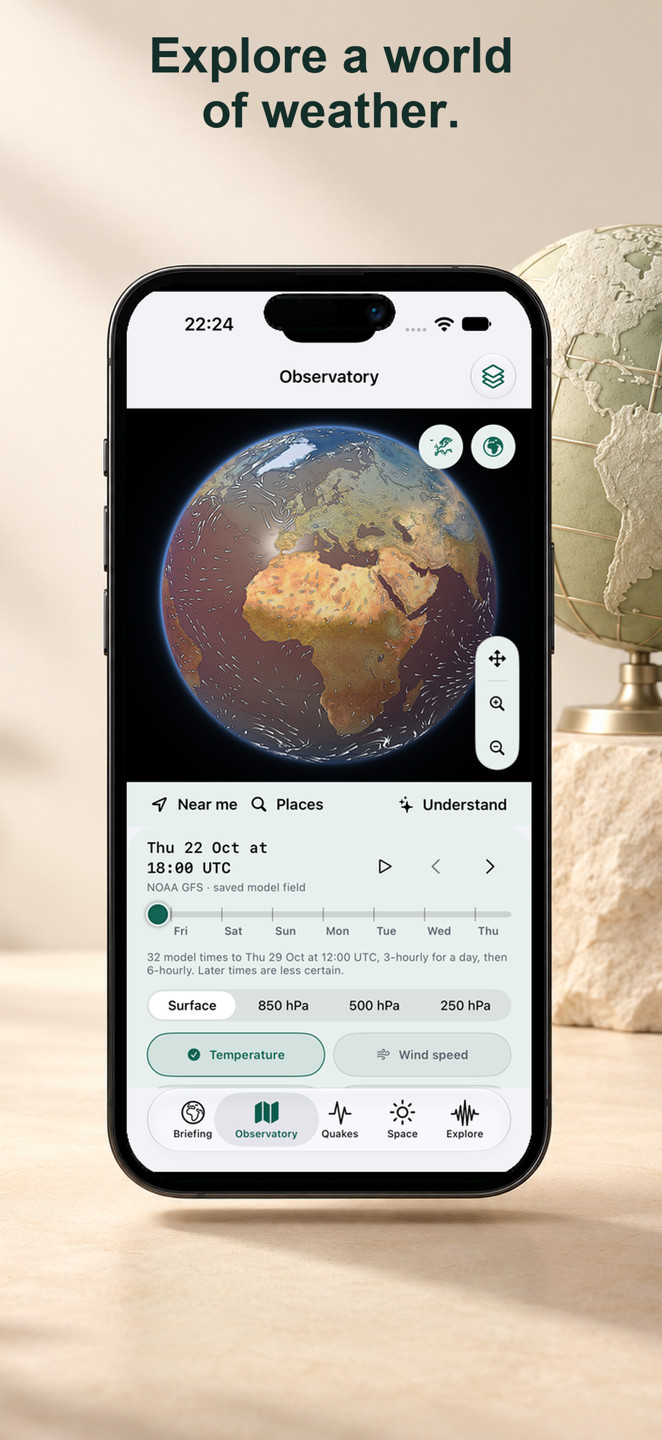
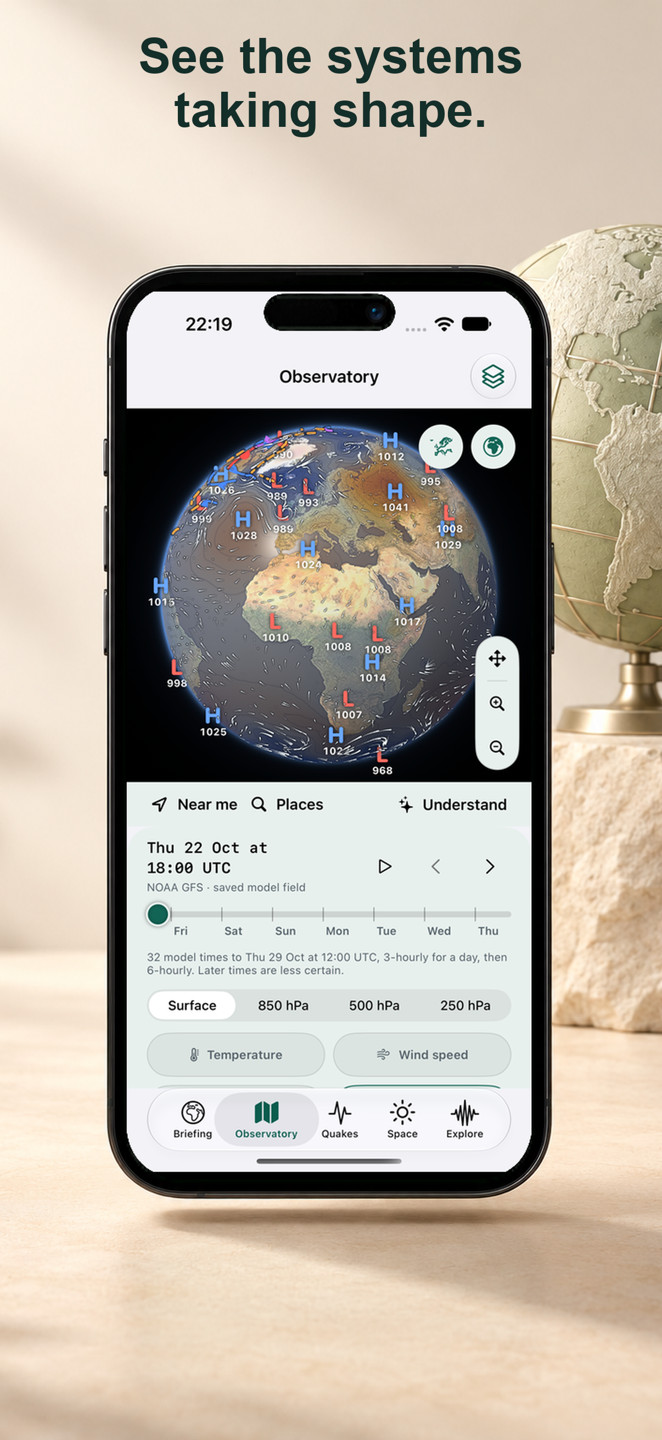
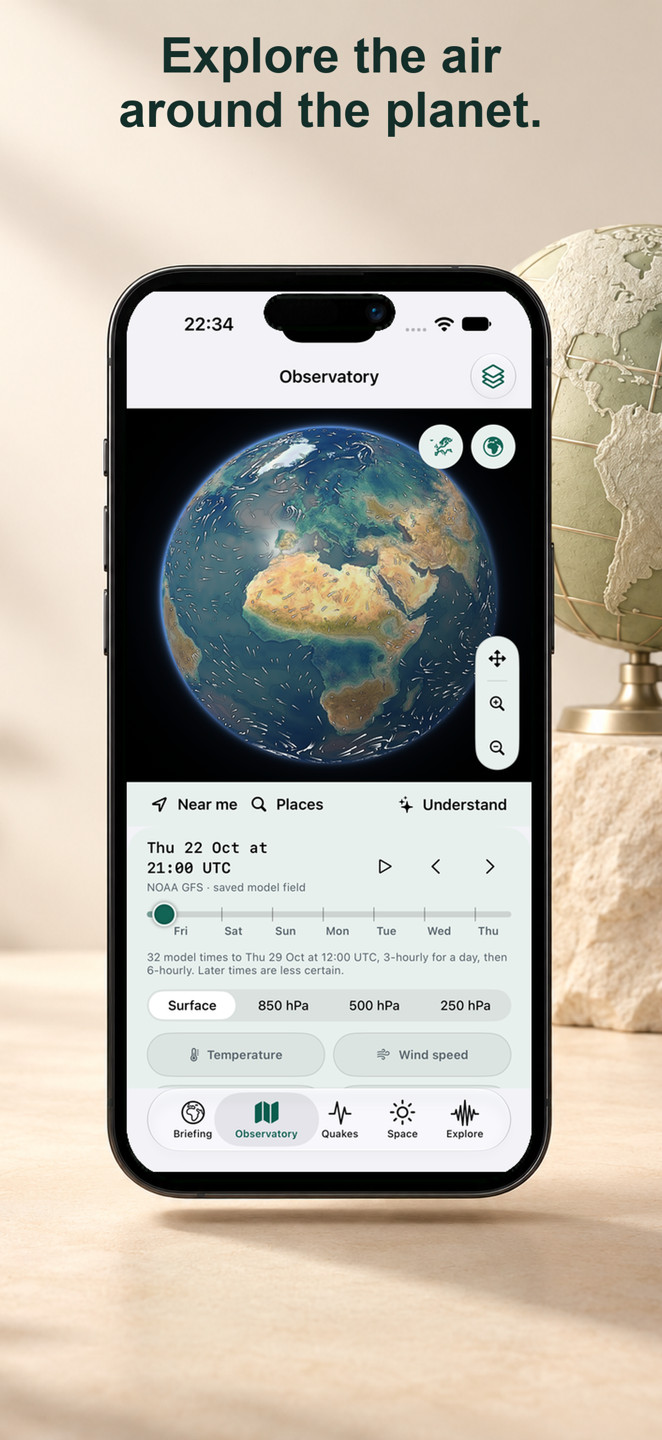
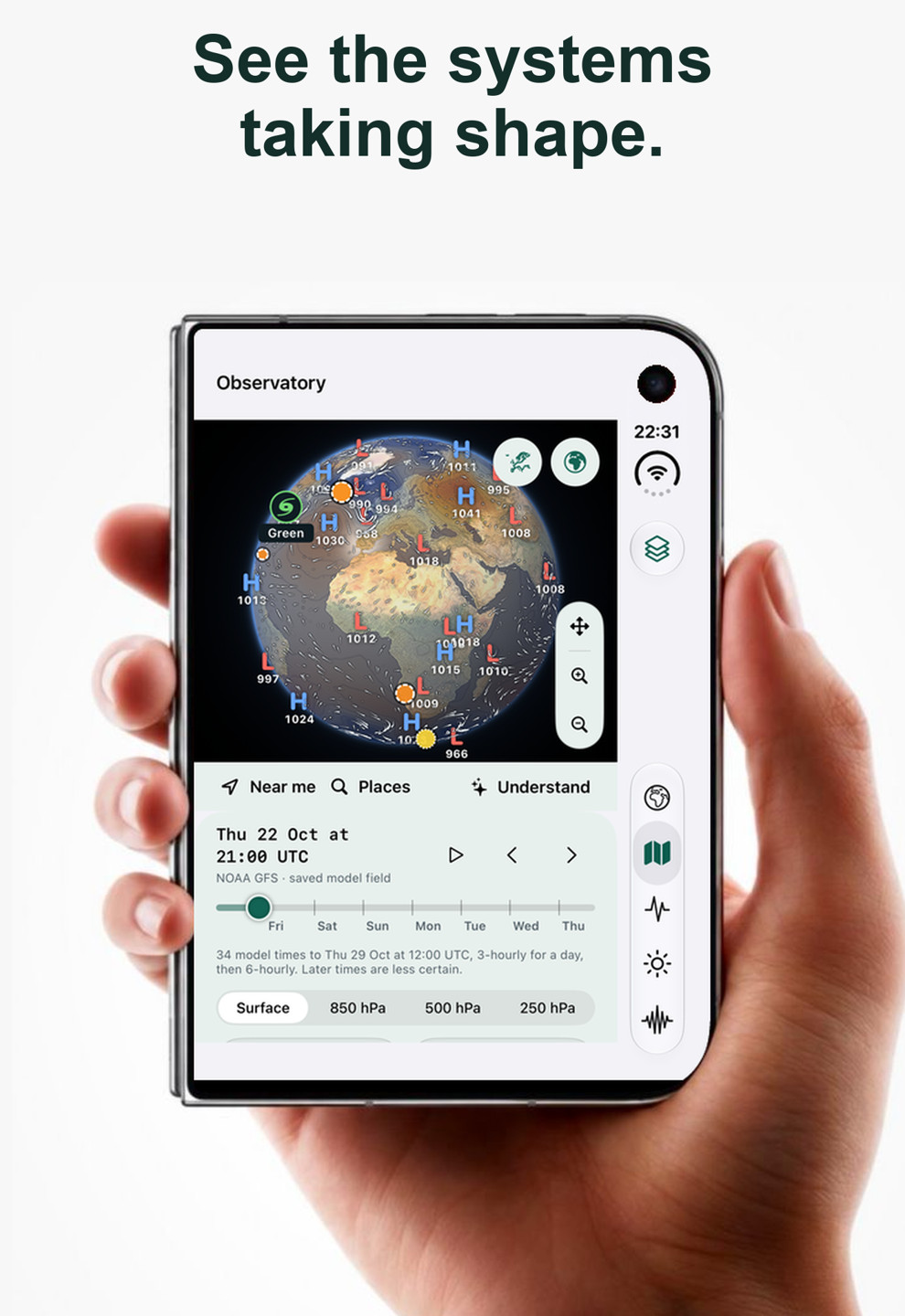
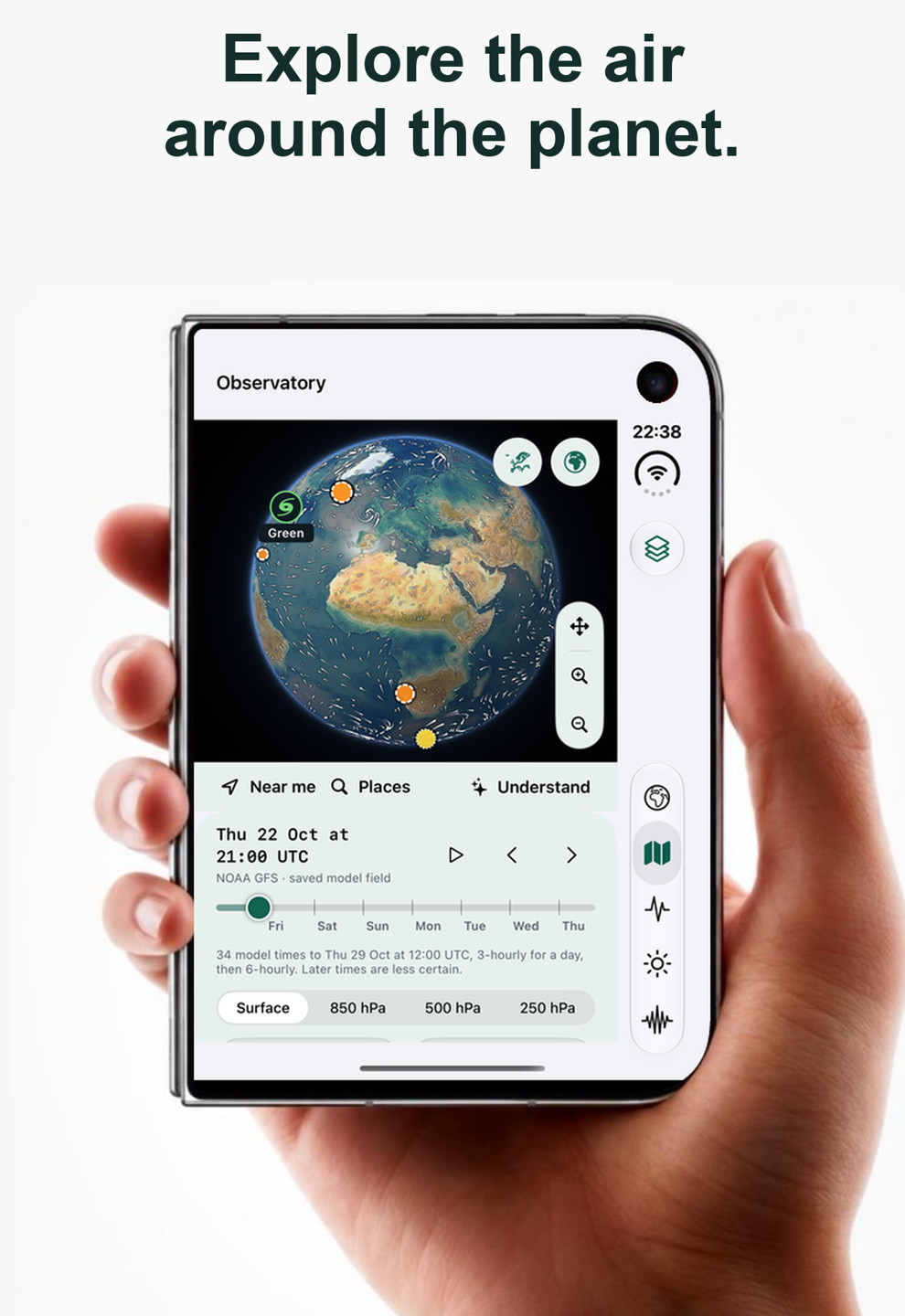
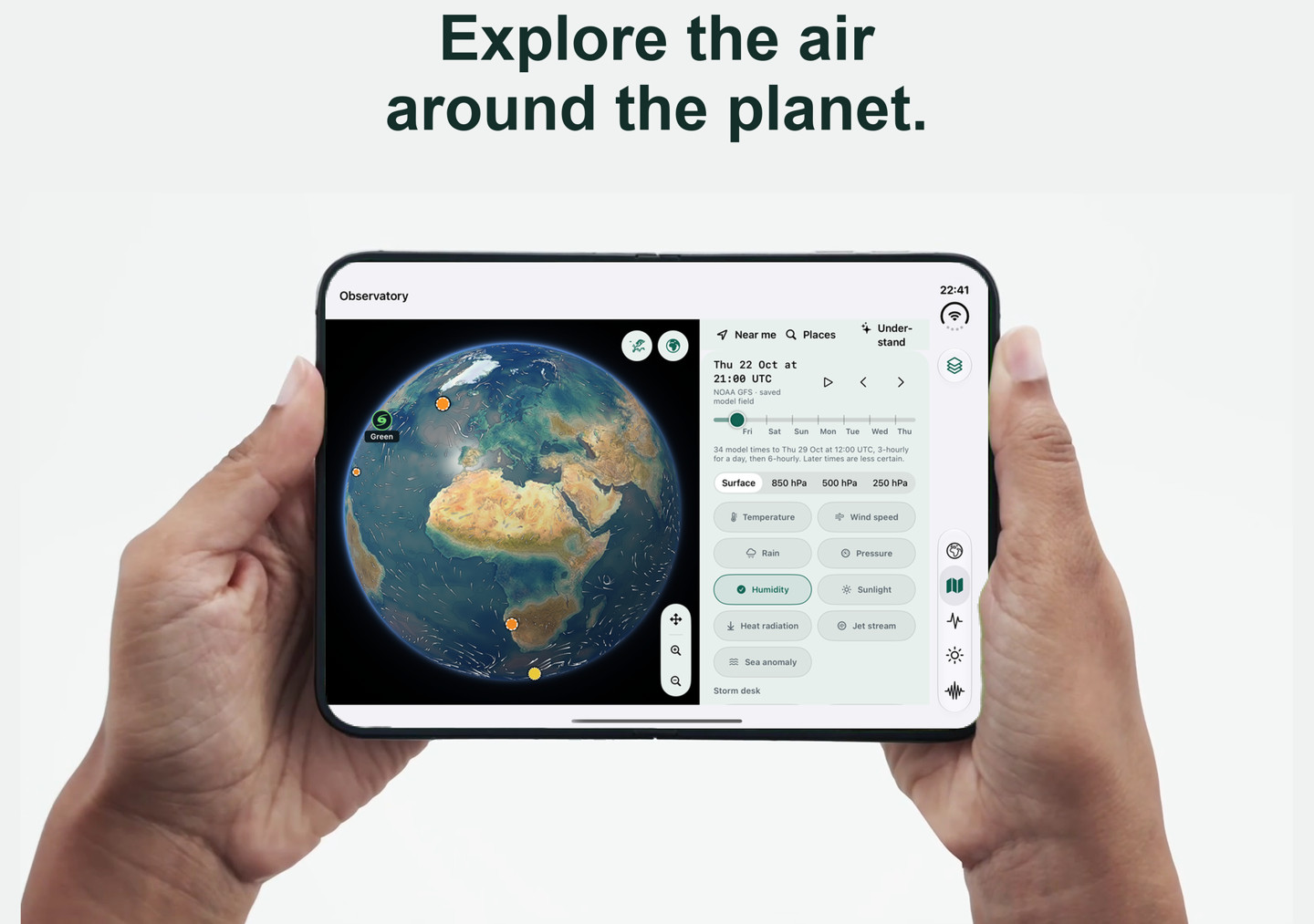
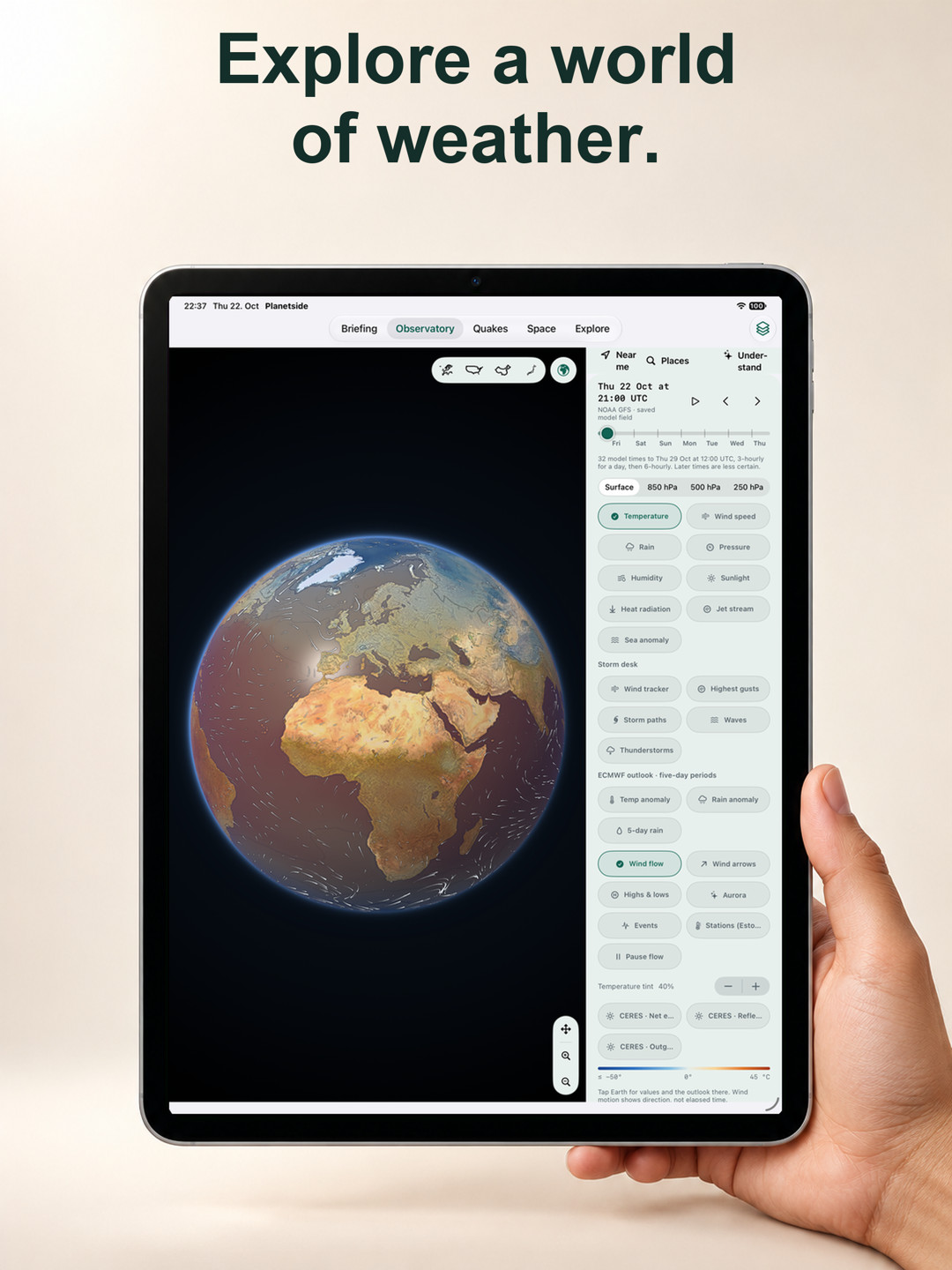
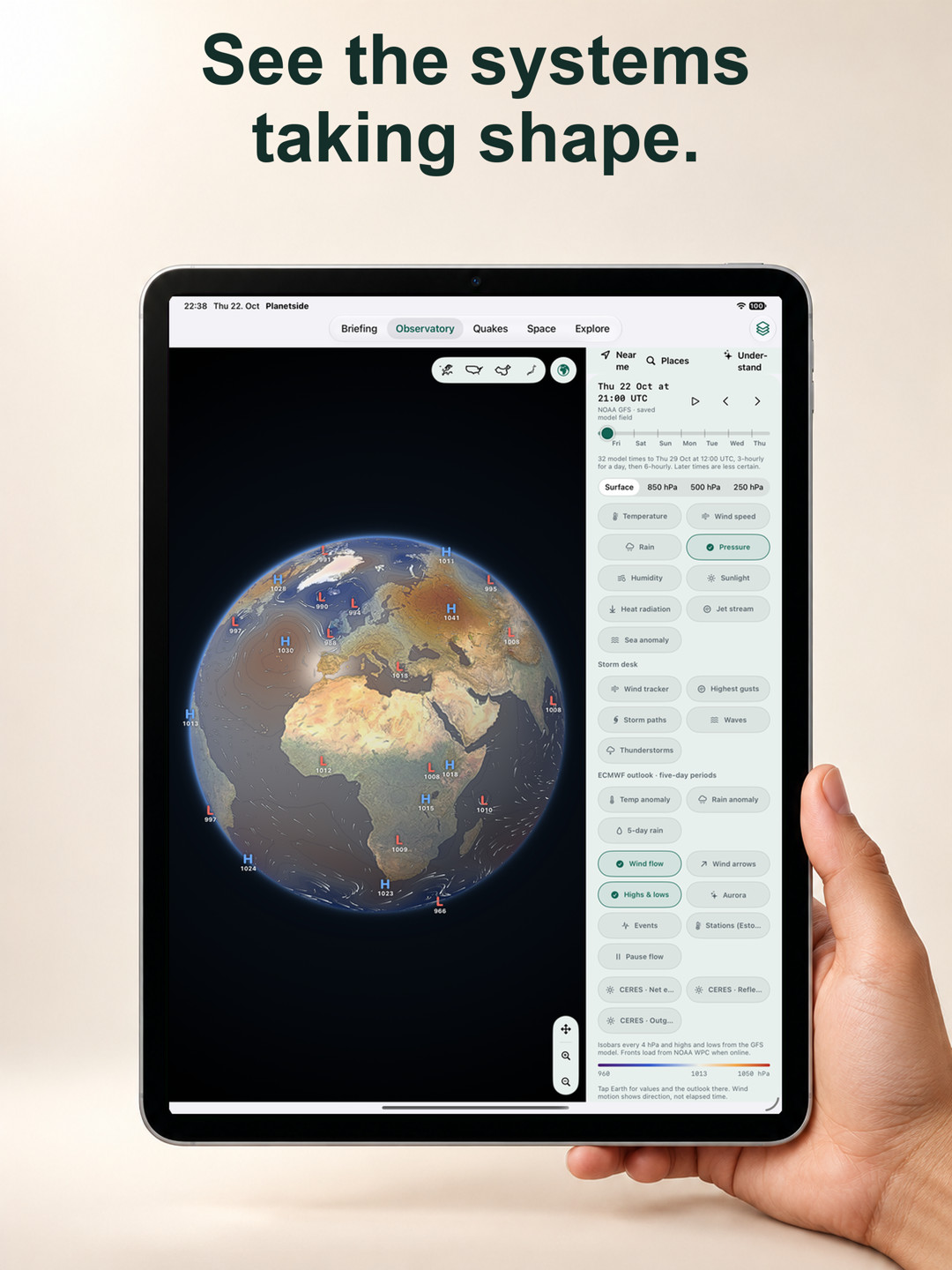
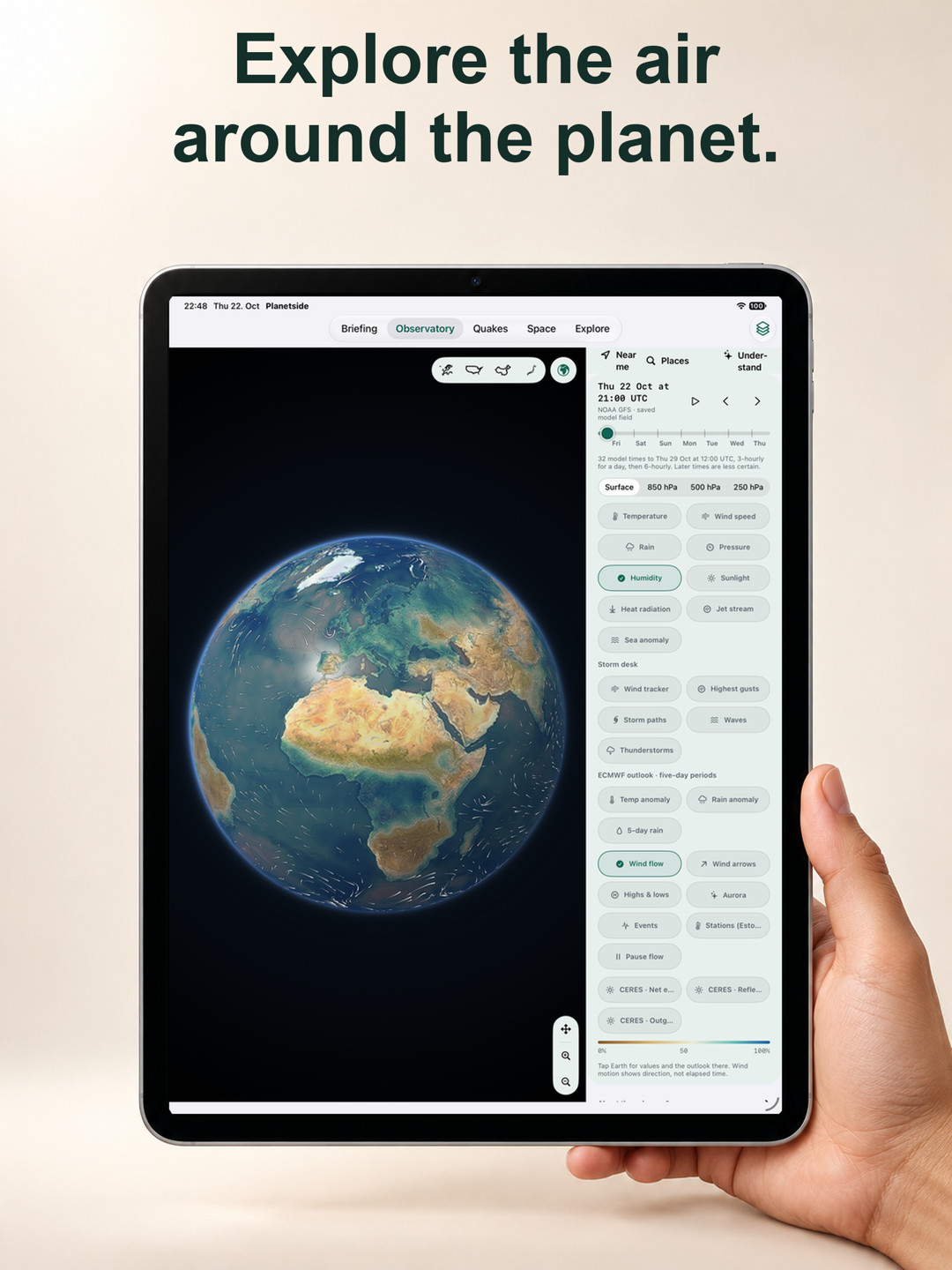
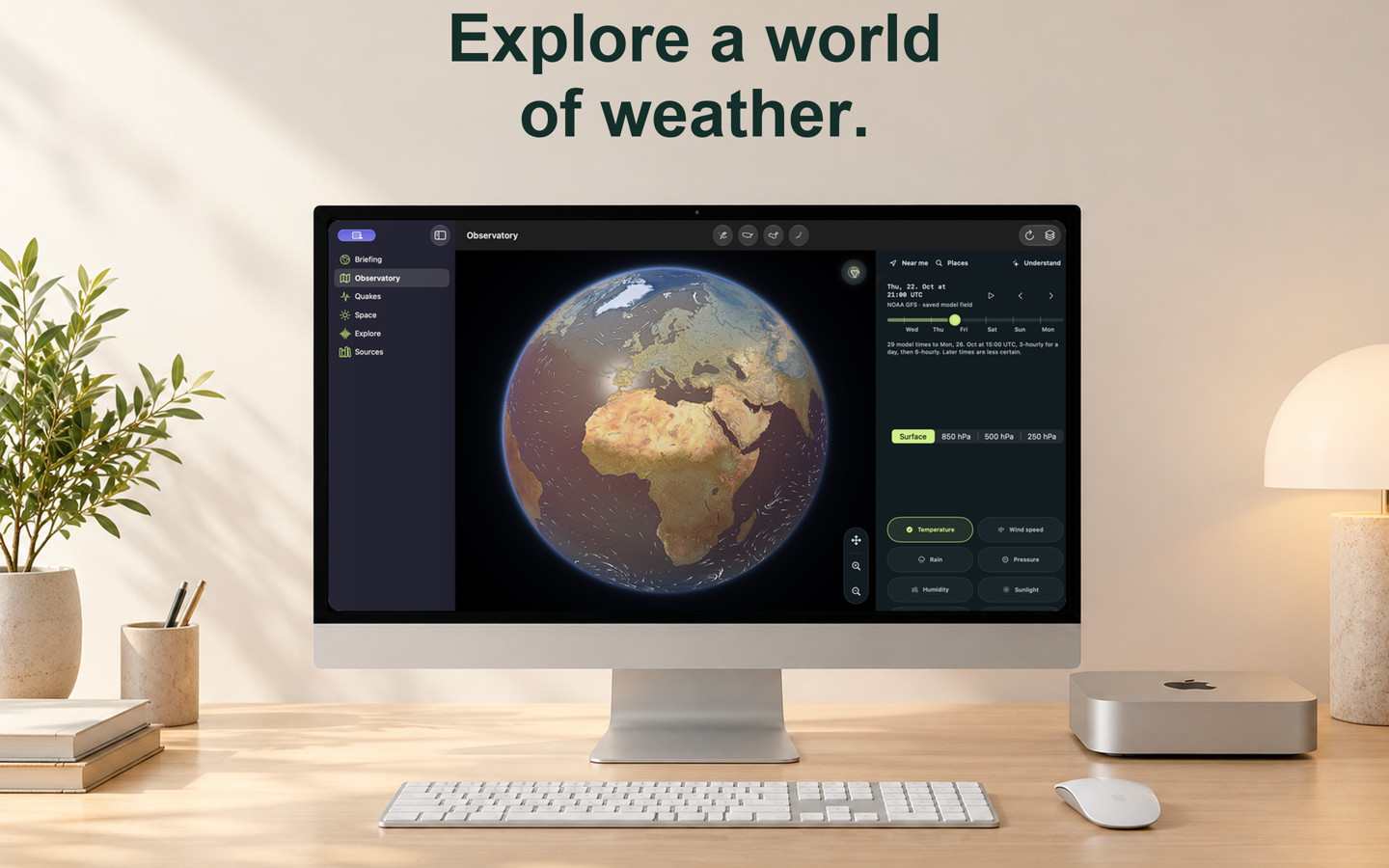
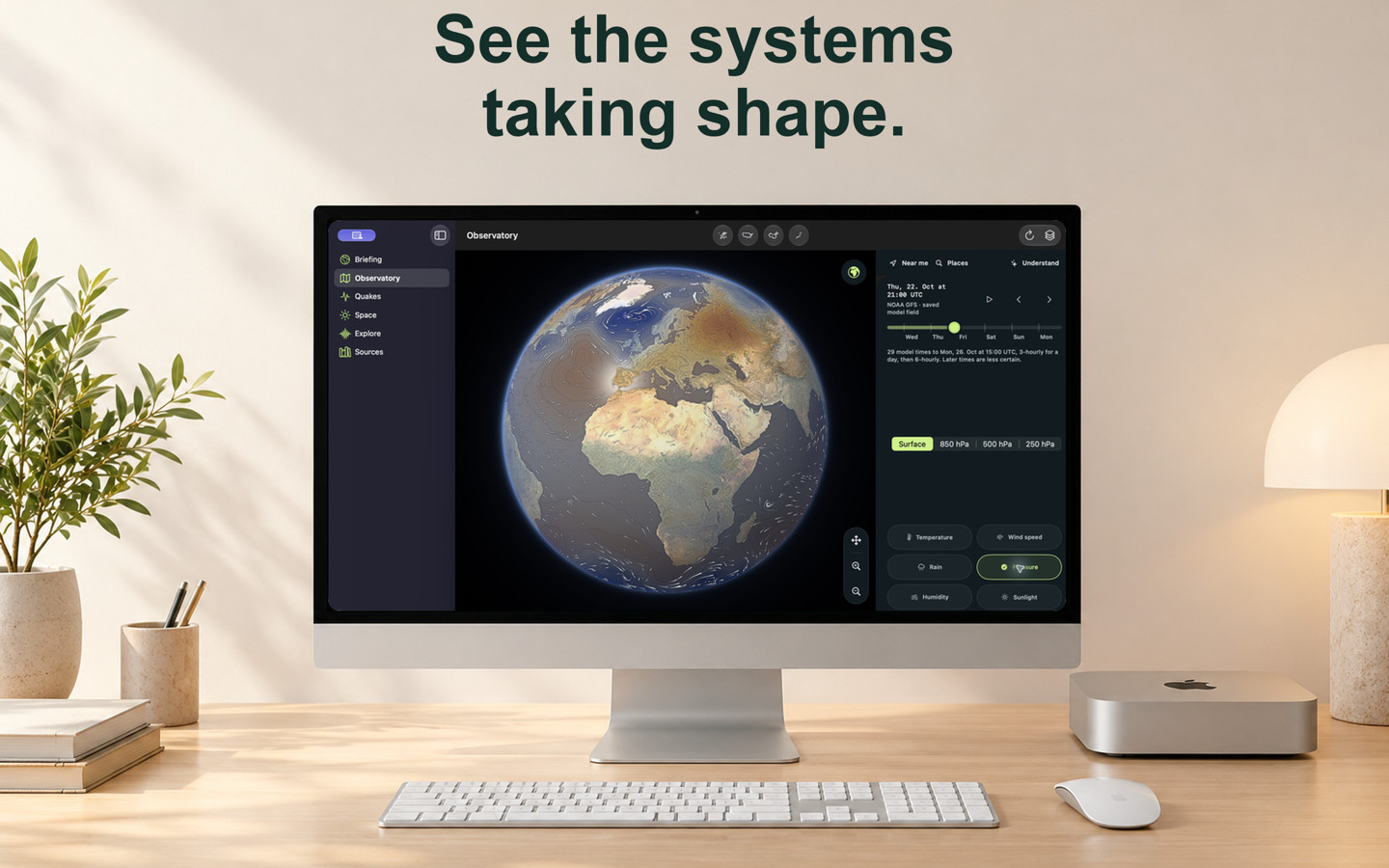
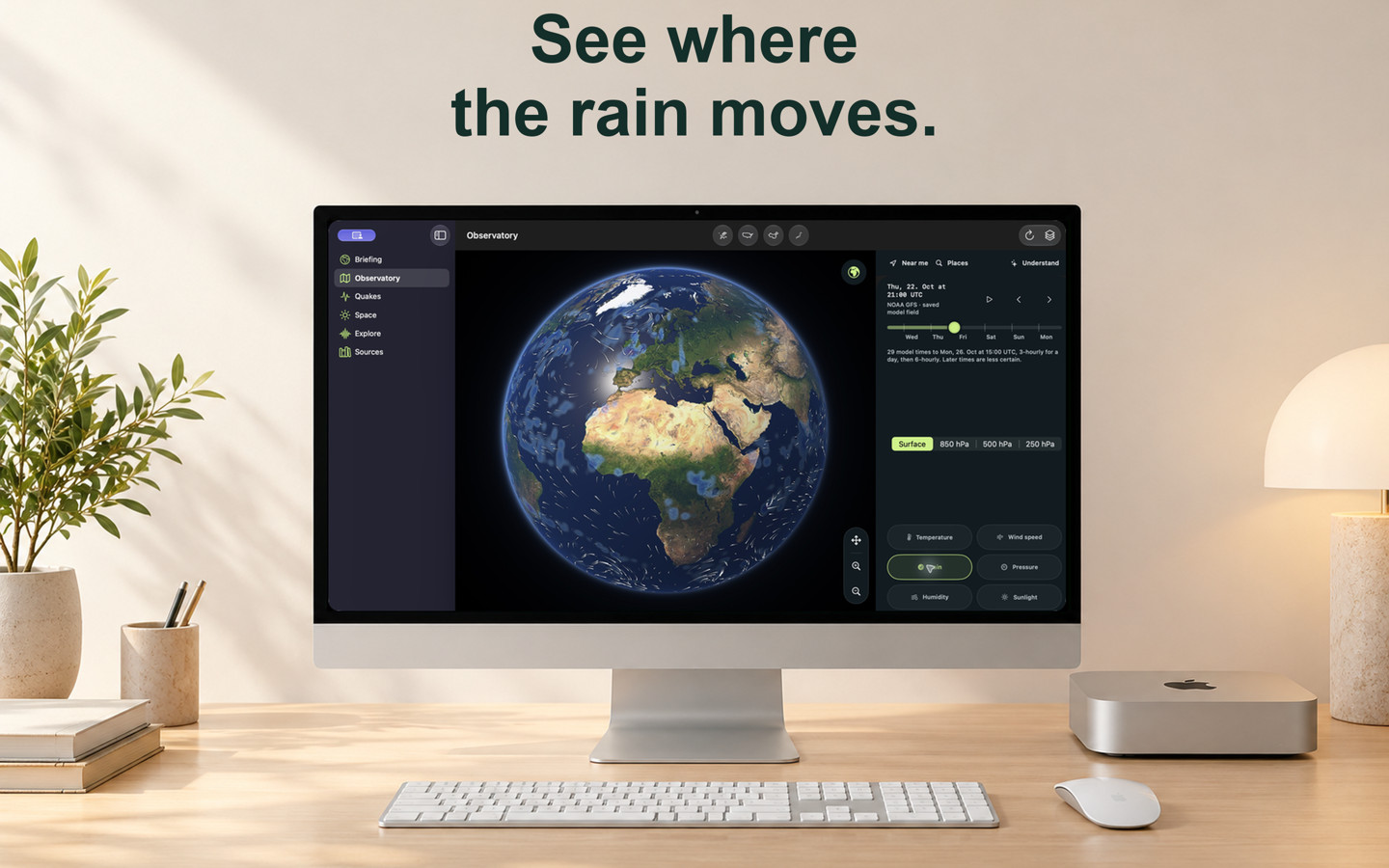
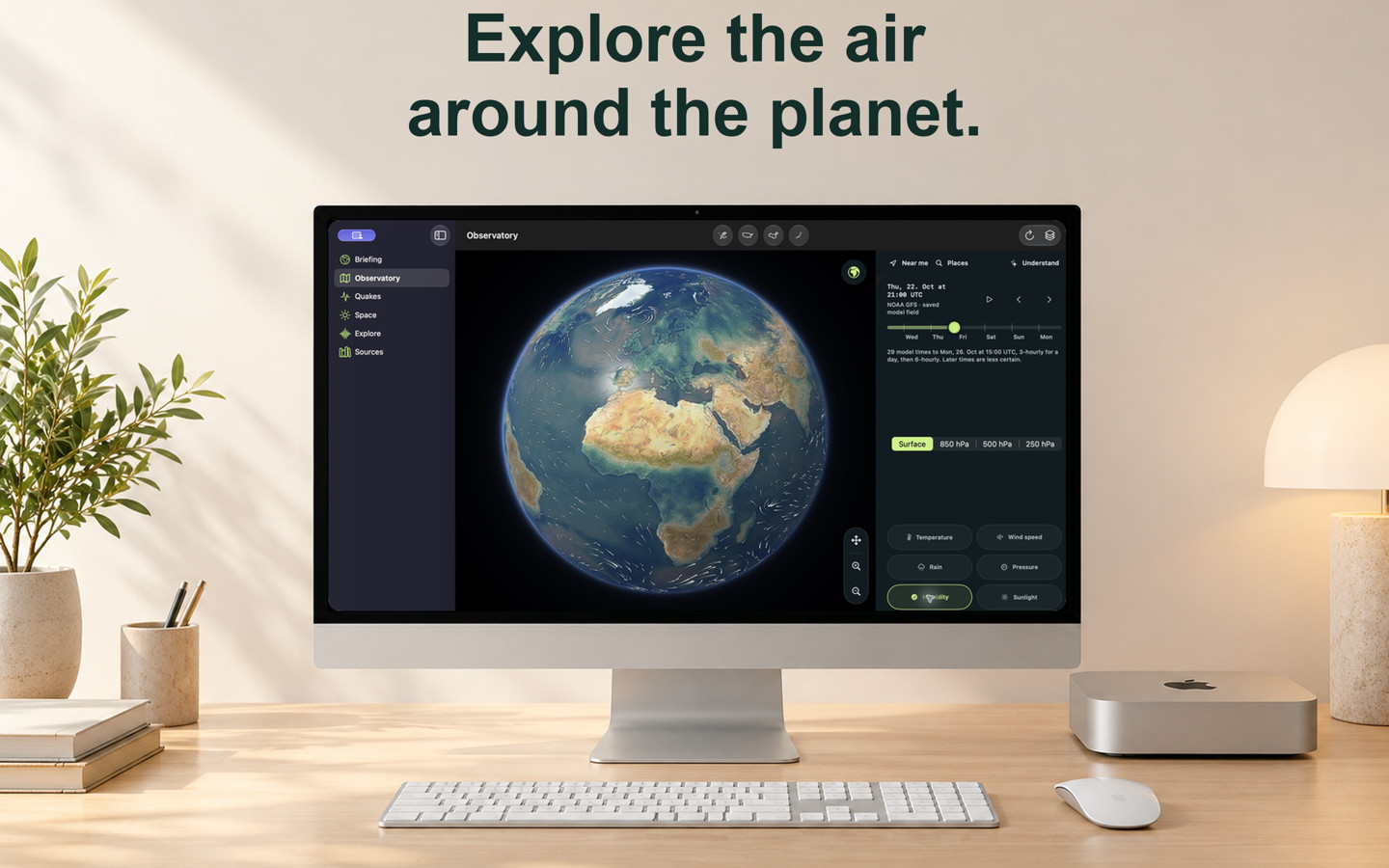
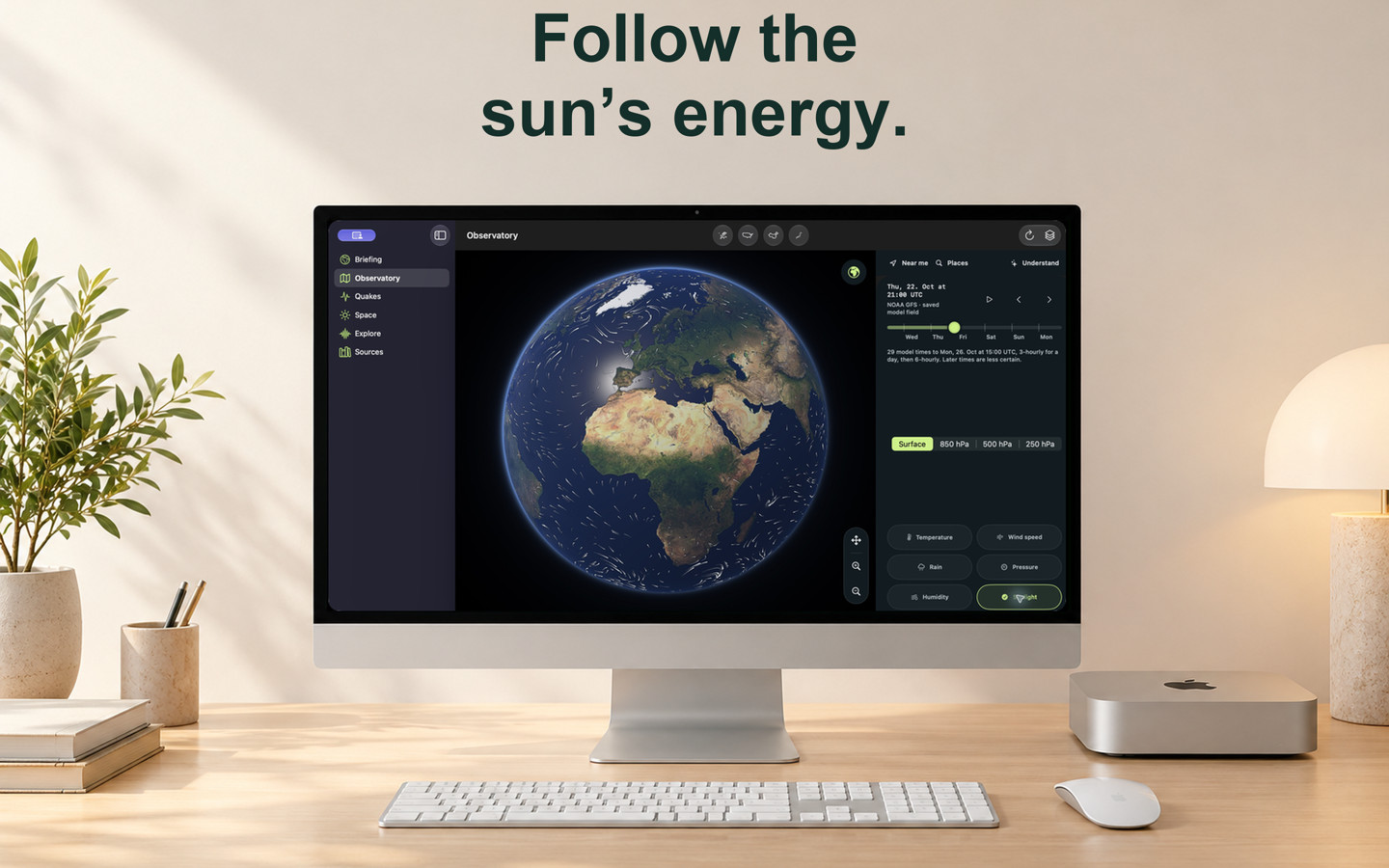
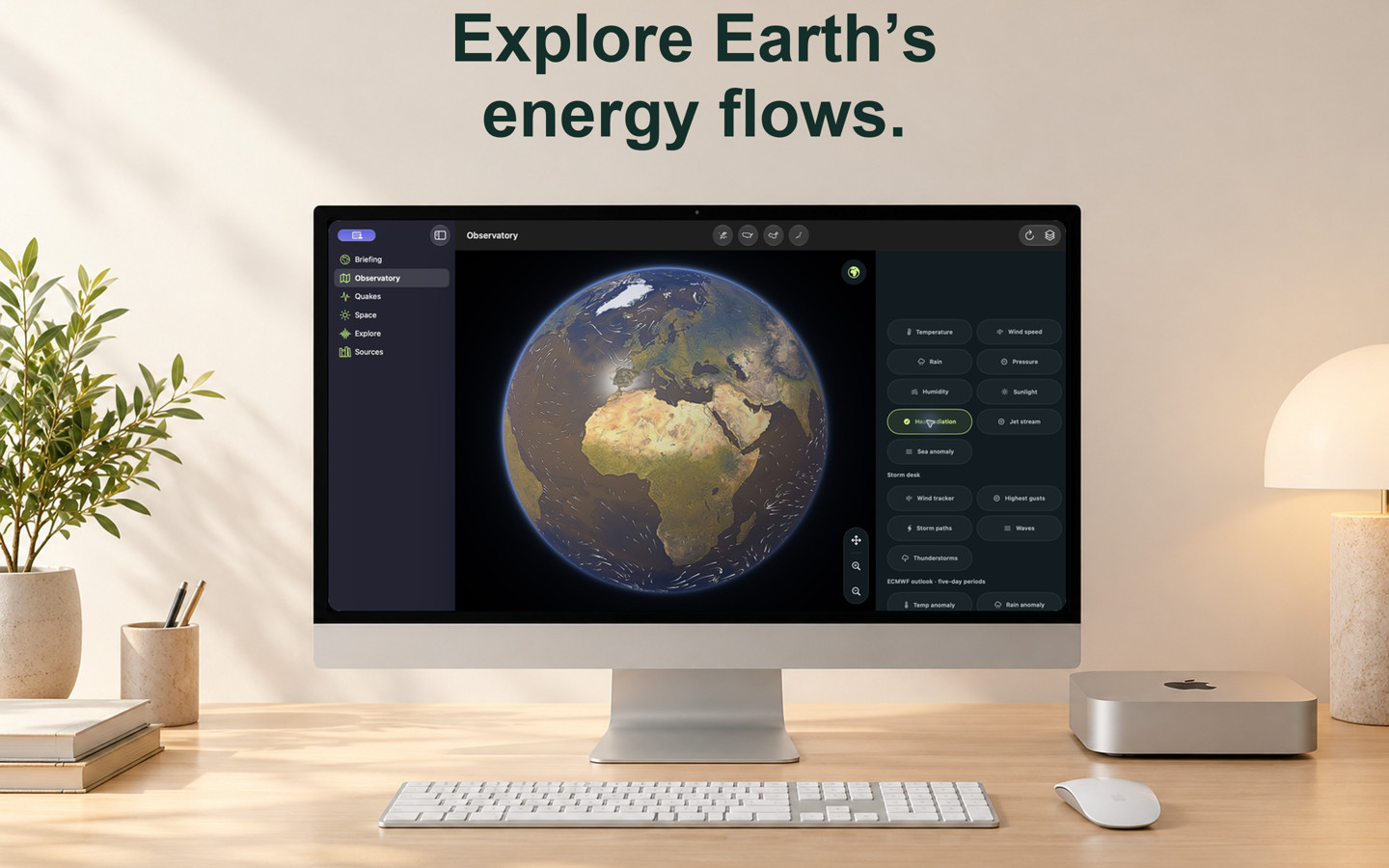
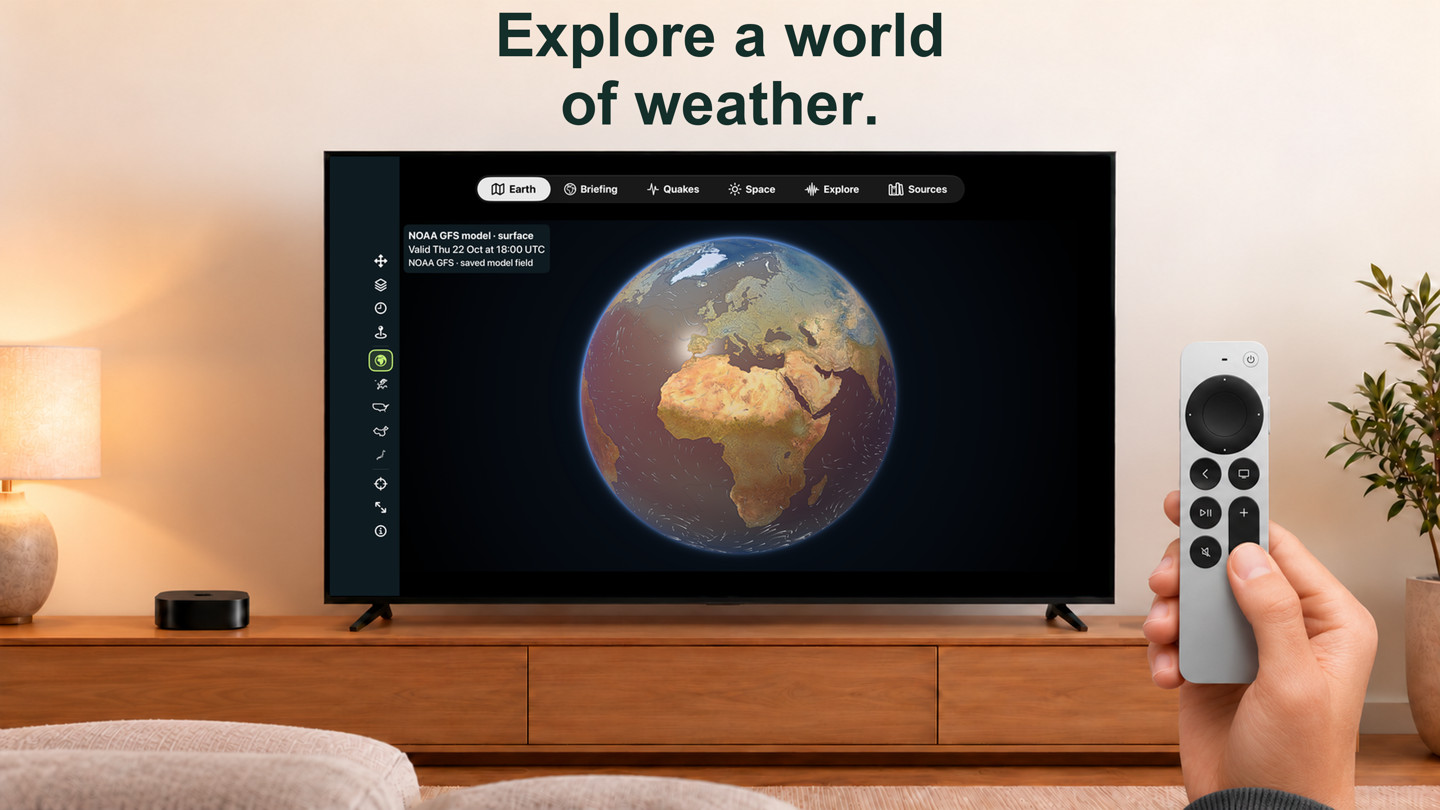
- Rotate, pinch and twist one weather globe. Choose temperature, wind speed, rain, pressure, humidity, sunlight or downward heat radiation. Adjustable tint keeps geography readable alongside exact values.
- Explore temperature and wind at the surface or 850, 500 and 250 hPa, with a dedicated jet stream tracker. Pressure levels are model surfaces, not fixed heights above the ground; their available forecast times can differ.
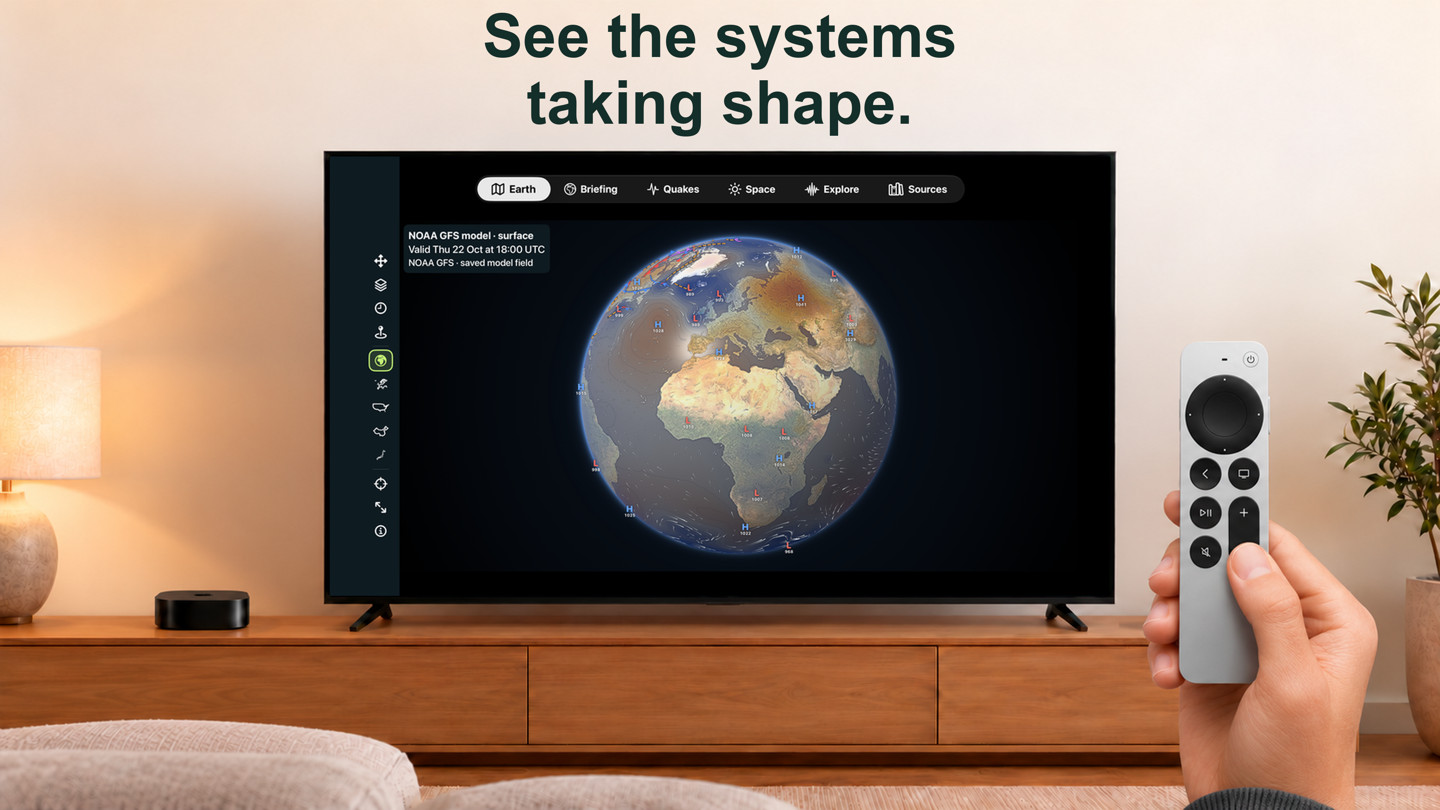
- Add directional wind flow, isobars with highs and lows, NOAA WPC’s dated North American fronts, the aurora oval or Earth-event markers. Region buttons frame Europe, the USA, China or Japan in one tap.
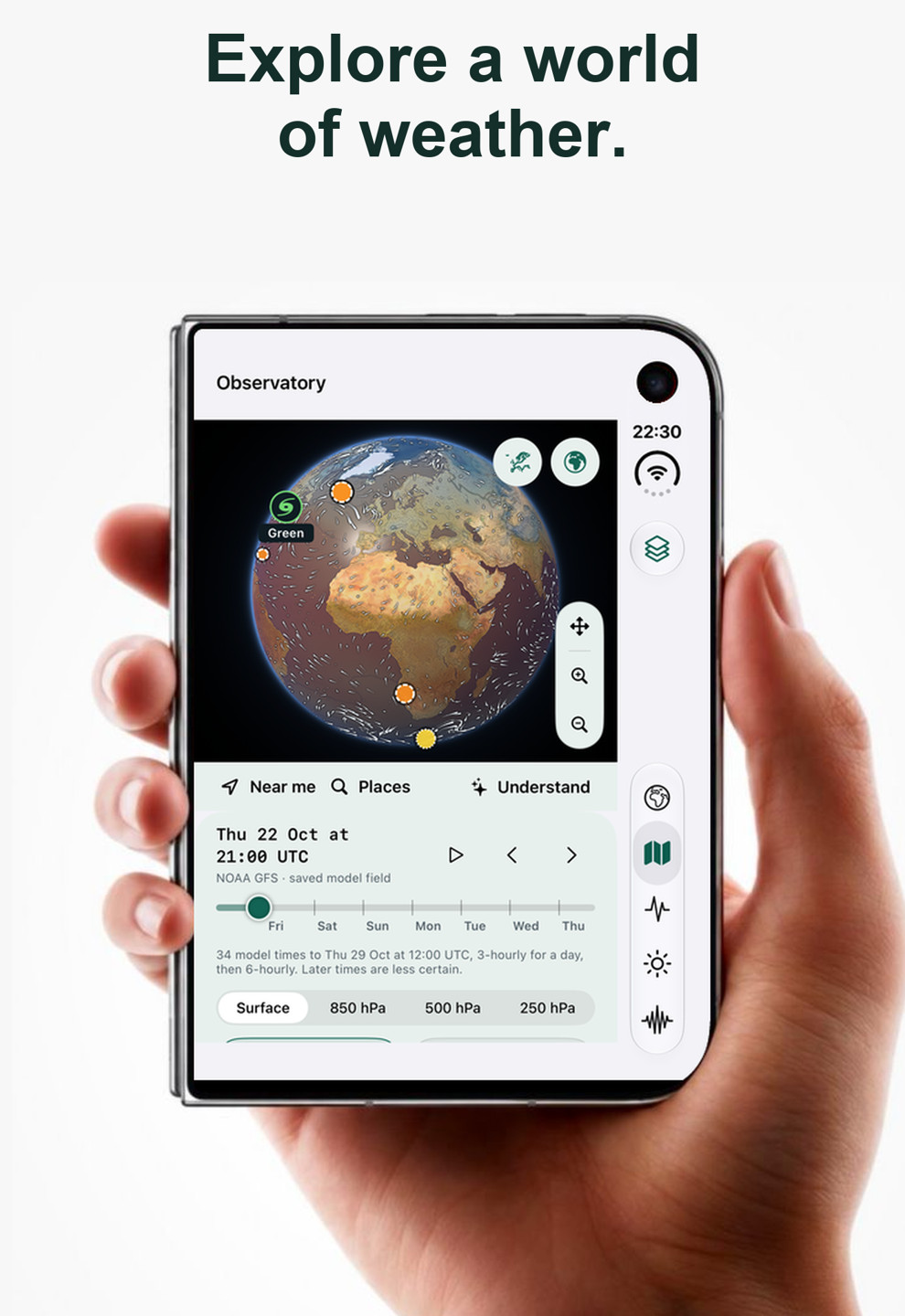
- Step through or play NOAA GFS to the end of its published run, usually about a week, including upper-air forecasts. The first day loads before later times; saved runs may cover less. Model valid time, retrieval time and saved status remain visible.
- Full screen: one button beside the region buttons gives the globe or the close-up map the whole screen, hiding the navigation, tab and status bars. Source and time labels, legends and markers stay; tap again to return to the page as you left it. Mouse and trackpad scrolling zoom the globe around the pointer on Mac and iPad.
- Specialist control groups start folded on compact screens, while active layers stay visible. Your open/closed choices are kept; at large text sizes, the controls leave more room for reading.
ECMWF: five-day outlooks and rain totals
- Choose Temp anomaly, Rain anomaly or 5-day rain on the globe. Compare days 1–5, 6–10 and 11–15 of an ECMWF IFS control forecast, with the run and exact window dates visible.
- Temperature and precipitation anomalies are Planetside’s calculations against WeatherBench 2’s ERA5 1990–2019 average on 1.5° cells. Tap a cell for its forecast, reference average and signed difference; these are area averages.
- 5-day rain shows accumulated precipitation in millimetres, including rain and melted snow, averaged over 0.5° cells. It is a total over the selected window, distinct from the globe’s instantaneous rain rate.
- The layers use one deterministic run and reach 15 days. They do not provide the 46-day ensemble outlook or ECMWF’s own model-climate anomalies. Rain in a single run becomes especially uncertain beyond a few days. Moving the GFS timeline keeps the ECMWF window fixed.
- Downloads respect Low Data Mode and offer an explicit Download anyway choice; one temperature window uses about 14 MB. Previously loaded windows and bundled examples keep their original dates offline. Unavailable windows remain labelled as unavailable.
Jet stream: follow the fast upper-air flow
- Choose Jet stream or search for “jet stream” to move to NOAA GFS winds at 250 hPa, about 10 km up. Follow wind-speed shading, bright jet-axis lines, downstream chevrons and labelled streak-core speeds.
- The tracker describes the nearest jet axis to your chosen place: distance, compass direction, wind speed and flow direction. Step or play through the available upper-air forecast, usually about a week.
- Jet axes and streak cores are Planetside’s analysis of the GFS winds. Axes require at least 30 m/s over 1,000 km; the 2° model grid places them only to about 200 km. These are regional model features, not precise overhead measurements.
Zoom from the globe into a city
- Keep zooming into Apple Maps satellite imagery, terrain and 3D buildings. The chosen place and forecast time follow you; zoom out to return to the globe at the same place and heading.
- At city zoom, Apple Weather supplies a local hourly forecast when available. Temperature, wind, rain or snow, pressure, humidity, cloud cover and visibility have labelled values and map scales. Local forecasts show their provider and time; unavailable or out-of-range requests have an explicit fallback.
- Rain, snow, cloud haze, visibility and daylight effects accompany wind with directional arrowheads. Pause the wind or use Reduce Motion. These illustrate the forecast; they do not simulate air flowing around buildings, snow accumulation or flooding.
- A local layer applies one forecast uniformly within 3 km of its requested point; the regional GFS grid does not resolve streets. Sunlight and heat radiation retain their GFS source and time. Apple imagery and fresh local forecasts need a connection; map detail varies by place.
Earth’s energy: historical satellite maps
- Three NASA CERES EBAF top-of-atmosphere maps show net energy, reflected sunlight and outgoing heat, with their legends and analysis month.
- The current bundled maps show October 2018. They retain that historical date when you move the weather forecast; they do not show today’s global energy imbalance, and the app does not infer exact fluxes from image colours.
- For the weather forecast, separate GFS sunlight and downward heat-radiation fields show model values with their own source and valid time. They describe a different part of the energy flow from CERES’s top-of-atmosphere analysis.
One route to oceans, storms & Earth activity
- Explore Earth connects the globe to Quakes, the full Aurora tonight page, El Niño & La Niña, the Sea-level simulator and Nature under heat. Storms and hazards and Ocean stations are now layers on the same Observatory globe, so search, the Briefing’s trackers and source links open them there.
- Earthquake markers open the same rich event details as the Quakes catalogue. NOAA NDBC buoys and coastal stations show the measure you choose: wind arrows flying downwind and tinted by Beaufort force, or wave height, water or air temperature and pressure as labelled dots.
- NHC/CPHC storms cover the Atlantic and eastern/central Pacific, alongside elevated USGS US volcanoes and GDACS global alerts. GDACS estimates are labelled as automated estimates, not official warnings.
- Feeds refresh and save independently, retaining original dates after source failures. Saved observation lists work offline; the Apple basemap needs a connection.
Explore, seasons & monthly temperatures
- Search pages, globe layers, saved and suggested places, climate records and provider references together. Try “jet stream”, “temperature anomaly”, “rain totals”, “northern lights” or “El Niño”. Results label reference websites separately from implemented app layers.
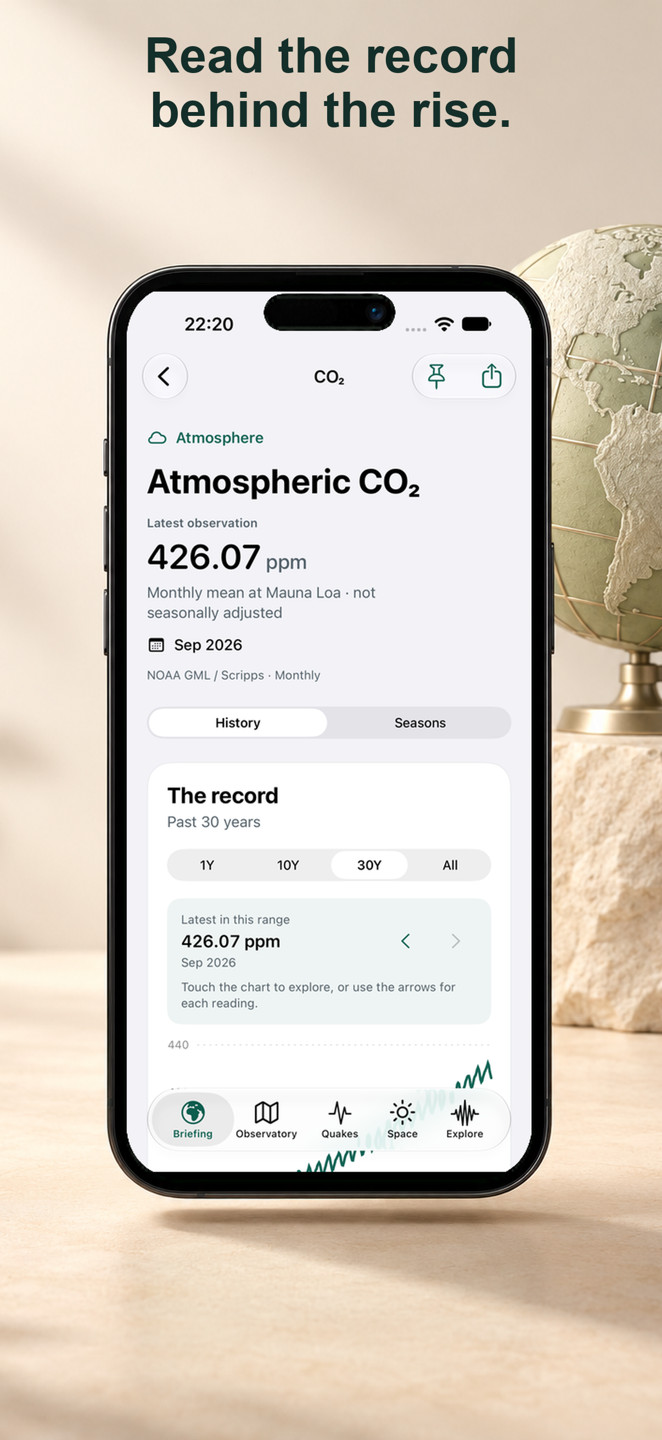
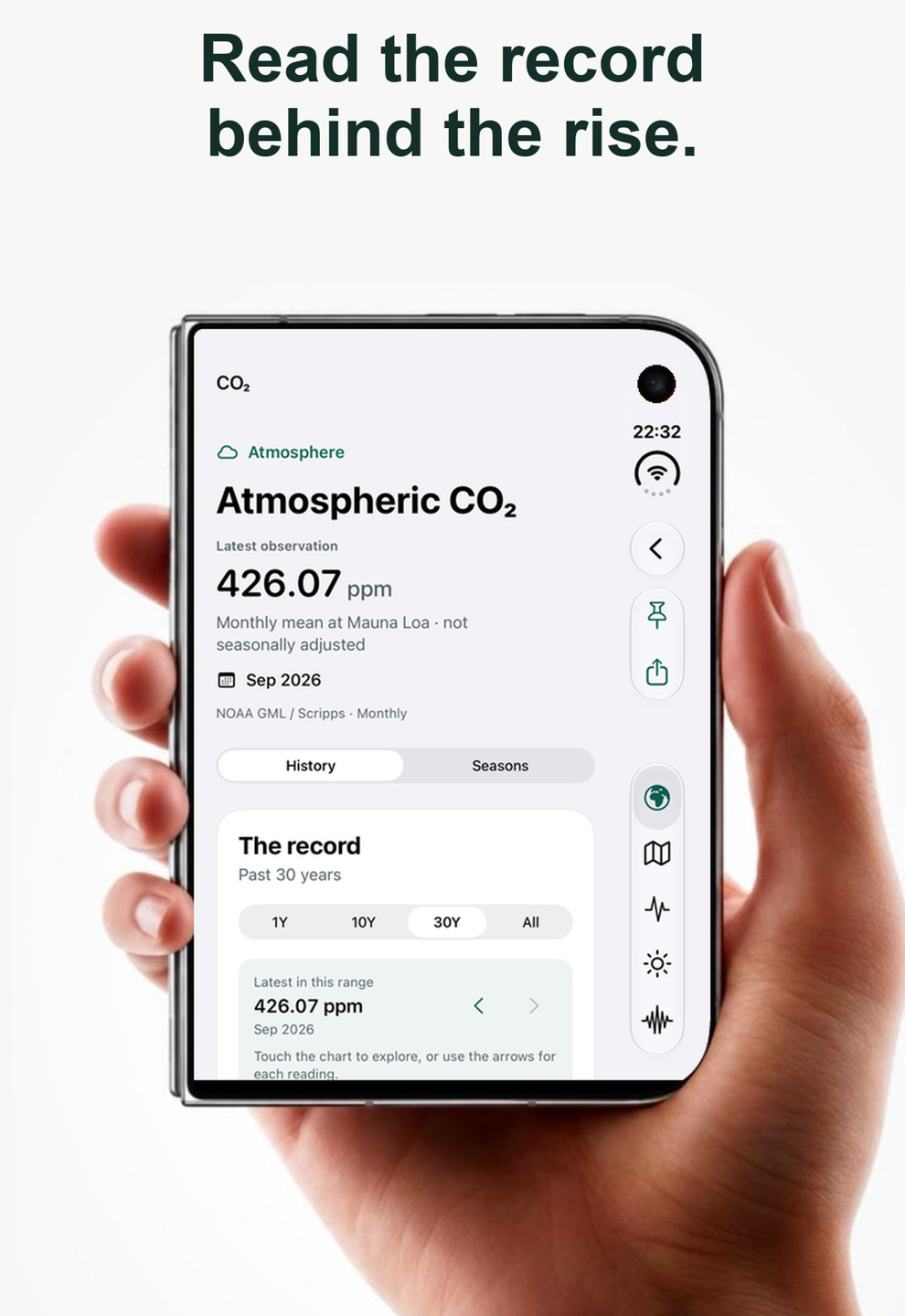
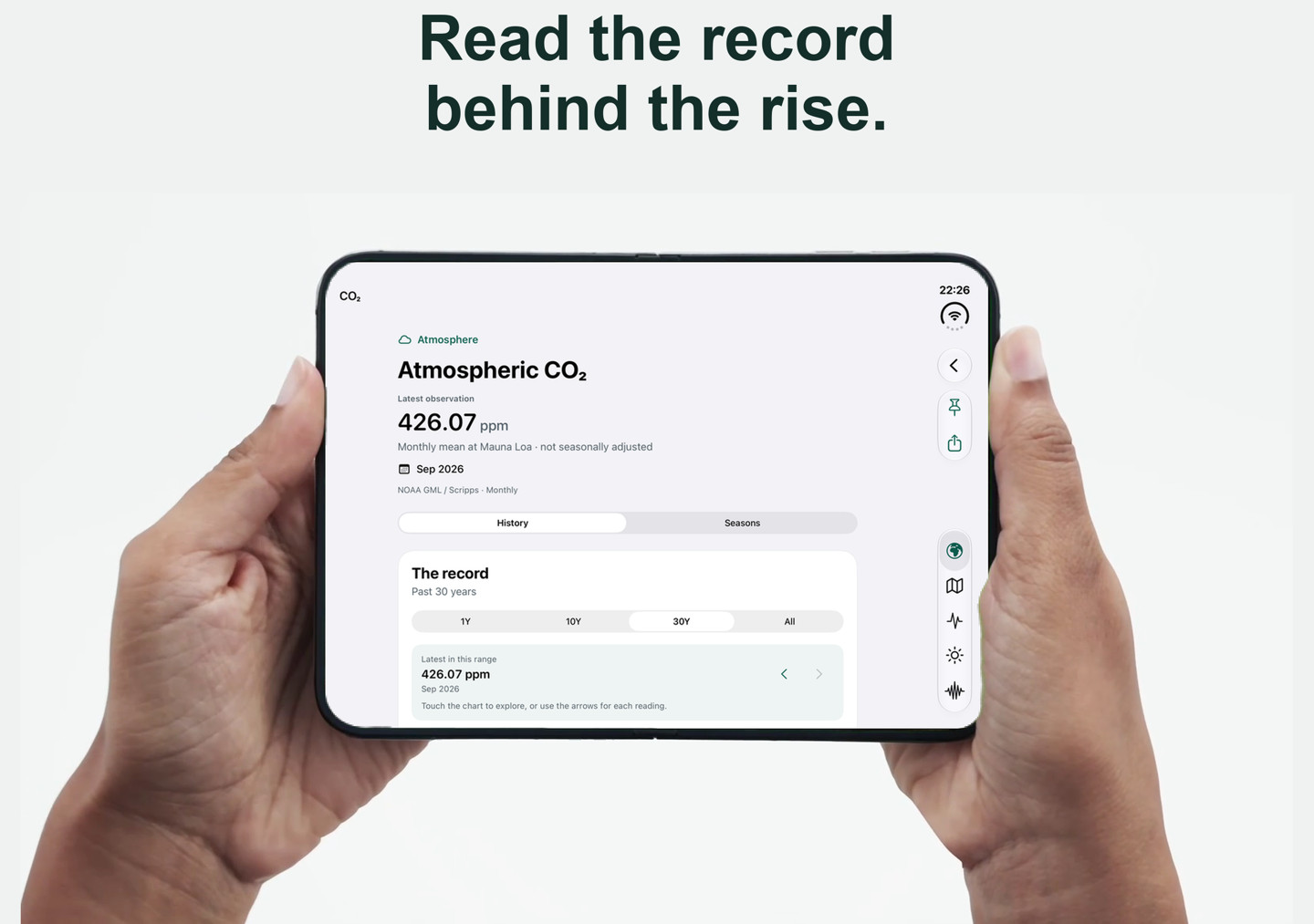
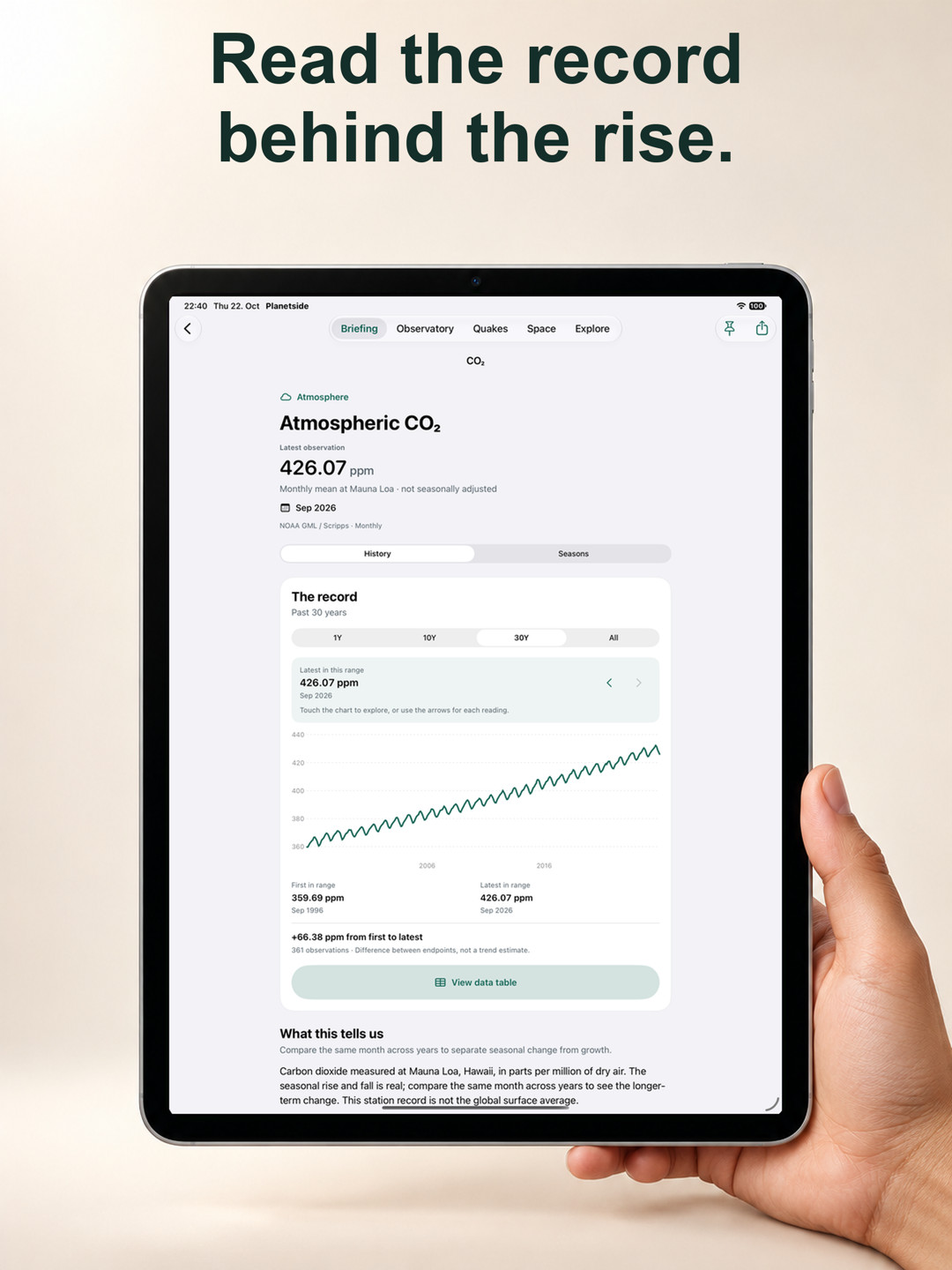
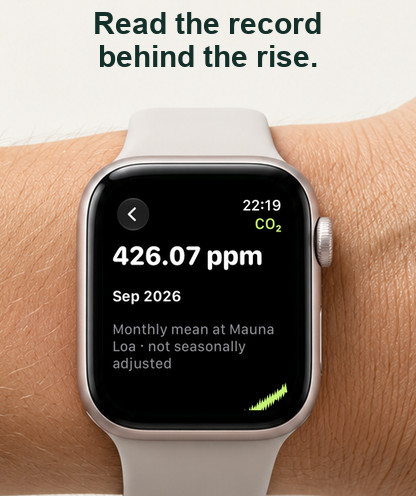
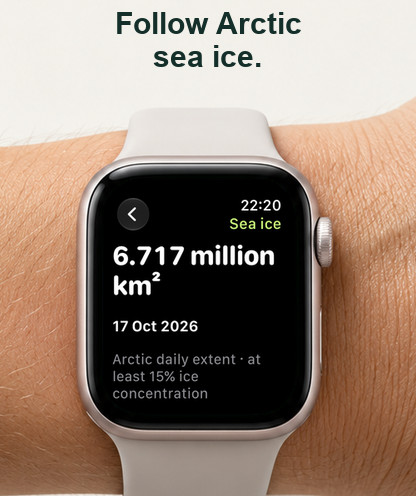
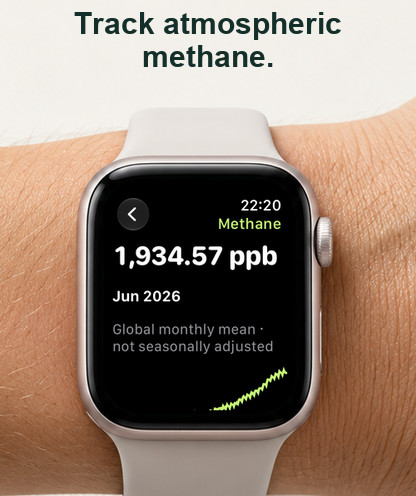
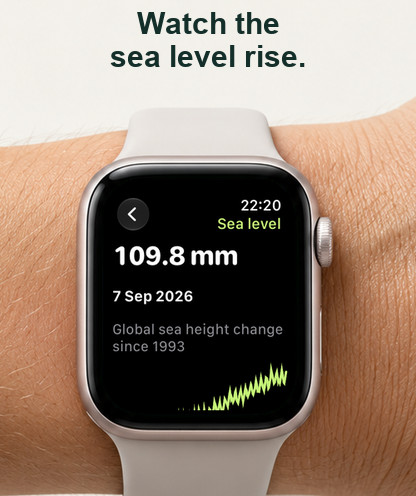
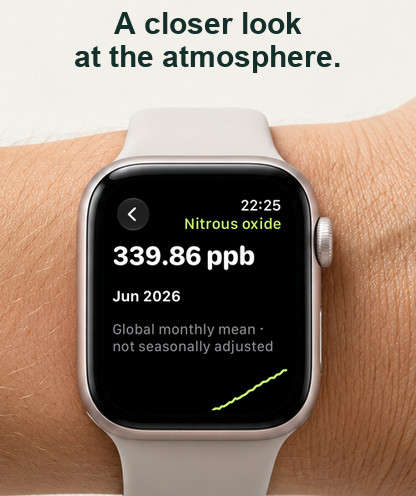
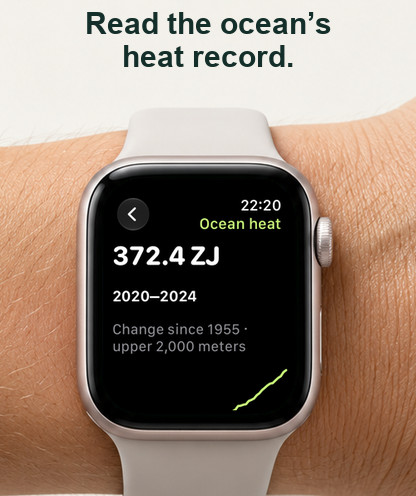
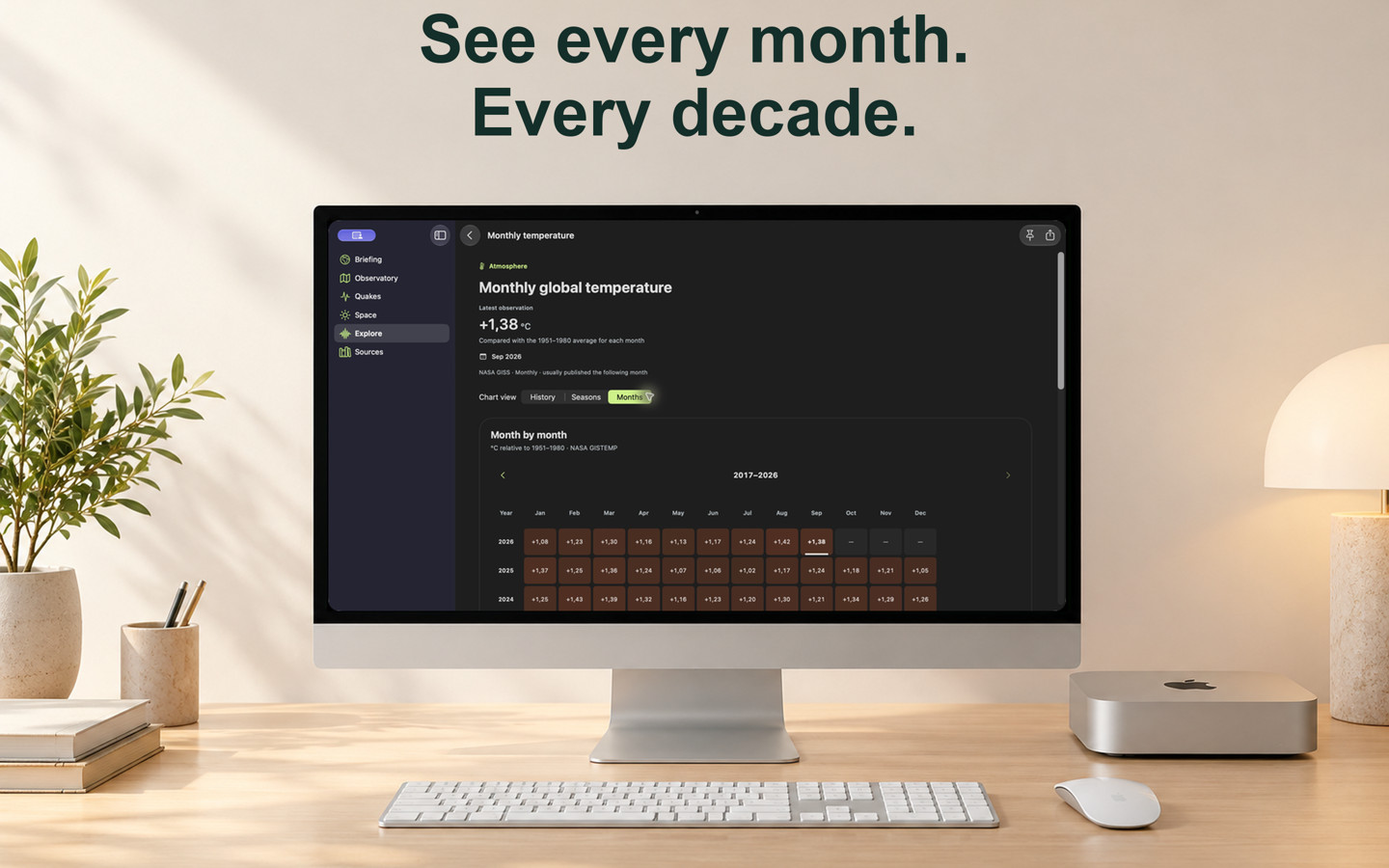
- Eleven histories cover annual and monthly global temperature, European land temperature, Mauna Loa CO₂, methane, nitrous oxide, Niño 3.4, Arctic and Antarctic sea ice, sea level and ocean heat. Choose ranges, inspect exact readings, open tables and share charts.
- Seasons aligns the latest year with an earlier year and an available-data 1991–2020 average. Gaps stay empty; the reference requires at least 20 years per calendar slot.
- Months turns NASA’s monthly temperature record into a year-by-month grid with exact signed anomalies and the same colour scale across decades. Unpublished months stay empty. Apple TV uses the full width, five-year pages and a selected date/value beside the controls.
El Niño & La Niña: observations and outlook
- Read NOAA CPC’s official advisory, weekly Niño-region temperature anomalies, RONI history and a Pacific explainer, each with its own date.
- A sea-surface temperature anomaly layer uses NOAA OISST against its 1971–2000 reference average. It keeps its analysis date when the atmospheric forecast advances.
- See CPC’s grouped strength chart on the El Niño hub and outlook page: La Niña, neutral and El Niño bars, stacked by strength across nine overlapping seasons. The thresholds use the ERSSTv6 relative Niño-3.4 index (RONI).
- All 81 published probabilities remain available as exact percentages, with thresholds, the issue month and a permanent archive link. VoiceOver reads each chart segment’s percentage. The bundled issue is October 2026.
- A saved outlook keeps its original issue month after a failed refresh. Rounded 0% or 100% values are not guarantees, and ENSO strength does not determine local impacts.
Sea-level scenarios at the coast
- Find an address or choose a coastal point, explore terrain with a sea-connected water fill, then compare five regional IPCC AR6 scenarios and their published uncertainty ranges.
- Terrain coverage follows map panning and zooming. Separate inland basins and dry islands remain distinct; missing terrain stays unknown and the loaded footprint is marked.
- Change the water level or use a regional projection. Exact tables, the reference period, an observed trend and the model’s assumptions remain available.
- Height-match windows are educational model results, not dates when a property will flood. Terrain accuracy, land motion, tides, storm surge and coastal defences matter.
Nature under heat & coral reefs
- Search 27,165 Natura 2000 sites from the EEA’s end-2024 release. Explore published habitats, designated species and listed climate pressures, with research notes on heat exposure.
- Compare NASA POWER heatwave histories since 1981, daily highs against local 1991–2020 thresholds, decade averages and a separately labelled GFS outlook. Grid-scale heat exposure is not a measured ecological impact at the reserve.
- Coral reef pages show NOAA Coral Reef Watch’s Degree Heating Weeks and bleaching alerts for 214 reef regions, with histories and source dates.
- The global Coral heat stress layer adds patterned alert categories, exact sampled cells and a link to the nearest regional station. Its analysis date stays fixed as the weather forecast advances; missing or land cells stay missing.
Quakes: catalogues, faults & through Earth
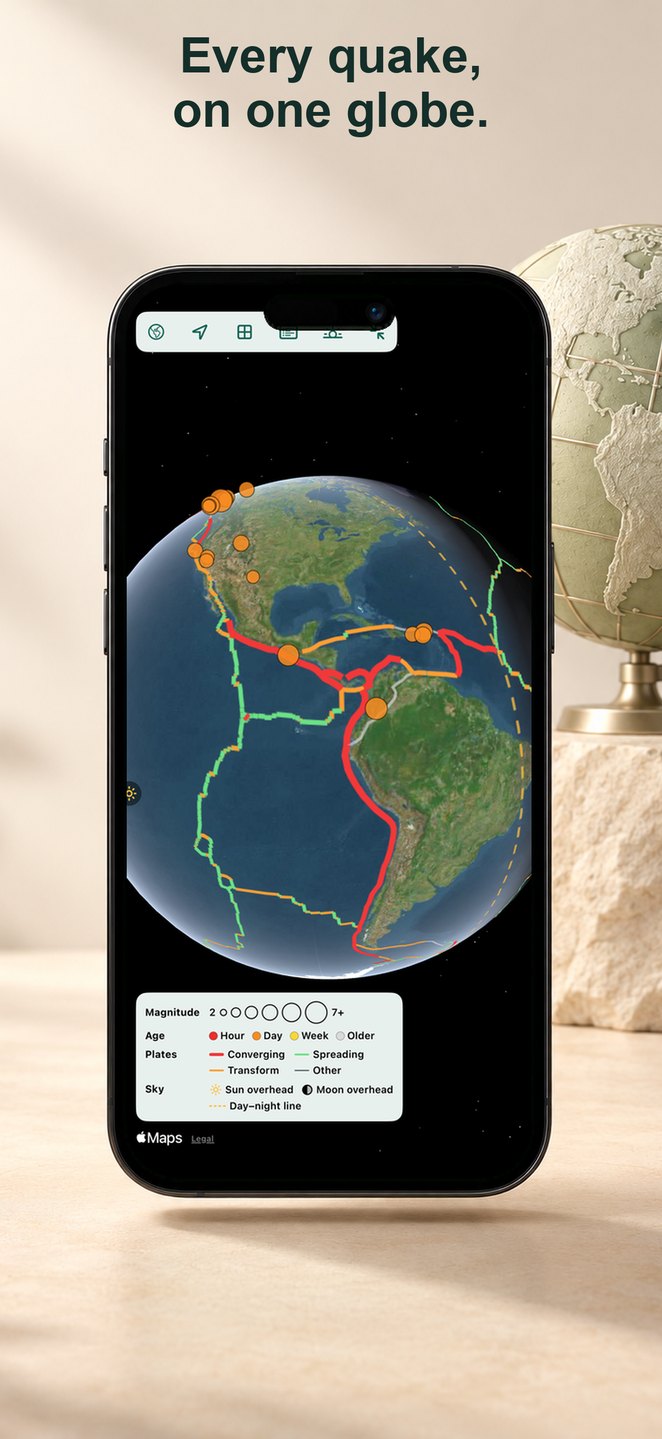
- Switch between USGS and EMSC earthquake catalogues, choose time and magnitude filters, explore a dark globe and list, and compare how the two providers report an event.
- Details explain depth, shaking intensity, impact estimates, felt reports, tsunami flags, nearby plate boundaries and estimated seismic energy, with links to original reports.
- Through Earth links the epicentre to its antipode through a transparent, labelled Earth. Play simplified P- and S-wave fronts and surface waves, with model assumptions kept visible.
- Larger events can include fault-motion diagrams, ShakeMap contours, an aftershock player and the official USGS aftershock forecast. A safety guide covers preparation and off-grid communication. “Share to mesh” prepares a Meshtastic message; direct Bluetooth sending still needs radio testing.
- Global seismic energy charts daily estimated energy and equivalent magnitude, names the largest events and offers ranges through five years, custom dates and yearly totals since 2000. Compare USGS with EMSC where available and optionally mark Moon phases; visual alignment is not evidence of a cause.
Sun, Earth, Moon & the sky at a quake
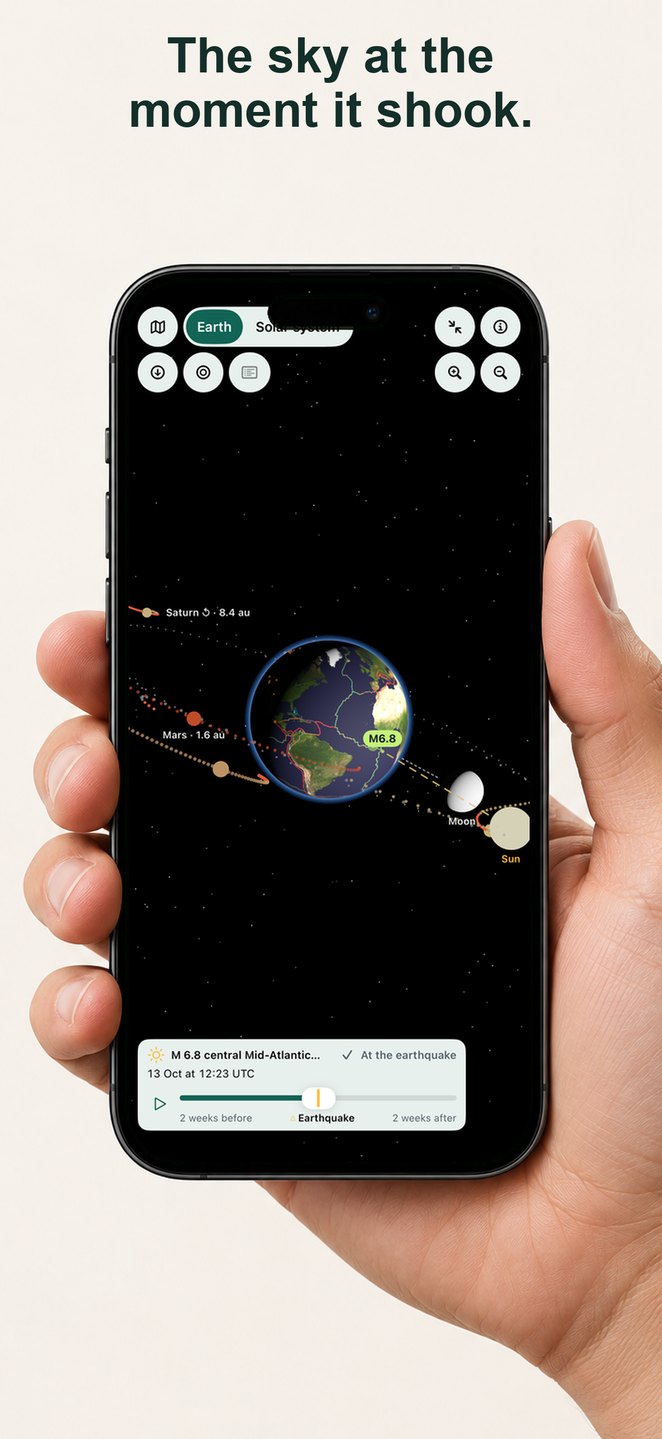
- Open a quake’s “Sun and Moon at that moment” or the Quakes globe’s 3D view; it fills the screen, with a button to leave full screen. The event always stands out: a lime pin rises from the epicentre with its magnitude, and other quakes are dimmed. The Quakes map has its own full-screen button too.
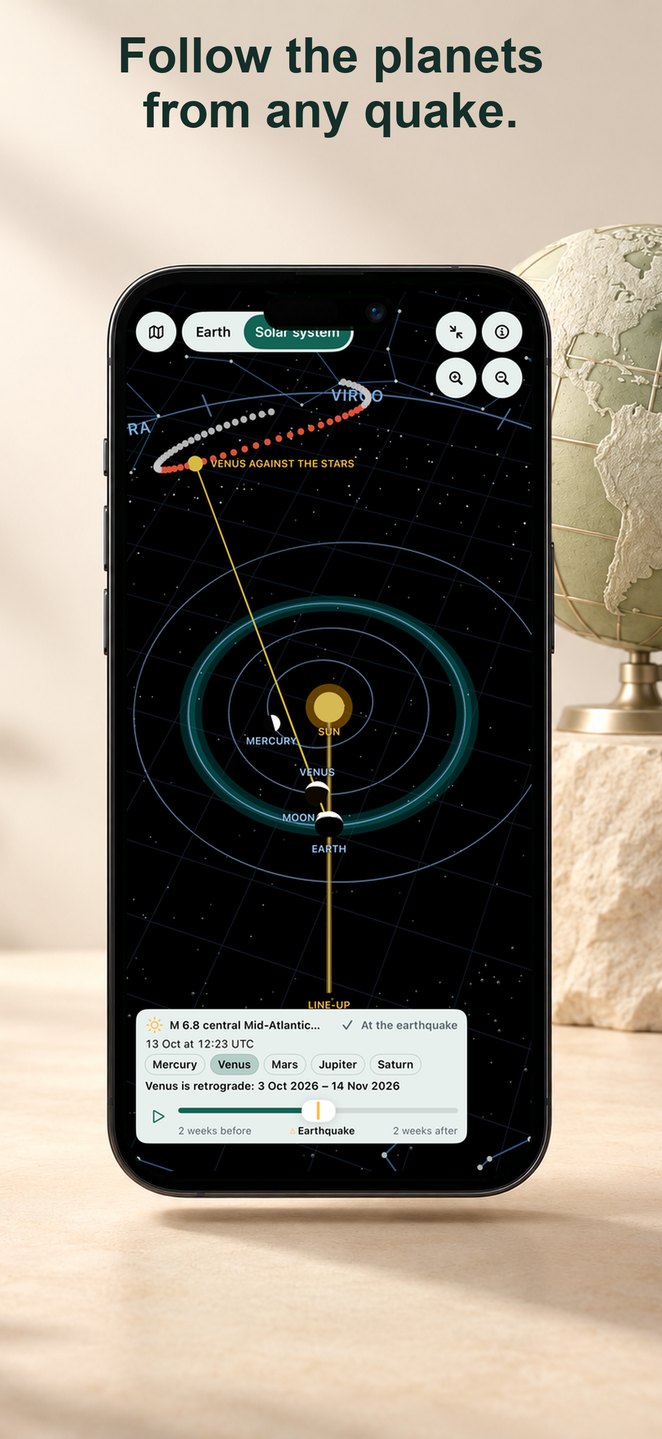
- Rotate a sunlit Earth with plate boundaries and earthquake markers, inspect the Moon’s phase and scrub two weeks either side of the event.
- Switch to a Sun-centred solar system with Mercury through Saturn, or inspect their directions from Earth, paths against the zodiac and apparent retrograde loops. Real distances are labelled; body sizes and scene distances are illustrative.
- The quake detail also gives calculated Sun and Moon positions and tidal context; Apple Watch shows a short text version. These are astronomical context, not earthquake predictions or evidence of planetary triggering.
Space weather: solar wind, flares & activity
- NOAA SWPC solar wind at L1, magnetic-field readings, K-index, storm scales and alerts retain their own dates and status. Explore the 1-, 3-, 7- or 27-day wind dashboard and WSA-ENLIL forecast.
- The dashboard adds GOES X-ray flux with flare classes, southward Bz shading and GFZ’s hourly Hp60 index. Read the panels at one selected time; X-ray coverage is limited to seven days even in the 27-day view.
- GOES SUVI and SOHO LASCO sequences use buffered playback, step controls and pinch-to-zoom. NASA SDO images via Helioviewer retain source and observation times.
- Planets, Moon and tides shows calculated positions and tidal pull. The evidence lab compares 26 years of earthquake and space-weather records, explains its statistical limits and finds no convincing trigger evidence. Planetside does not predict earthquakes.
Aurora: clouds, places, nights & cameras
- Every Aurora entry opens the same full page. NOAA OVATION activity, Kp context, darkness and moonlight keep their separate clocks. “Nearby model max” is the highest model activity within 500 km, not your chance of a sighting.
- Switch an ECMWF forecast-cloud veil over the polar map, Observatory globe or spatial Earth. Cloud run and valid time remain separate from the oval’s; missing cloud data is unavailable, never clear sky.
- “Best places now” lists up to five separated places that meet the displayed rule: dark, OVATION activity at least 10% and forecast cloud at most 30%, with nearby town names where available. Open a candidate to inspect it. This compares two models and does not give a sighting probability.
- Choose among the next three nights and inspect dark hours, Kp coverage, Moon up, cloud and visibility where available. Apple Weather provides local hourly conditions, with a labelled ECMWF cloud fallback. OVATION’s short nowcast is never extended into later nights.
- FMI ground magnetometers add RX activity and coverage from eleven stations between Tartu and Kevo, with the nearest three first. NOAA also shows estimated auroral power for the hemisphere from the same OVATION model as the oval, with its own times; it is not independent confirmation or a local sighting forecast.
- Six credited Canadian TREx RGB all-sky feeds retain stream-update times, delay labels and unknown exposure times. A regional directory adds operator links across the Nordics, North America and New Zealand, including Fairbanks and Banff. Other operators’ cameras open on their sites; Apple TV offers QR links. Duo book mode gives activity and cameras independently scrolling panes.
Optional notifications & automatic updates
- On iPhone, iPad and Vision Pro, opt in separately to nearby earthquakes, major earthquakes worldwide, observed geomagnetic storms, fast solar wind, Estonian official warnings or frost-night reminders. Worldwide, space-weather and frost notifications need no location.
- Nearby earthquake notifications use a consented approximate region, with a default of magnitude 4.5+ within 200 km. The region expires for matching after 24 hours; turning nearby alerts off removes it.
- Notifications are created on your device after a successful refresh. iOS decides background timing, so they may be delayed or missed; they are not earthquake early warnings or guaranteed emergency delivery.
- While active, Earth observations refresh about every five minutes; climate histories, ENSO and global weather refresh hourly. Failed refreshes preserve the last validated readings and their dates.
Sources & data integrity
- A shared evidence label distinguishes provider responses, saved copies, examples shipped with the app and expired or unavailable data. Publication or observation time, retrieval time and successful checks remain separate.
- Where comparable copies exist in the session, status distinguishes an unchanged check, a revised reading and a new period or event. A fresh download does not make an old observation current; incompatible products do not produce a numeric change.
- Credits, methods, exact tables and a searchable source library distinguish implemented layers from reference websites. Scientific baselines and forecast limits stay beside the data; missing measurements remain missing.
- Bundled climate histories, weather and analysis snapshots, and saved observations remain available offline. Fresh feeds, uncached images, Apple Maps search and the basemap need a connection. Annual and monthly NASA temperature are two resolutions of the same analysis.
Widgets, quick actions & Apple devices
- Planet pulse combines temperature, CO₂ and Arctic sea ice. Climate signal follows a chosen record on the Home Screen or Lock Screen, with dates, baselines and source credits.
- Around you puts your place’s briefing on the Home Screen with a small map. Near your places names the nearest official warning, hazard or largest quake in small and medium sizes and on the Lock Screen. Earth shows a globe with one overlay you choose: a weather map (temperature, isobars with highs and lows, and wind trails), Aurora tonight, Wind, El Niño watch, 5-day temperature or Earthquakes. Both come in the extra-large sizes, including iPhone Duo’s portrait size, and update after background refreshes.
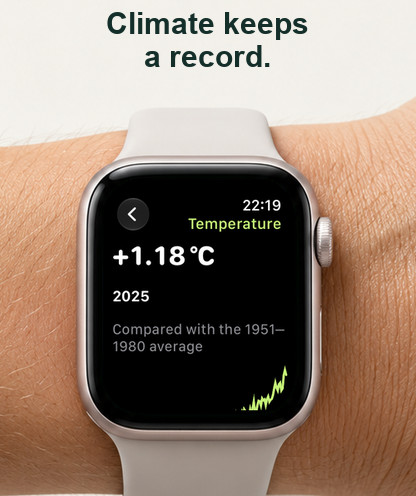
- Apple Watch fetches Apple Weather for your saved places and, on request, where you are: now, a 12-hour chart and ten days. Complications show Weather, Aurora tonight for your aurora place, the largest earthquake, Earthquakes near you, Hazards near you or a climate signal, in circular, rectangular, inline and corner styles; a tap opens the matching watch page. On Apple Watch switches in the watchlist choose which readings the watch shows.
- Long-press the iPhone Home Screen icon for Earthquakes, Earthquake safety, Aurora tonight or Weather here.
- iPhone/iPad require iOS/iPadOS 27.0+. Duo’s fold-aware layouts use 27.1+: city cameras, selections and detail sheets retain their state; Space and Aurora use readable panes around the fold.
- On Apple TV, the Earth tab keeps the globe large with an icon rail for Layers, Time, Place and Info panels and the region buttons. Use Navigate and Fullscreen on the weather globe, city map and Quakes. Directions pan, Select zooms in, Play/Pause zooms out and Back returns to the controls. Source/date labels stay on screen in fullscreen; Space and Explore use two columns, and source details use the available width.
- Mac and Apple Vision use native sidebars; Vision also offers a room-scale 3D weather globe. Apple Watch adds weather, aurora tonight and Near your places to its dated readings, short histories, earthquakes, space weather and safety guide. These platforms target OS 27+; availability depends on your TestFlight build.
- Tap an Earth widget globe to open its matching full page or layer: Aurora, Quakes, El Niño, Wind tracker or the ECMWF temperature outlook. Summary-card headings also lead to their full feature page.
Explanations, appearance & privacy
- Choose Dry wit or Just facts. On supported devices, request structured, streaming Apple Intelligence explanations in the briefing, evidence lab, quake, place, ENSO, space-weather and sea-level pages.
- Generation uses the on-device model. Follow-ups appear after a completed reply. Numeric checks compare values, units and precision with evidence supplied to that request; the weather tool follows the displayed model provider, level and time. Exact measurements and methods remain independently visible.
- Tools exclude device location and saved alert regions; conversation text stays in page memory. Source-based explanations remain available without AI. Real generation still needs supported-device testing; a numeric check cannot establish that every interpretation is correct.
- Choose metric or imperial units, wind in m/s, km/h, mph or knots, and every time in local time or every time in UTC, never a mix. Light and dark follow your system. Small haptics and gentle animations mark choices; Reduce Motion is respected.
- No account or API keys. Your settings, watchlist and explicitly saved places sync between your Apple devices through your own private iCloud database, encrypted, with no Planetside server. Location fixes, alert regions, notification history and AI conversations never sync and stay on the device.
Please be constructively critical.
Question any part of the app: a confusing word, an unclear chart, an extra tap, a layout, a missing record or something that simply feels wrong. You do not need to be a scientist. Tell us what you were trying to do, what got in the way and what would make it better.
Show us the moment
Describe the steps, what you expected, what happened and whether it happens again. For data, include the record, the value and both dates shown.
Give us the context
Include the build number, device, OS, region format and connection: Wi-Fi, mobile data, Low Data Mode or offline.
Send it your way
Take a screenshot in Planetside and share it with TestFlight, or open TestFlight, choose Planetside and use Send Beta Feedback.
Planetside needs no account. Apple Maps receives a place query when you submit Search; local forecasts request the selected point from Apple Weather. Unsaved location fixes stay in page memory. Places are saved only when you choose Save, at the precision shown, and can be removed; saved places and settings sync through your private iCloud database, encrypted. Nearby-earthquake alerts use a separate approximate region. TestFlight shares feedback and diagnostic information with Apple and the developer. About TestFlight feedback.
Help shape Planetside.
Install Apple’s TestFlight app, then use the invitation below. We would love your honest, specific feedback.
Join the TestFlight betaThe invitation opens in Apple TestFlight.