
Sudoku Pod · TestFlight preview
A quiet world
of numbers.
Settle into a room of paper, agarwood and gold beside a Japanese hot spring. Play classic Sudoku, Jigsaw, Samurai, a spider web or four puzzles folded around cubes. Write numbers with Apple Pencil or your finger, or tap the keys.
Explore featuresSudoku Pod on every screen
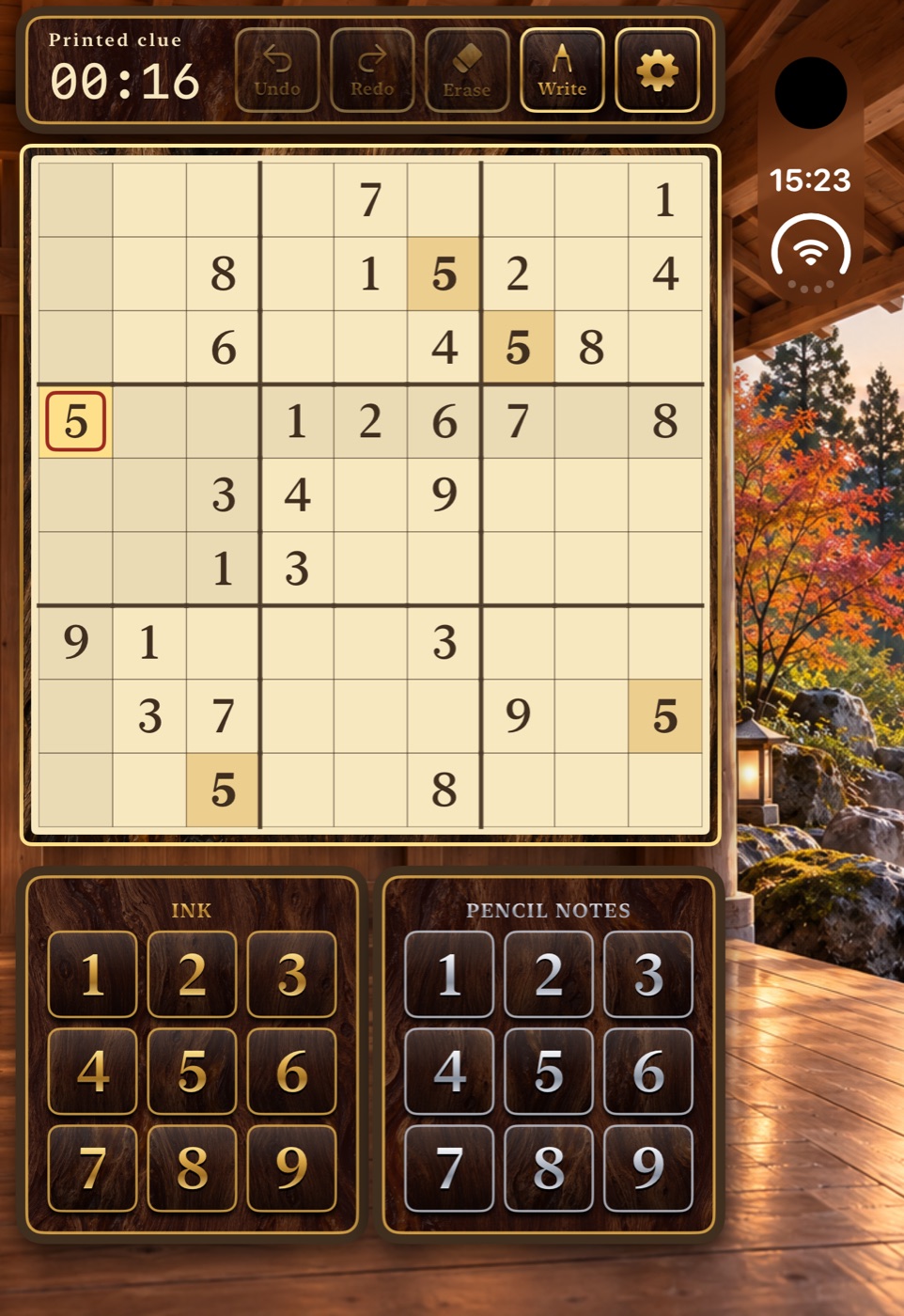
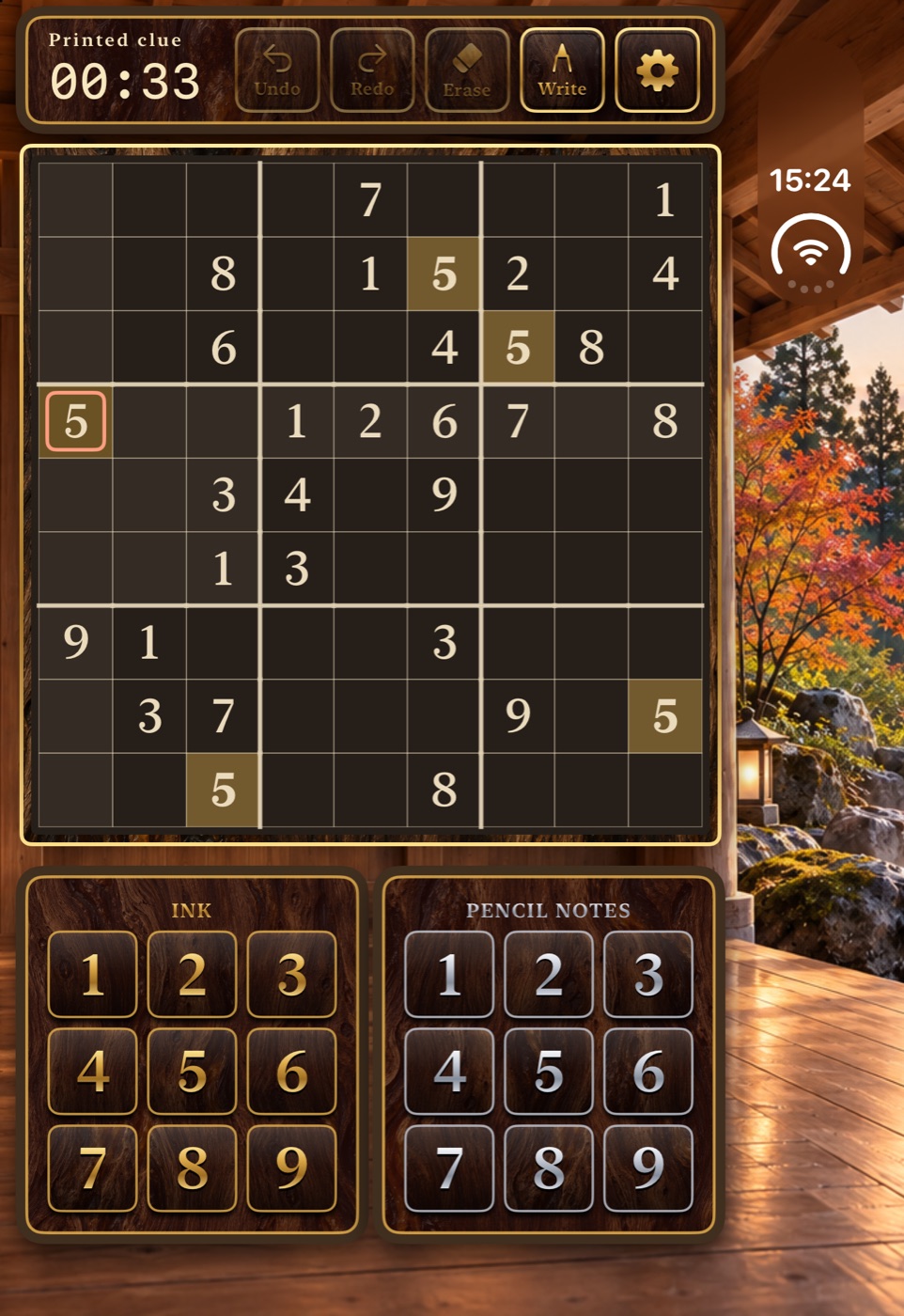
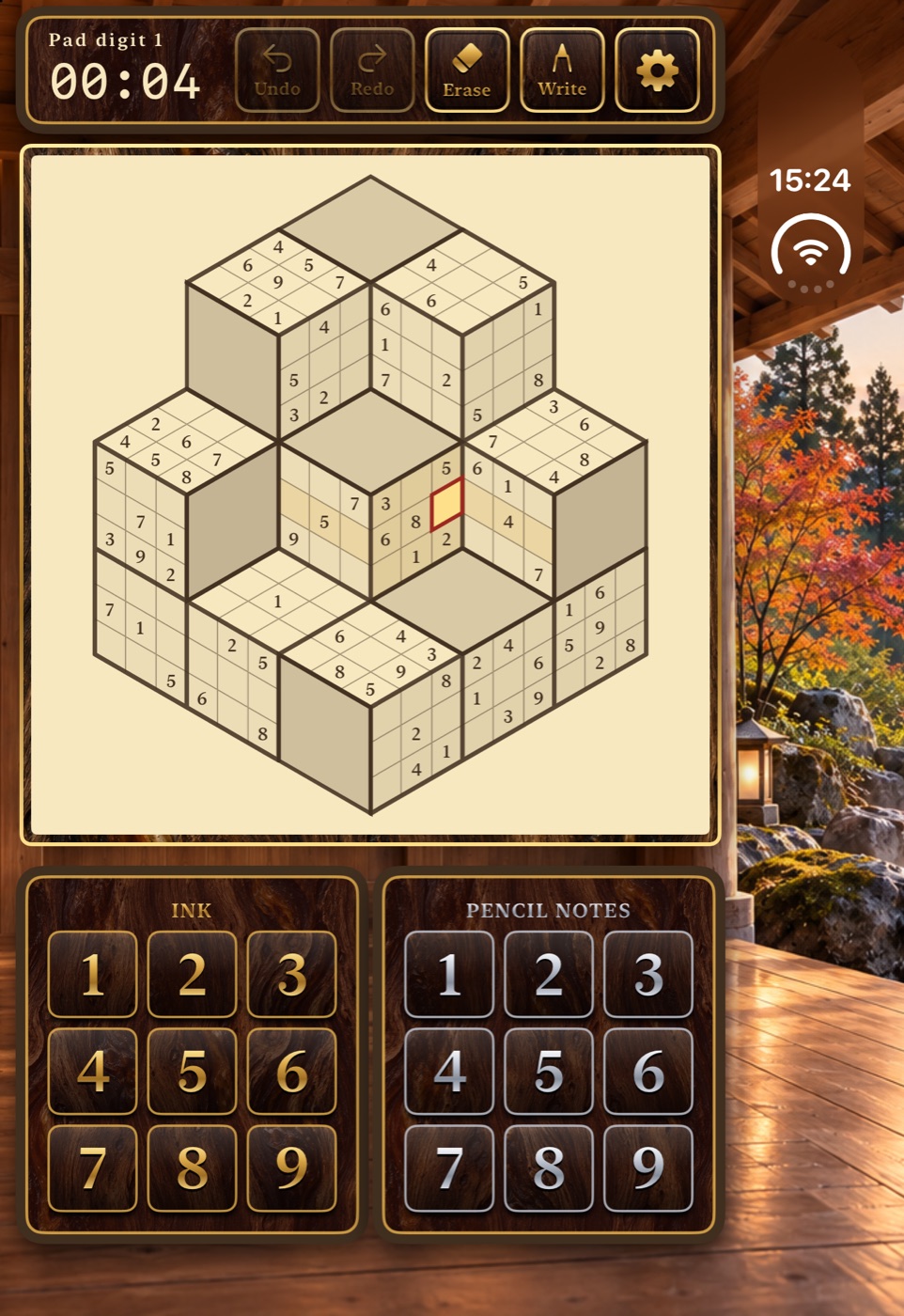
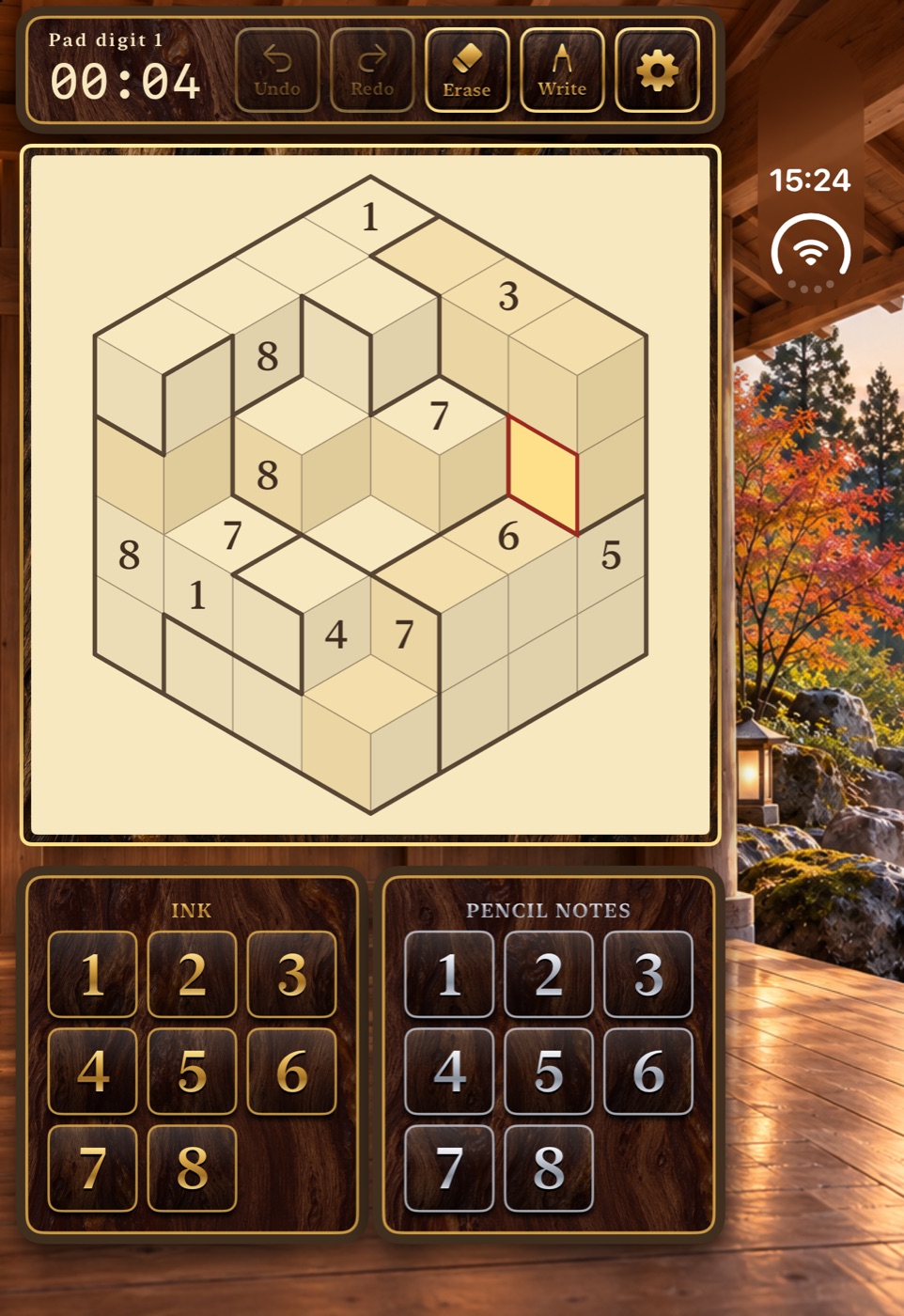
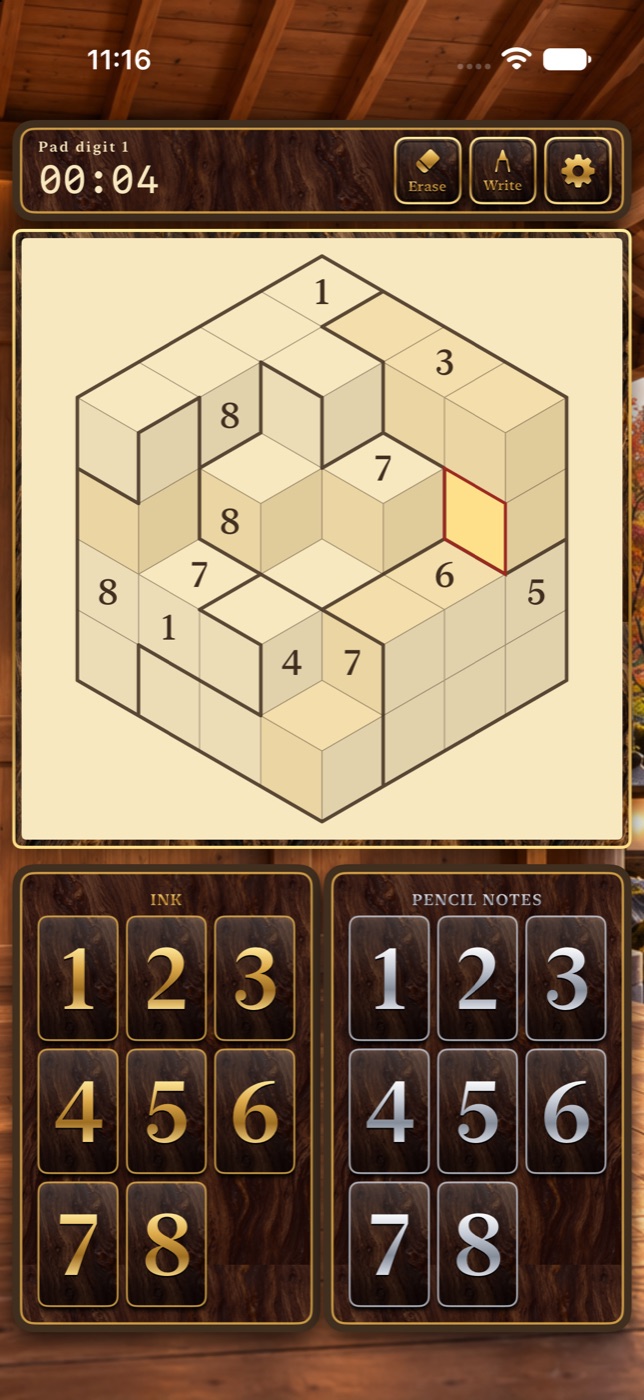
Designed first for iPhone Duo. Closed, the board and keys fill the cover display; open, they sit beside the view of the bath.
iPhone Duo · closed
6 views · scroll to explore
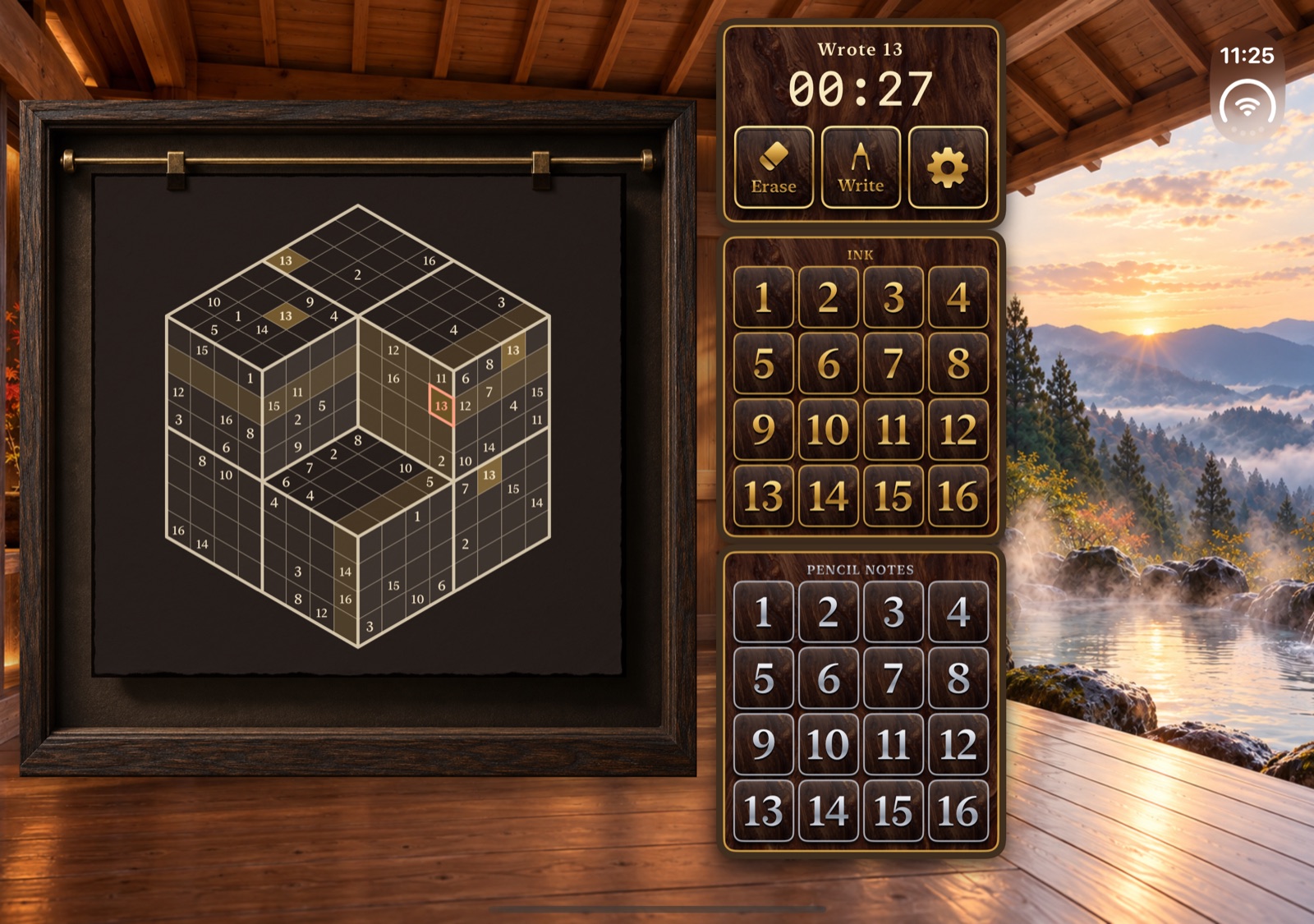
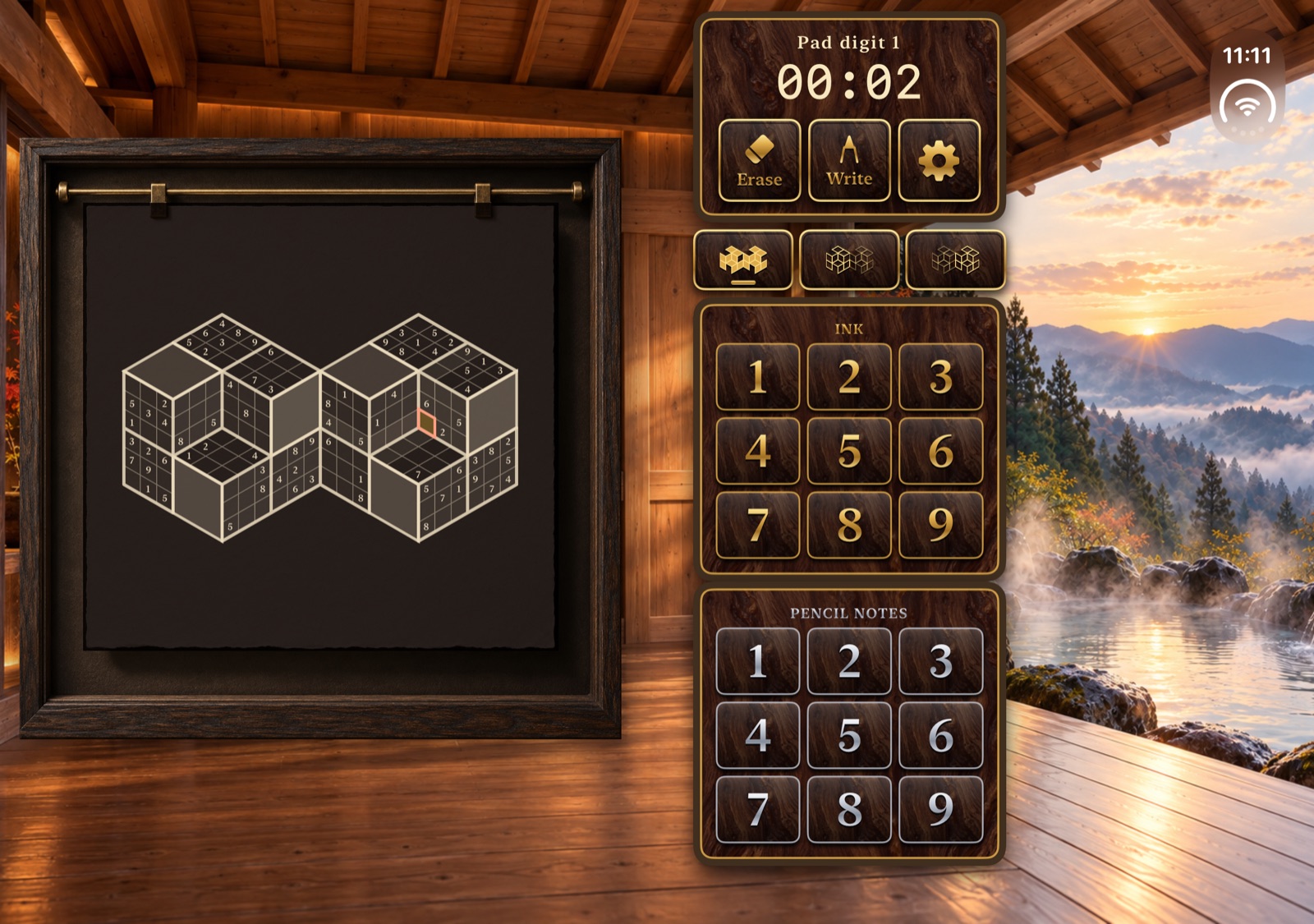
iPhone Duo · open
7 views · scroll to explore
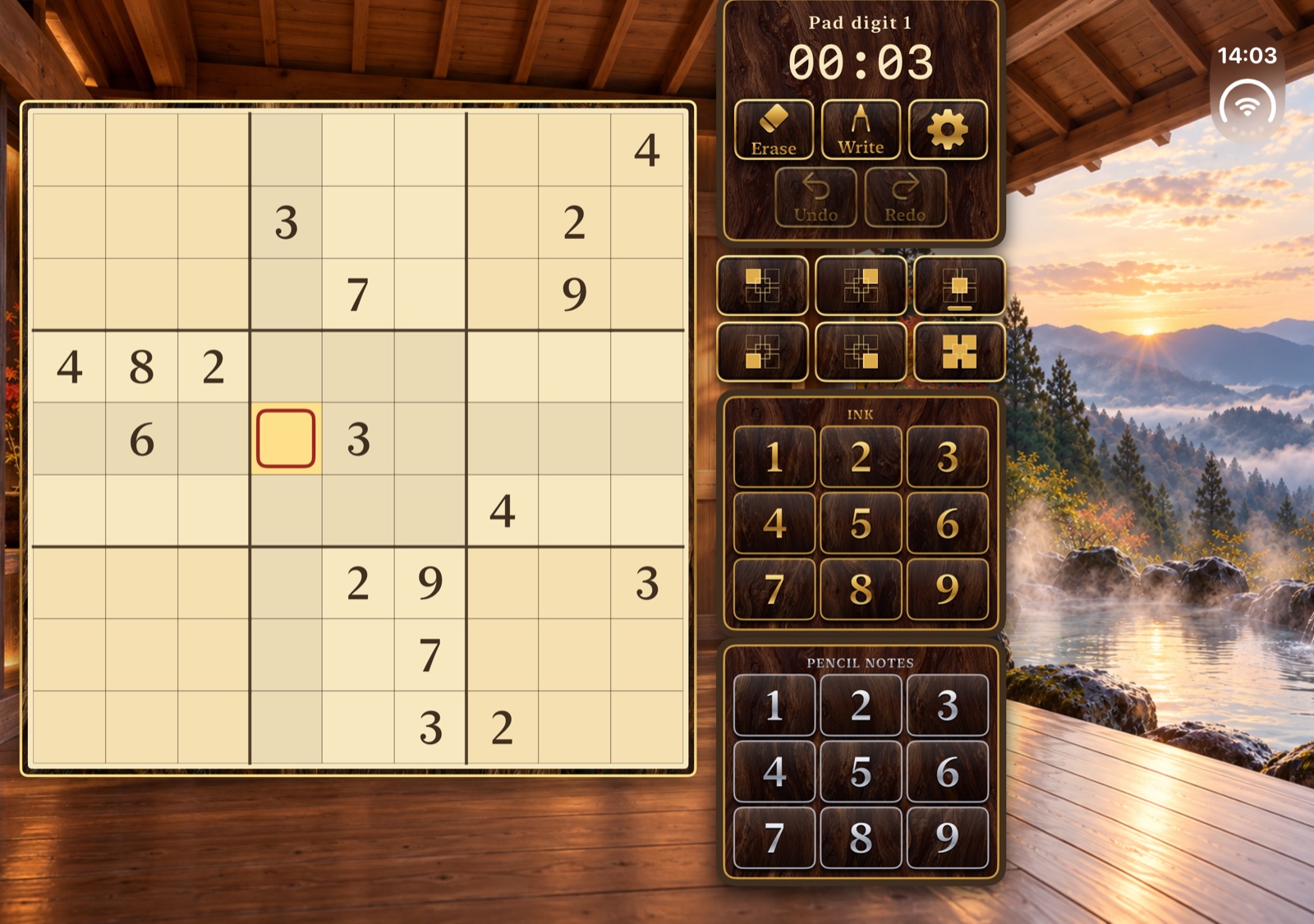
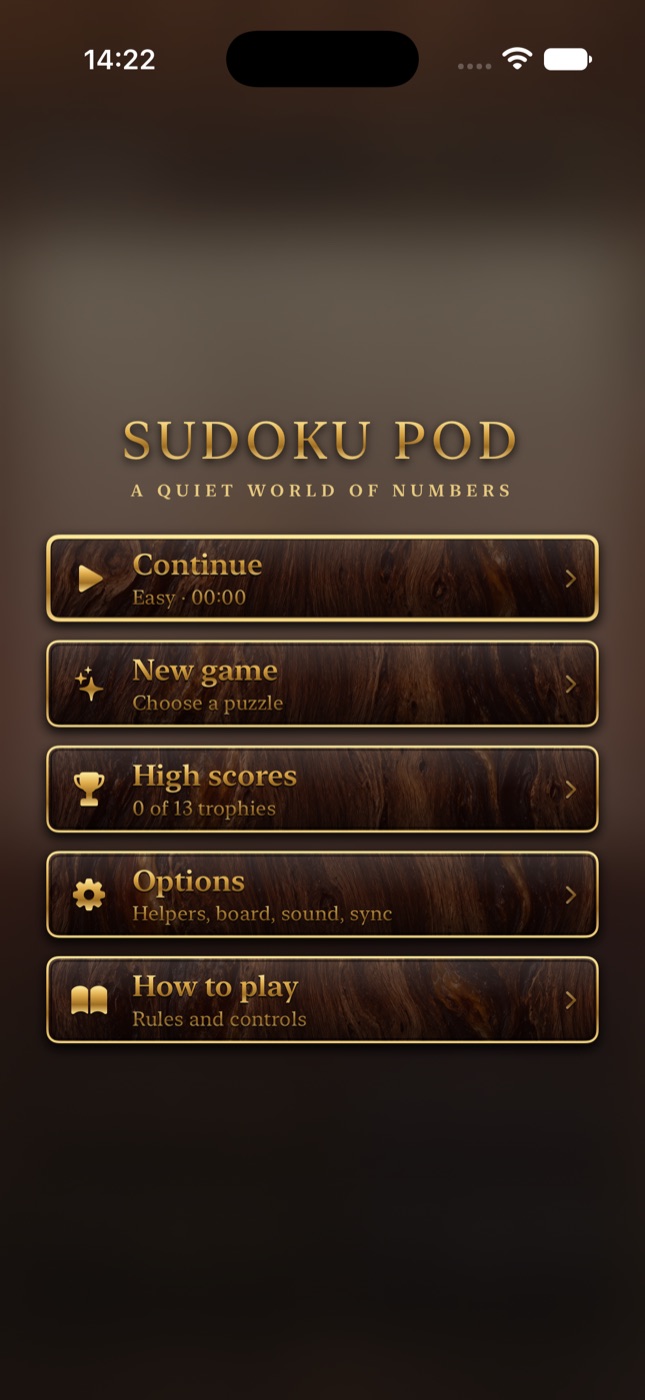
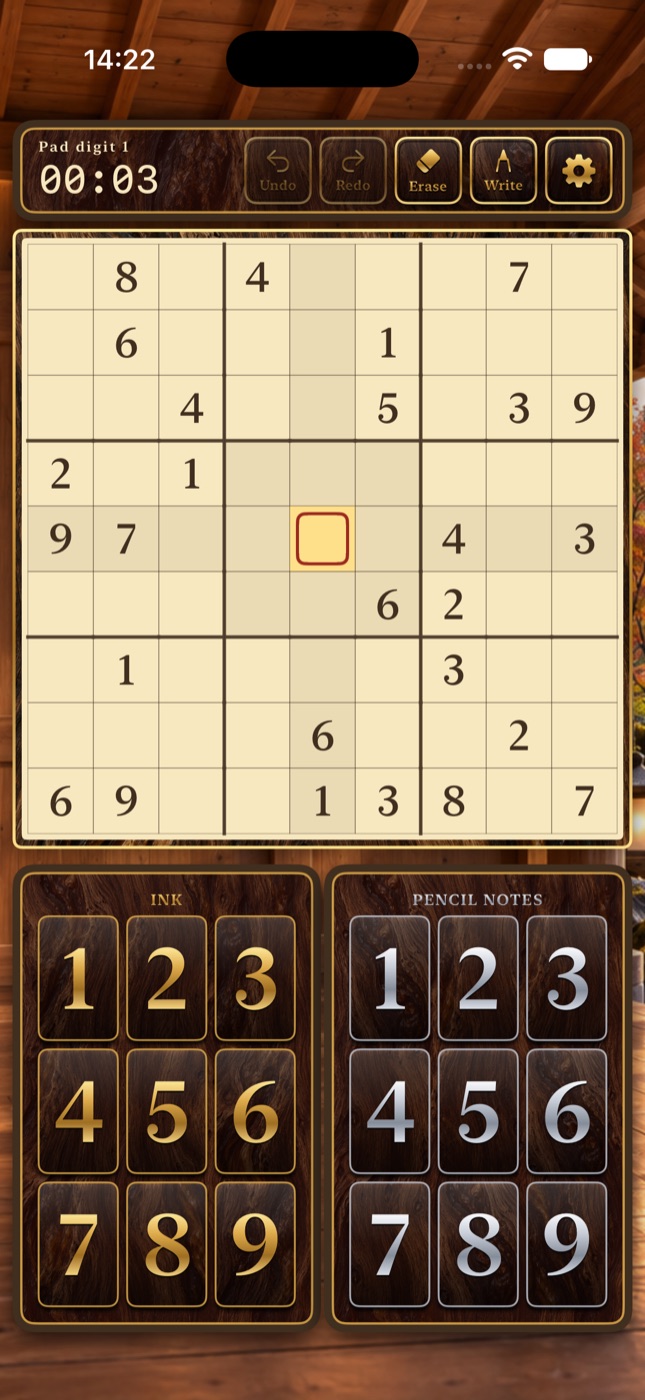
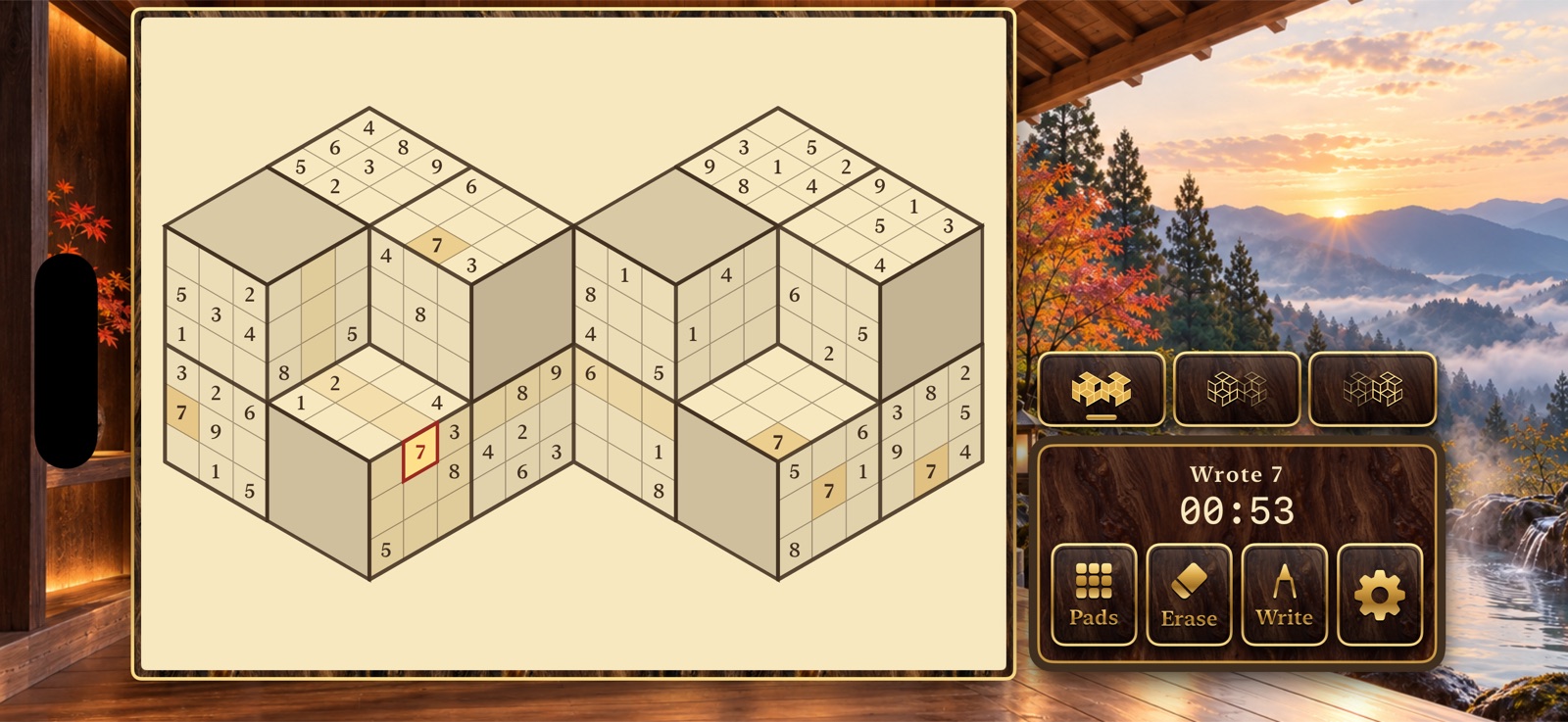
iPhone
7 views · scroll to explore
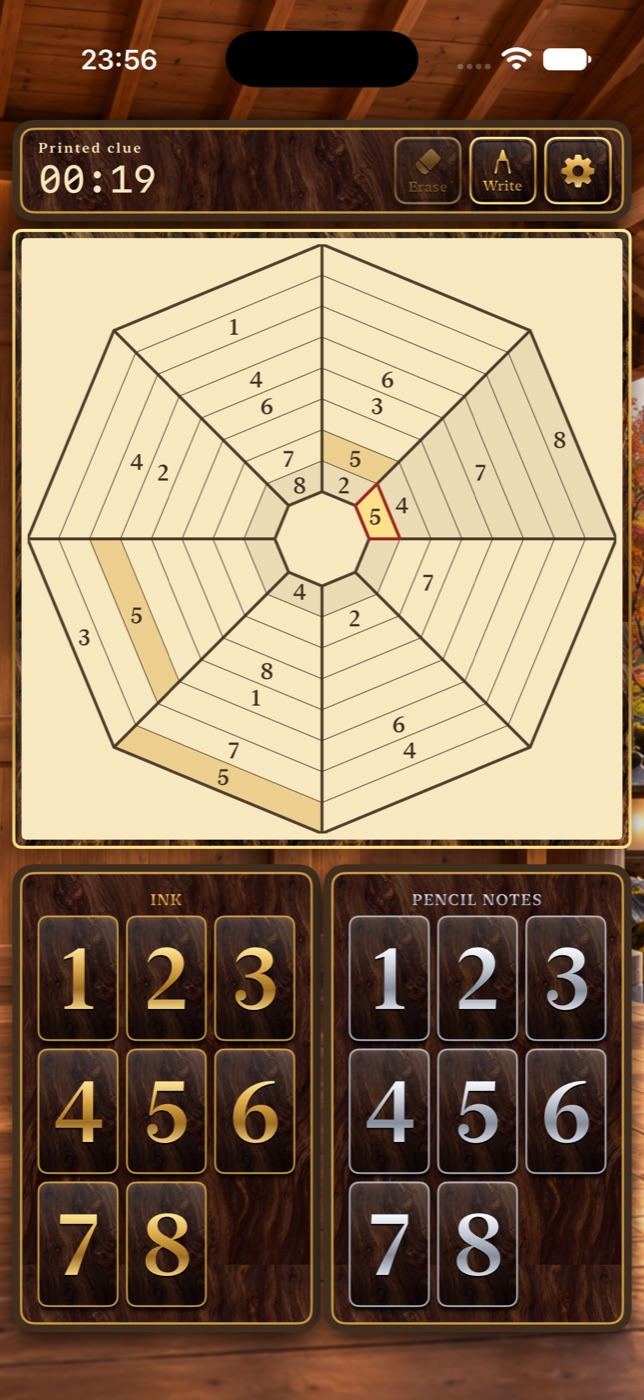
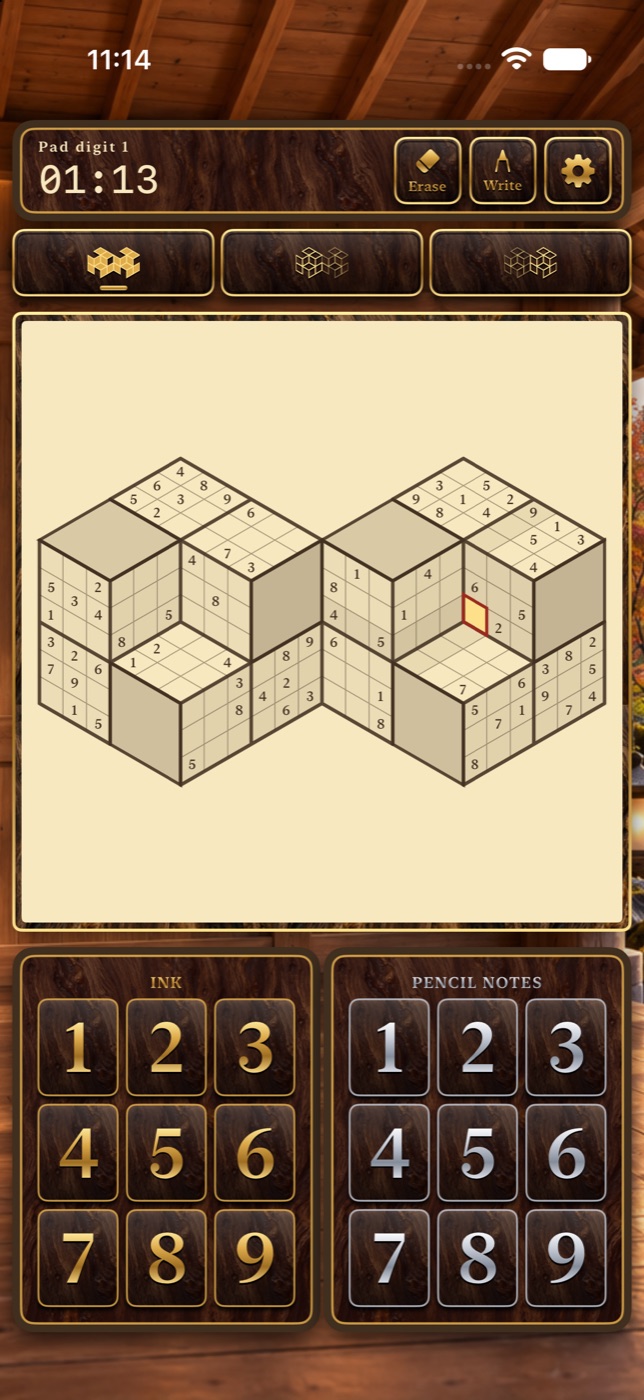
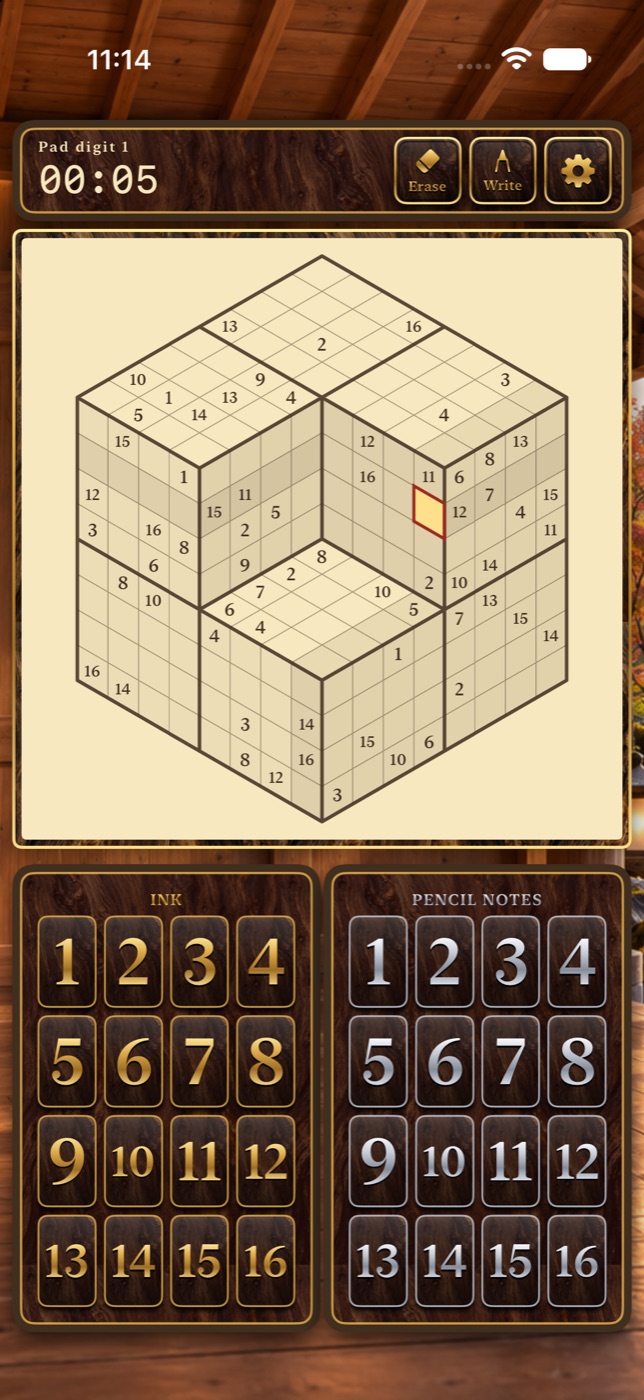
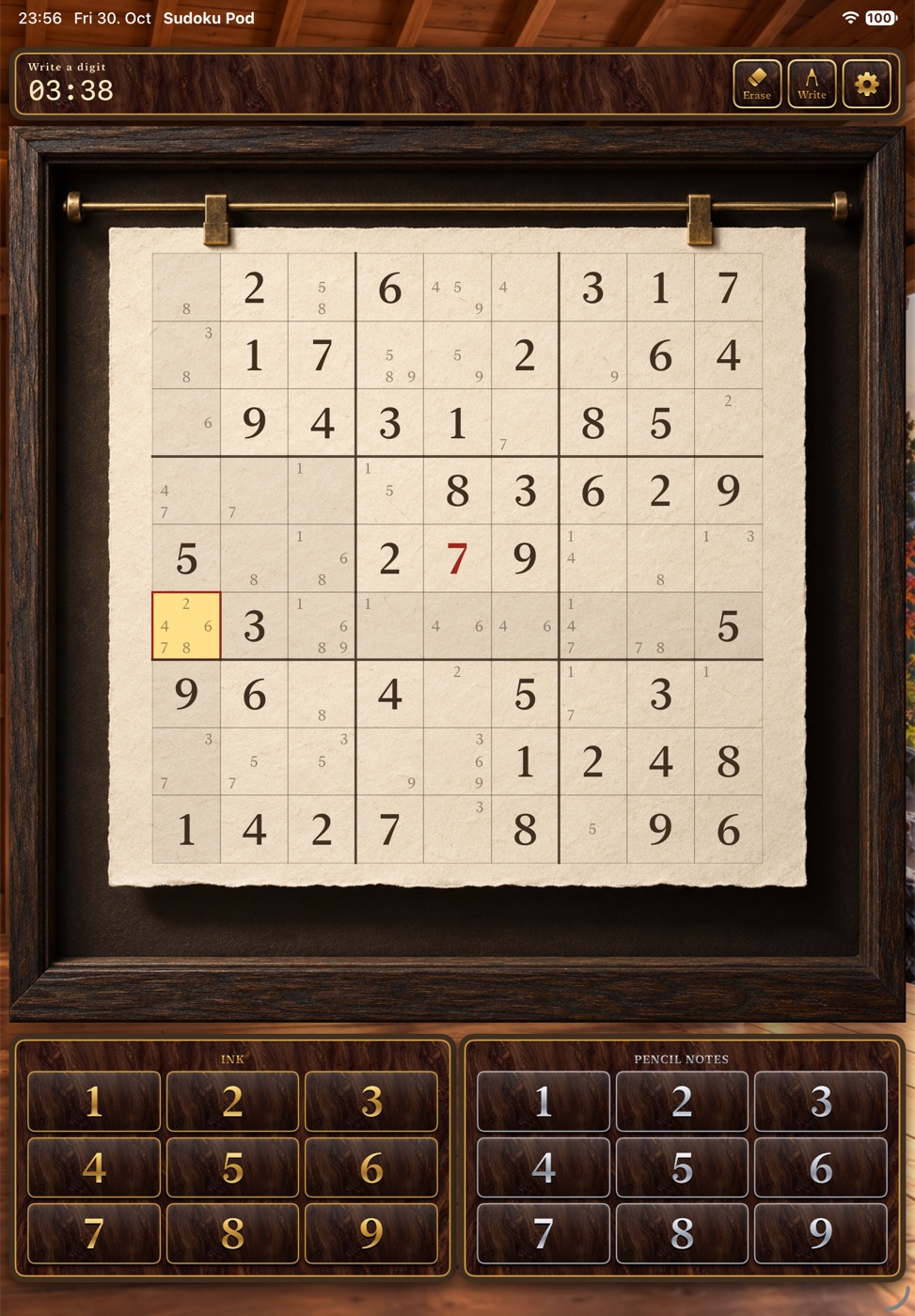
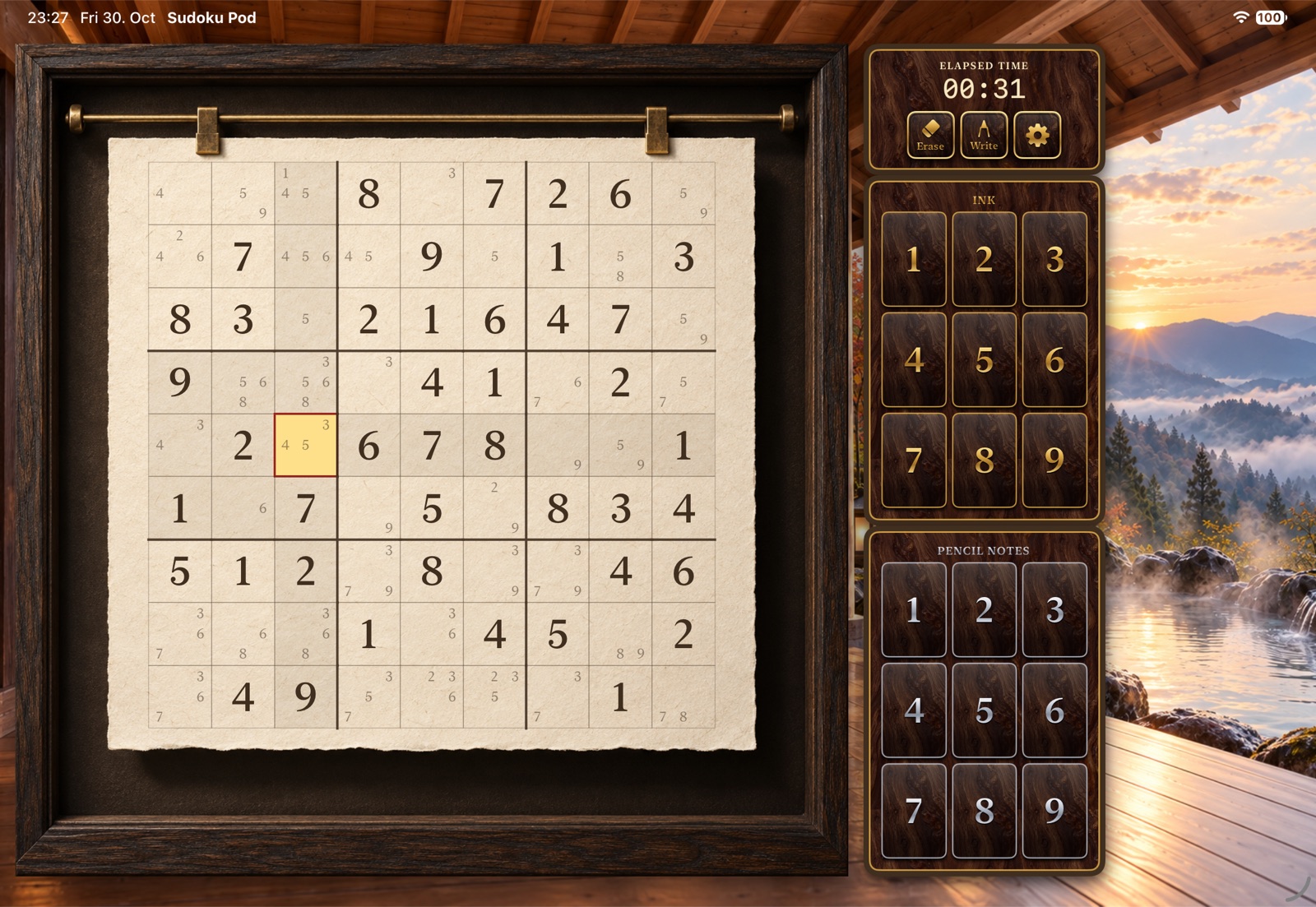
iPad
2 views · scroll to explore
Apple TV & Apple Vision Pro
4 views · scroll to explore
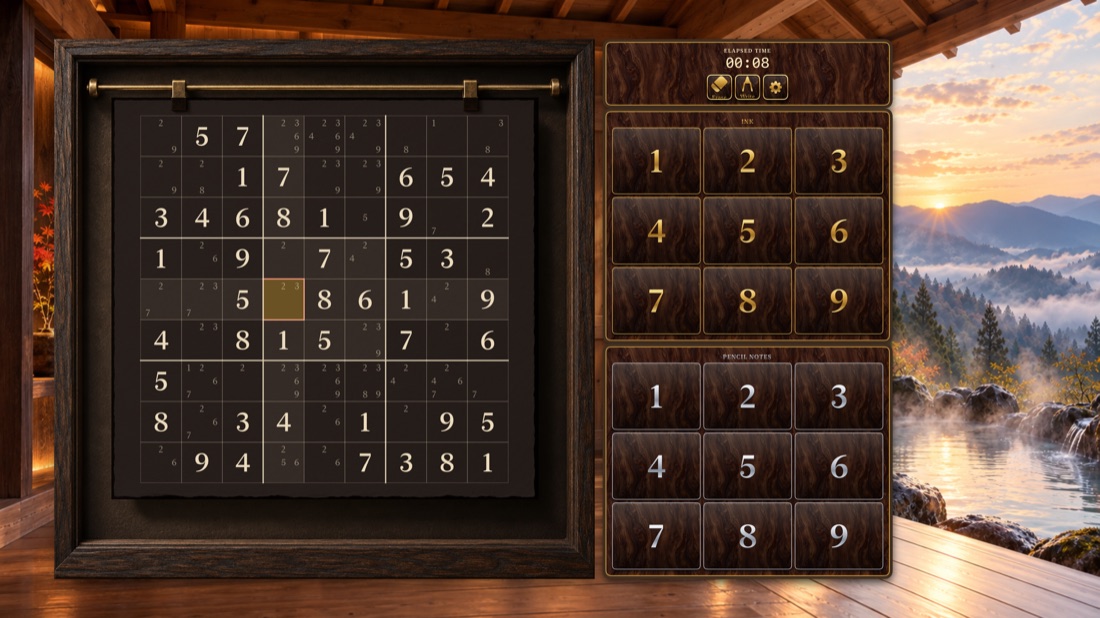
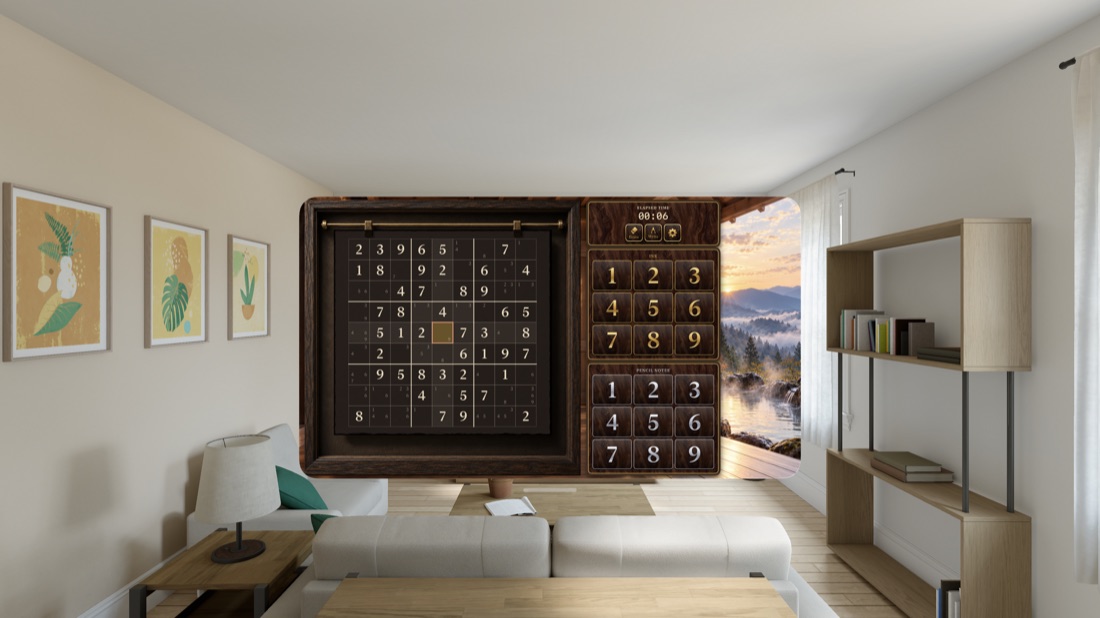

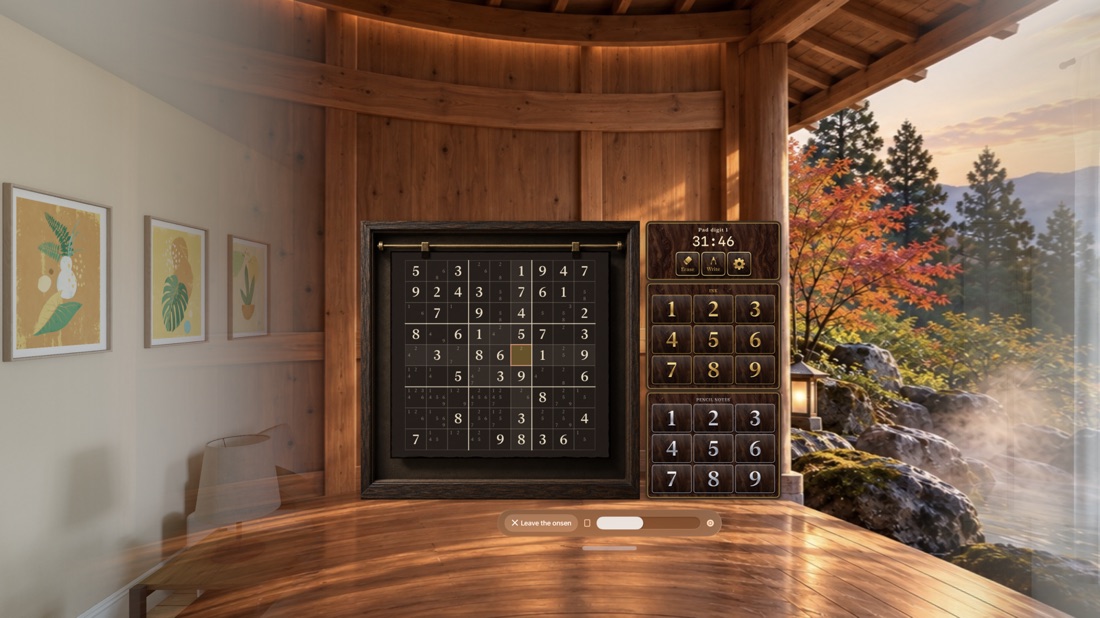
Gallery: native iOS, iPadOS, tvOS and visionOS simulator captures of the development build, 30–31 October 2026. Not photos of physical devices.
What you can play
Updated against the development build on 31 October 2026. Availability depends on your TestFlight build; its “What to Test” notes take precedence.
Eleven ways to play
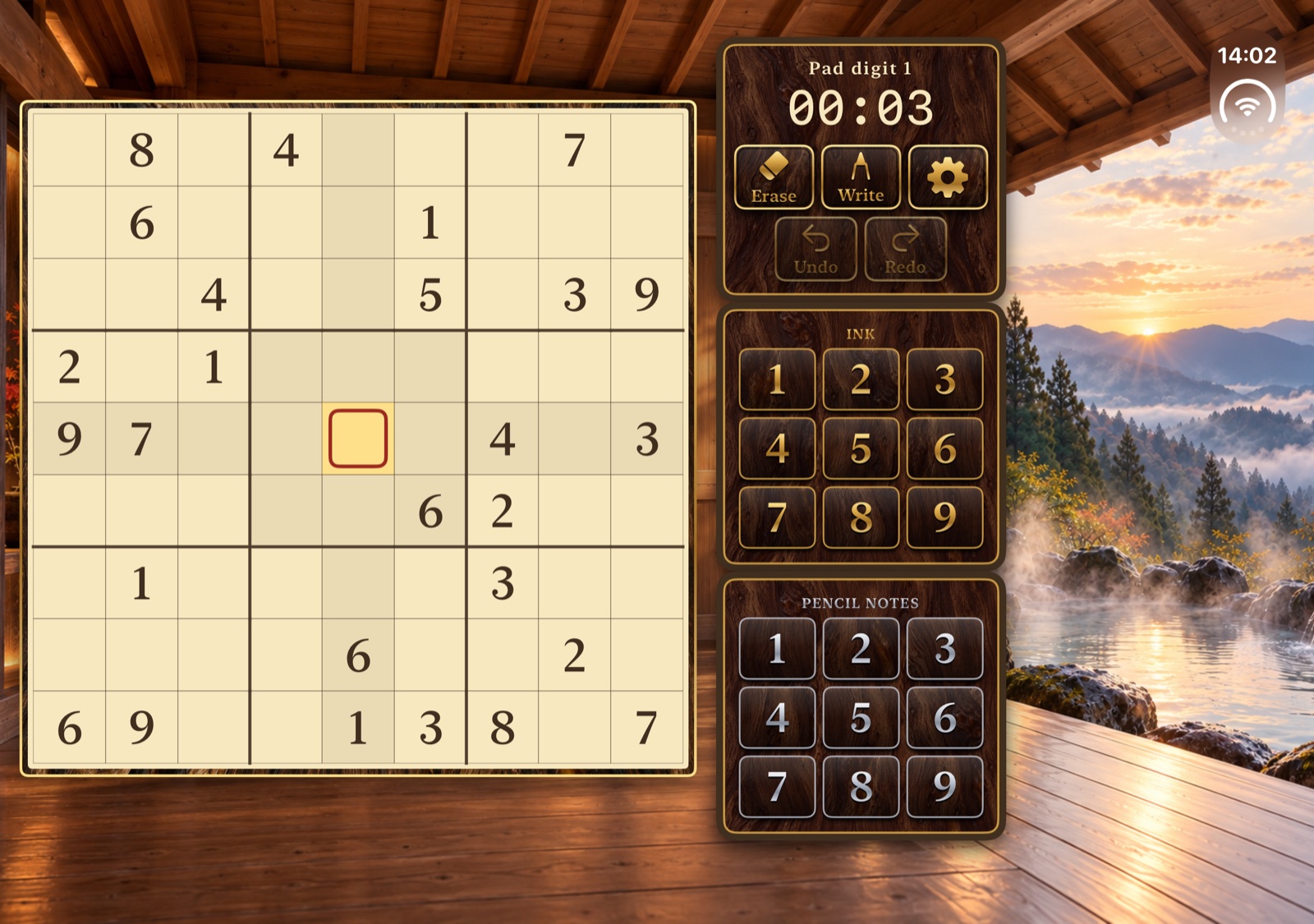
- Four traditional 9×9 levels. Easy gives 40–46 starting numbers and shows possible numbers until you switch them off. Classic gives 28–34 and needs hidden singles. Hard gives 25–31 and needs notes, pointing numbers and pairs. Expert gives 22–28 and needs chains or thinking ahead.
- Jigsaw swaps the 3×3 boxes for nine irregular regions outlined in heavy ink.
- Samurai joins five grids at the centre grid’s corner boxes, washed in gold. Five buttons bring each grid to full size; a sixth shows the whole board.
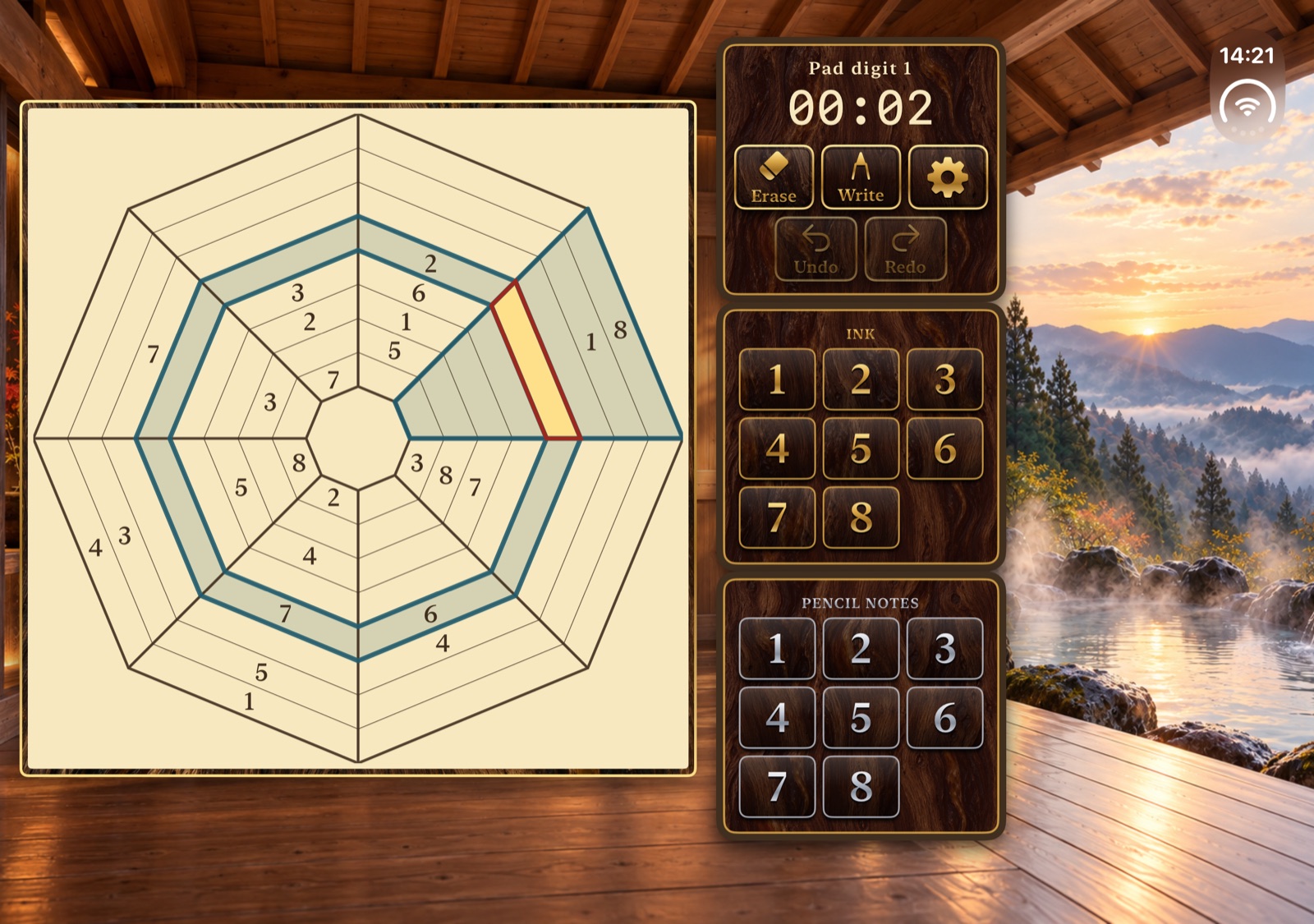
- Spider web is an octagonal web of eight rings and eight sectors. Every ring and sector holds 1–8, and the selected cell’s ring and sector are outlined in blue-green.
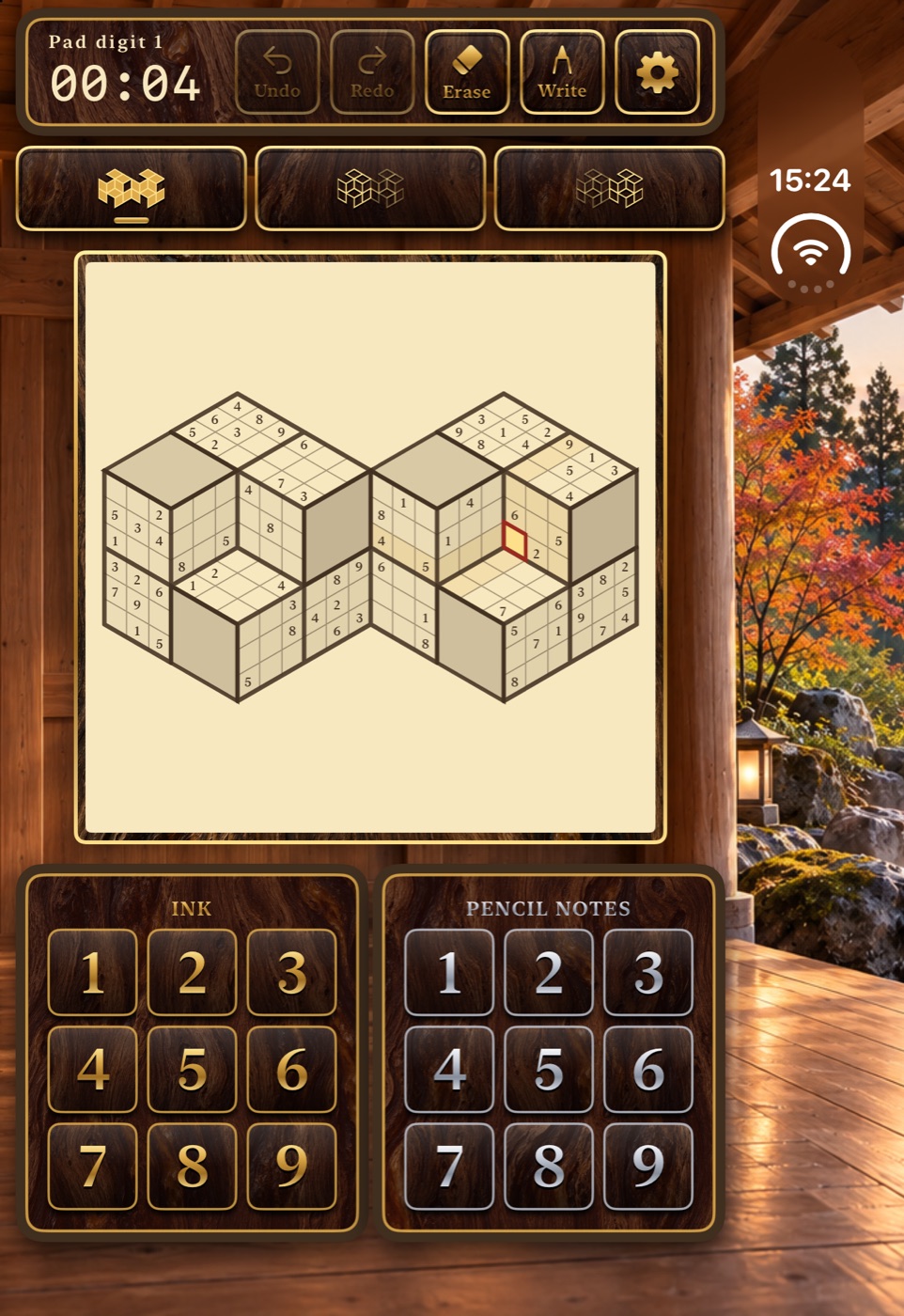
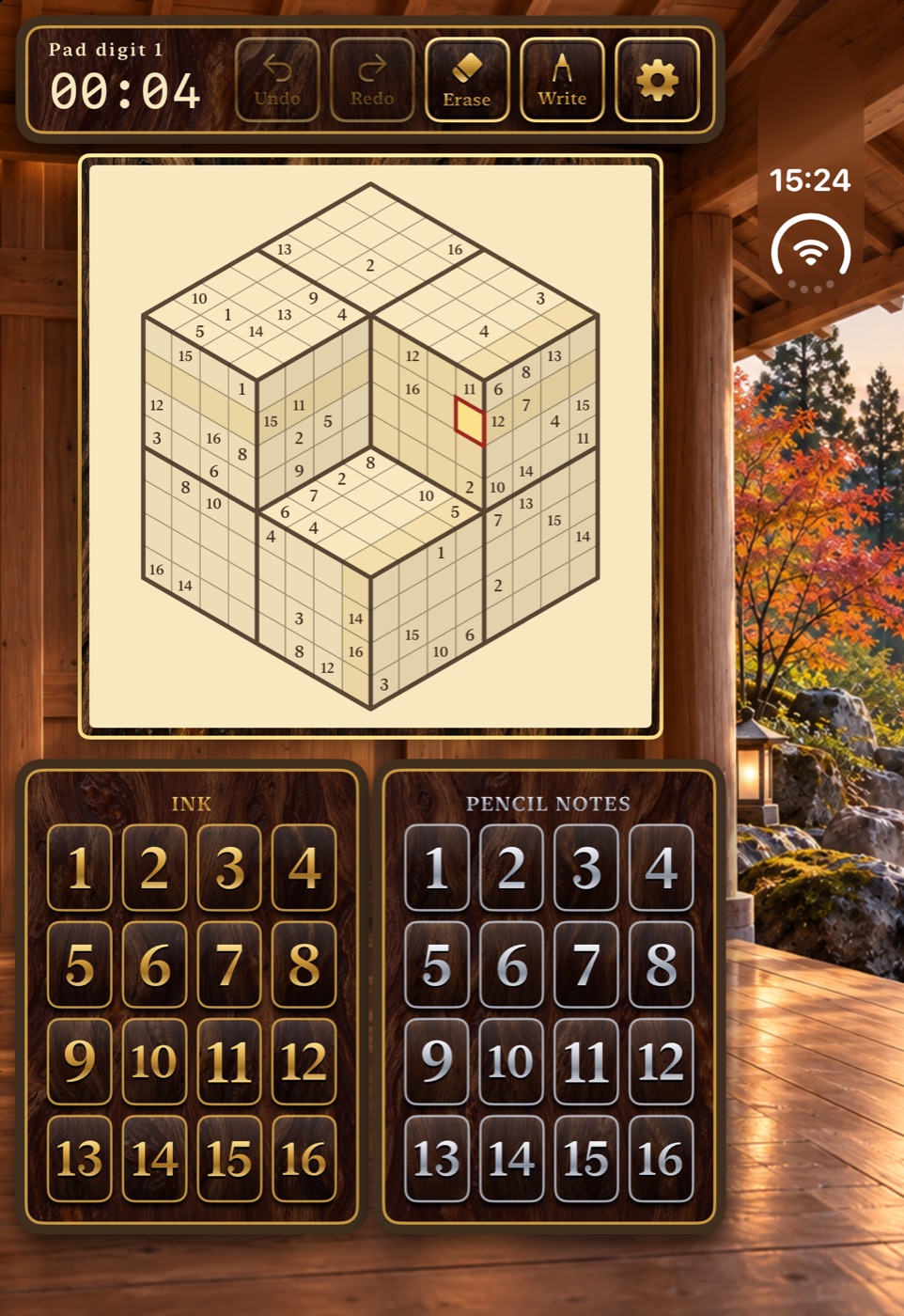
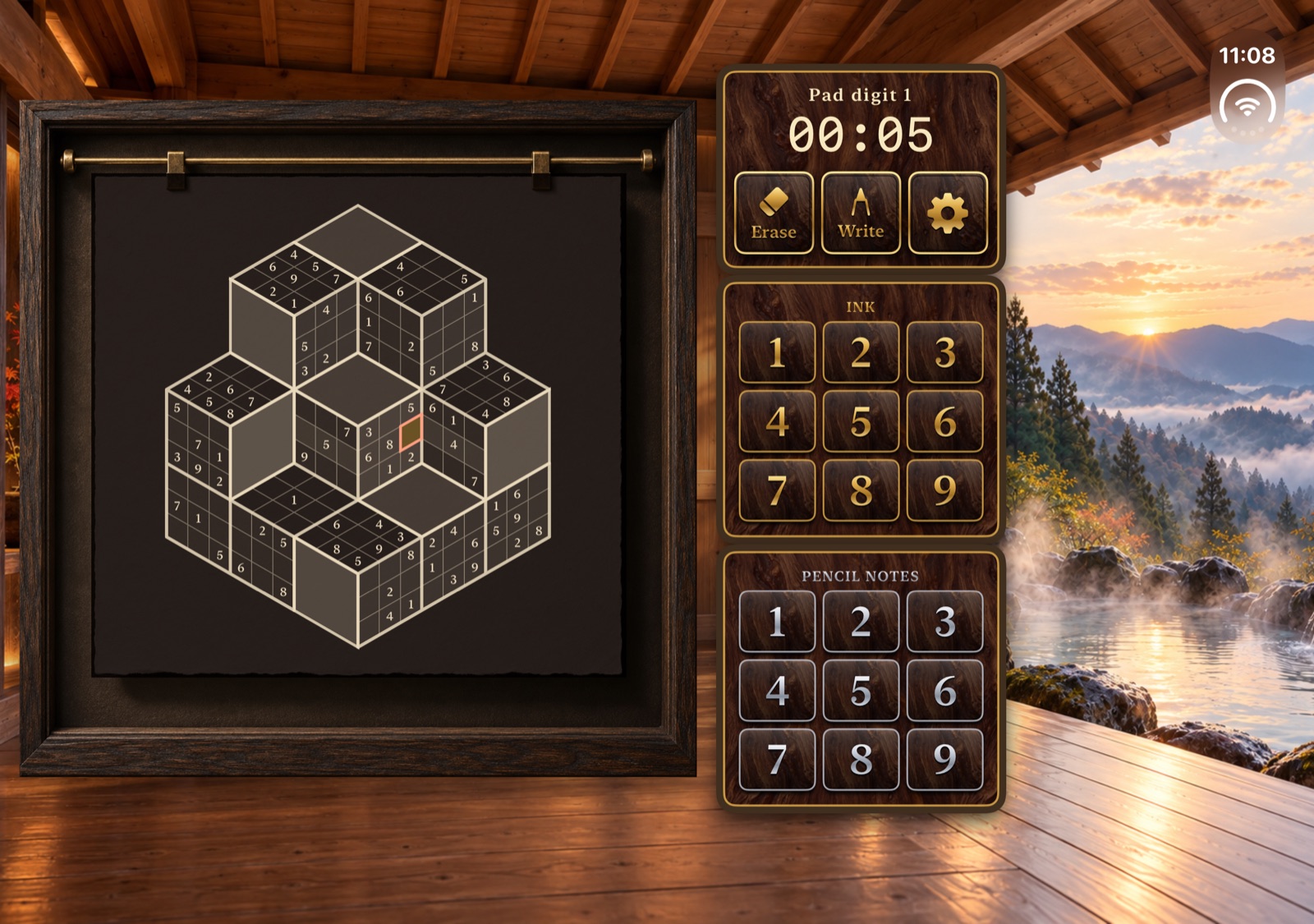
- Four cube puzzles: Twin cubes, Grand cube (1–16), Stepped corner and Cube stack. New game asks which kind you want.
Cube puzzles, explained
- Cube surfaces are drawn in isometric view. Every numbered face is a block that holds each number once.
- A line is a straight run of cells. It folds over cube edges and into inner corners, and ends at the outline or a plain wooden face. No line repeats a number.
- Twin cubes and Stepped corner use 3×3 blocks and 1–9. Grand cube uses 4×4 blocks and 1–16, so the pads grow to sixteen keys. Cube stack has one cell per face, 1–8 and six regions in heavy ink.
- On Twin cubes, buttons zoom to the whole shape or either cube.
Fresh puzzles with one solution
- Every new board is generated on your device with random numbers and clue positions, and has exactly one solution.
- A solver checks the difficulty before you see the board. Easy needs only direct singles, Classic at least one hidden single, Hard pointing numbers or pairs, and Expert more than Hard’s strategies. The variant and cube boards are solvable with naked and hidden singles.
- Boards are prepared in the background. Your current game stays put until the new one is ready, and you can cancel.
- The board, your notes, the selection and the timer survive relaunches and every change of Duo posture.
Write numbers by hand
- Write a single digit straight into an empty cell. After a one-second pause the app reads it and enters it as an answer.
- Apple Pencil always draws. The Write / Select switch lets your finger write too; taps still select cells.
- On the Grand cube, write two digits side by side for 10–16. The second digit may run past the cell edge.
- Recognition runs offline with a model trained on public handwriting data. It never uses the solution to guess, clues stay read-only, and unclear shapes ask you to try again.
- After your first Apple Pencil stroke, Sudoku Pod offers once to hide the pads and show the board edge to edge. Both stay in Options. With the pads hidden, the free space becomes a writing pad for the selected cell.
Ink, notes and gentle help
- Select a cell, then use the gold Ink pad for an answer or the silver Pencil notes pad for a note.
- Selecting a number highlights every match on the board, including notes.
- Conflicts show a tinted cell and a warning symbol. Options can block conflicting answers or show possible numbers in any mode.
- Placing an answer removes that number from the notes in the same row, column, box or region.
- Undo and Redo step back and forward through answers, notes and erasing.
- Erase clears the selected answer and notes. It never removes a printed clue.
Made for iPhone Duo
- Closed, the board fills the width with both pads below.
- Partially open, the board sits on one side of the fold and the controls on the other, so nothing lands on the crease.
- Open, the board and a column of keys fill everything left of the hot-spring view.
- Fold or unfold mid-puzzle: your selection, notes, timer and open sheets stay where they were.
A quiet room
- The puzzle hangs on washi-like paper from gold clips in an agarwood-inspired frame. Keys are black lacquer with gold-leaf and silver digits.
- A window looks out onto a Japanese hot spring. The room is original generated art, not a real place.
- The night board follows Dark Mode automatically, or can be switched on or off. Only the board changes; the room stays as drawn.
- Optional gentle background music is an original loop made for the app. The timer pauses on the launch screen.
Best times, trophies, iCloud & Game Center
- Finishing a valid board freezes the timer and opens a congratulations card with your time, any personal best and new trophies. Add a name if you like.
- High scores lists best times for every mode and a trophy cabinet. Tap a row to edit or remove its name.
- Possible numbers and blocked keys are there to enjoy a puzzle on your own terms. A run with either switched on still gets its time, but no high score, trophy or leaderboard entry.
- Thirteen trophies include Moss Whisperer, Bamboo Brainiac, Sage of the Midnight Steam, Shogun of the Five Bathhouses, Abacus of the Sixteen Springs and The Impatient Tortoise, for beating your own best.
- Turn on Game Center in Options to send your times to a leaderboard for each mode and unlock achievements.
- With iCloud sync, your times, names and trophies follow you to your other devices, and the board you played last is waiting when you open Sudoku Pod on another one.
Controllers, iPad, Mac, TV & Vision
- A game controller plays the whole board: D-pad or stick moves, L1/R1 choose the number, A writes, X adds a note, B erases and Menu returns to the launch screen.
- Sudoku Pod is built for iPhone, iPad, Mac, Apple TV and Apple Vision Pro. Header controls grow on larger screens.
- Apple TV is played with a controller; handwriting is not available there.
- On Apple Vision Pro, open the onsen: the room painting curves around you, steam drifts and maple leaves fall. A slider sets how far it wraps around.
Privacy
- No account, ads or analytics. Puzzles, recognition and scores work offline.
- Handwriting strokes stay in memory only until they are recognised or cancelled.
- Times, names and trophies stay on your devices and in your own private iCloud. iCloud sync can be turned off in Options.
- Game Center is opt-in and uses your Game Center name; the optional score names are never sent to it.
Please be constructively critical.
Question anything: a confusing rule, a cramped layout on your device, a digit that was misread, a puzzle that felt too hard or too easy, a time that did not reach your other device, a sound, an extra tap. Small details help.
Show us the moment
Describe the steps, what you expected and what happened, and whether it happens again. For handwriting, say which number you wrote and what appeared.
Give us the context
Include the build number, device, OS, the puzzle type and how you played: finger, Apple Pencil or a controller. On iPhone Duo, add the posture: closed, partially open or open.
Send it your way
Take a screenshot in Sudoku Pod and share it with TestFlight, or open TestFlight, choose Sudoku Pod and use Send Beta Feedback.
Sudoku Pod needs no account. Puzzles and handwriting recognition run on your device. iCloud sync uses only your own private iCloud, and Game Center is used only if you turn it on. TestFlight shares your feedback, screenshots and crash reports with the developer. About TestFlight feedback.
Help shape Sudoku Pod.
Install Apple’s TestFlight app, then use the invitation below. We would love your honest, specific feedback.
Join the TestFlight betaThe invitation opens in Apple TestFlight.